



Product FAQ for WooCommerce Pro

 Recently Updated
Well Documented
Sold Only On WPBay
Recently Updated
Well Documented
Sold Only On WPBay
Changelog:
v1.1.0 — September 2026
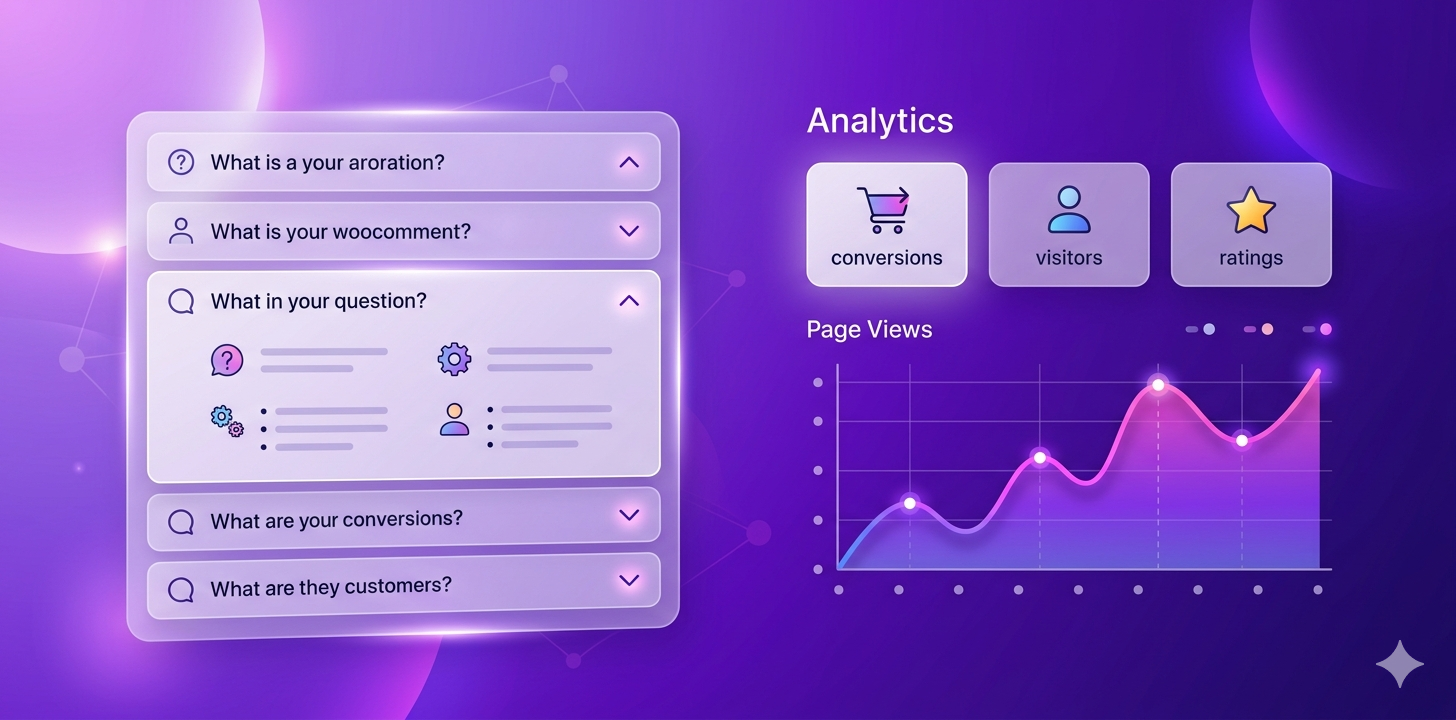
- Feature: Shopper Q&A Engine with AI Auto-Drafting — Adds an interactive "Ask a Question" popup modal on single product pages. Customer submissions are automatically pre-drafted by AI (Google Gemini / OpenAI) based on the product’s title, description, category, and price.
- Feature: Shopper Q&A Moderation Dashboard — Dedicated moderation tab in Product FAQ ➔ Settings with status filters (All, Pending, Approved, Rejected), pending counter badge, inline answer editor, AI regeneration, and 1-click live publishing.
- Feature: Bulk Category AI FAQ Generator — 1-click AI generation for every category/archive FAQ group in Bulk FAQ with customizable tone and question count.
- Feature: Fuzzy & Synonym Smart Search Engine — Typo-tolerant matching (handles queries like "shippin", "waranty", "delivry") and eCommerce synonym expansion ("shipping" ↔ "delivery", "refund" ↔ "return", "sizing" ↔ "dimensions").
- Feature: Zero-Result Search Gaps Intelligence — Captures missing customer search queries with product page context and provides a 1-click "✨ Create FAQ" button that auto-opens the product editor, switches to the FAQ tab, and pre-fills the question.
- Tweak: Search Gap Prefix Consolidation — Automatically merges partial typing fragments (e.g. merging "ban" into "bangladesh") to keep analytics clean and meaningful.
- Tweak: Analytics Dashboard UI Redesign — Modernized dashboard with 50/50 responsive desktop cards, custom table layouts, gradient KPI cards, multi-line title clamping, and an improved "Reset Stats" UI.
- Tweak: 3-Tier Category Hierarchy Resolution — Enforces strict hierarchy logic: Product FAQs override Sub-category FAQs, and Sub-category FAQs override Main category FAQs.
- Compatibility: Fully tested and declared compatible with WordPress 7.1 and WooCommerce 11.1.0.
v1.0.8
- New: Added a persistent database backup for the active license status. Prevents accidental deactivation when transients are cleared by caching plugins (LiteSpeed Cache, WP Rocket, Redis, Memcached).
- Tweak: Implemented automatic cache restoration — safely restores cached license transients from database backup without remote server calls.
- Tweak: Enforced secure validation rules — clears the backup if the server confirms expiration, ensuring the 7-day grace period is strictly enforced.
v1.0.7
- New: Added a 7-day license grace period for background checks if server connection errors occur.
- Fix: Resolved the License Revocation Trap by ensuring expired/invalid keys can always be unlinked locally via "Revoke Code".
- Tweak: Improved local object caching and invalidation hooks when changing or removing purchase codes.
v1.0.6
- Fix: Implemented a robust 5-time request retry mechanism with a 1-second delay for background licensing calls to bypass transient network timeouts.
- Fix: Prevented caching of Cloudflare block pages or HTML error responses in SDK API Manager.
- Fix: Configured optimistic grace state during connection timeouts to avoid subscriber feature disruption during server maintenance.
v1.0.5
- Feature: Redesigned License management page with a responsive layout, cleaner typography, dynamic status badges, and interactive form states.
- Fix: Handled brief licensing server downtime gracefully without deactivating active features.
- Fix: Added automatic cleanup for cached SDK "Developer Mode" and "Debug Mode" warning notices.
- Fix: Resolved namespace collision bug during SDK bootstrapping.
- Performance: Replaced dynamic
filemtimedisk reads on assets with constant-based versioning to boost site loading speed.
v1.0.4
- Fix: Fixed license activation and validation edge cases.
- Fix: Improved license page styling and responsive layout.
v1.0.3
- Feature: Smart Search — Real-time search filter bar with auto-expanding accordions.
- Feature: Custom Styling — Adjust active background & text colors, border-radius (card layout), custom toggle icons, and custom CSS.
- Feature: Engagement Analytics — Statistics dashboard tracking total FAQ views, top questions, and top engaged products.
v1.0.2
- New: Implemented WPBay SDK licensing and automatic update engine.
v1.0.0
- Initial Release: Core Pro plugin launch.
1 review
Only logged in customers who have purchased this product may leave a review.
Loading...
WPBay support
 Support by FBS Fusion
Support by FBS Fusion
FBS Fusion supports this product through WPBay
Questions are handled in WPBay's private ticket system, keeping your purchase details and support conversation together.
Go to My Downloads
After purchase, open this item in My Downloads and choose Get Support.
What support includes
- Answers to product-related questions
- Help with reported bugs and issues
- Guidance for included third-party assets
What support does not include
- Customizations or new features
- Installation or setup services
Plugin
Maintenance snapshot
See recent updates, compatibility, support, and developer activity.
- Updated 34 days ago
- Developer active recently
- WPBay support available
- WordPress 7.1 tested
Snapshot updated 3 hours ago
View details Hide details
Maintenance details
This is maintenance data. It does not measure product quality or sales.
- Last update Updated 34 days ago
- Compatibility WordPress 7.1 tested · PHP 8.5 tested · WooCommerce 11 tested
- Releases 2 releases in the last 12 months
- Developer activity Developer active recently
- Support No recent support tickets to measure
- Docs and demo Documentation available · Changelog available · Demo available
Health reflects increased activity during the last 90 days.
How this snapshot works
Plugin Health
The score is out of 100 and uses data WPBay can check. Ratings, popularity, and sales are not used.
- Last update 30 points
-
Plugins receive full recency points under 30 days, then step down at 90, 180, 365, and 545 days.
- Compatibility 20 points
-
WordPress, PHP, and WooCommerce (when relevant) are scored separately. The latest two PHP lines count as current. Nearby previous versions keep most of the points.
- Current version 100%
- One version behind 75%
- Two versions behind 50%
- Three versions behind 25%
- Older or not listed 0%
- Releases 15 points
-
One release earns 10, two or three earn 13, and four or more earn 15. Each accepted product ZIP counts once; reprocessing the same upload and listing-only edits do not count.
- Developer activity 15 points
-
Based on WPBay login and dashboard activity. Exact last-login dates are never shown.
- Support 15 points
-
There are no recent WPBay tickets to measure.
- Docs and demo 5 points
-
Documentation: 2. Changelog: 1. Working demo or preview: 2.
Score ranges
- 90–100 Excellent
- 75–89 Healthy
- 60–74 Fair
- 40–59 Needs attention
- 0–39 Limited
Long gaps
WPBay also checks for long gaps between updates, developer activity, support replies, and releases. Buyers do not see this score.
- Time since update 35 points
- Last developer activity 25 points
- WordPress compatibility 15 points
- Support replies 15 points
- Fewer releases 10 points
-
Quality verified by WPBay
WPBay review- Reviewed version
- 1.1.0
- Review completed
- Reviewer
- CodeRevolution
- Review type
- Initial
No unresolved approval blocker was identified during WPBay’s proportionate review of this release. This is not a security certification or a guarantee that the product contains no defects.
-
 Future updates
-
WPBay support from FBS Fusion
-
GPL code, proprietary assets
-
Covered by the WPBay refund policy
-
Plugin maintenance snapshot
Relevant picks
You may also like
Similar products selected by category, features, popularity and freshness.


From this seller
View seller store
More by FBS Fusion
Explore more bestselling products from this creator.
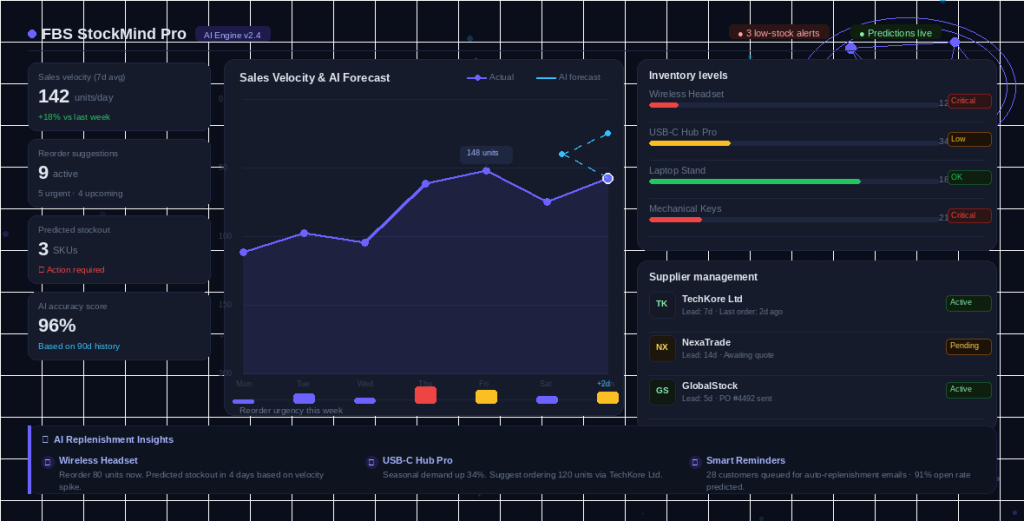
FBS StockMind Pro
$10/mo+
Ariful Islam (verified owner) –
Great plugin! Great support!