


WPBay Collection
Agency Toolkit
Run WordPress client projects more efficiently with tools and expert services for setup, deployment, controlled access, diagnostics, maintenance and troubleshooting.
Curated selection
Products for Agency Toolkit
PluginsThemes
Featured choice

Featured choice
Featured choice
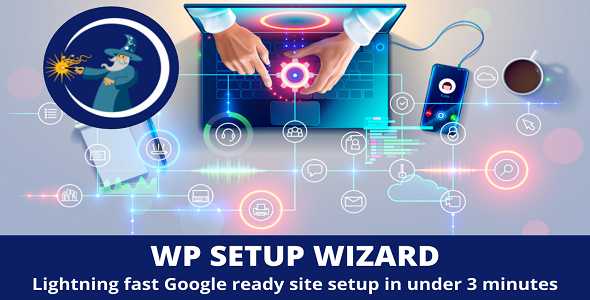
WP Setup Wizard
$25/yr+
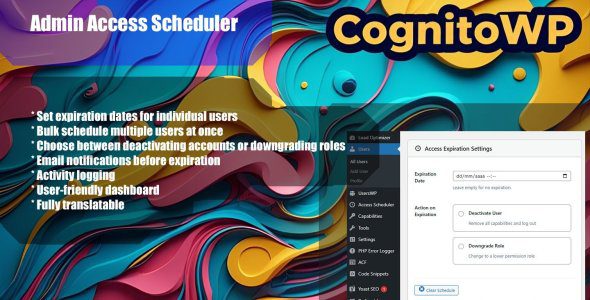
Admin Access Scheduler
$19,99
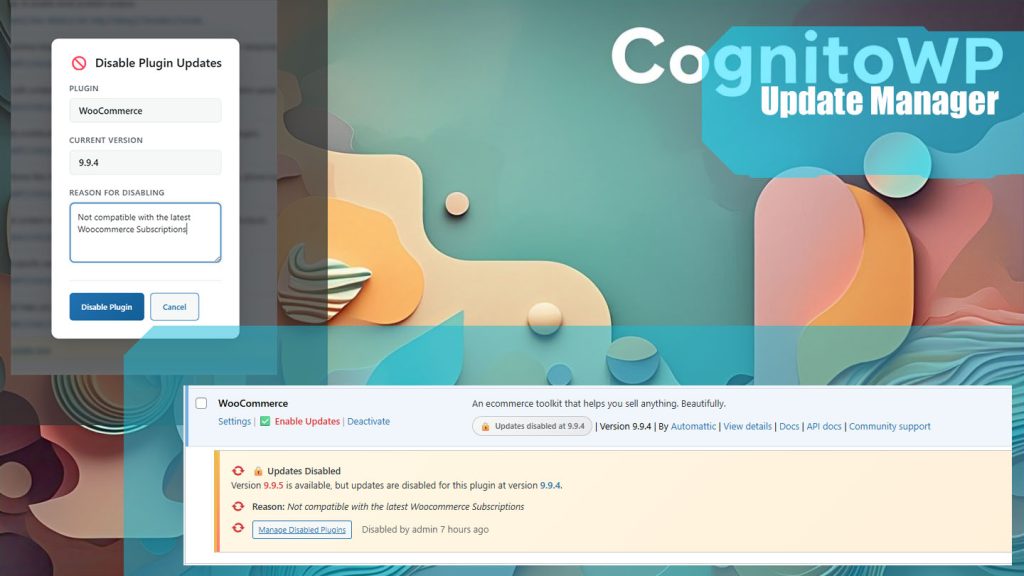
Update Manager
Free
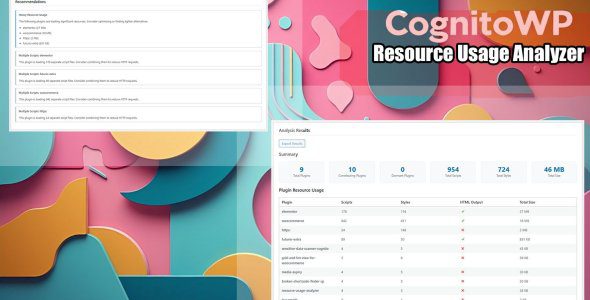
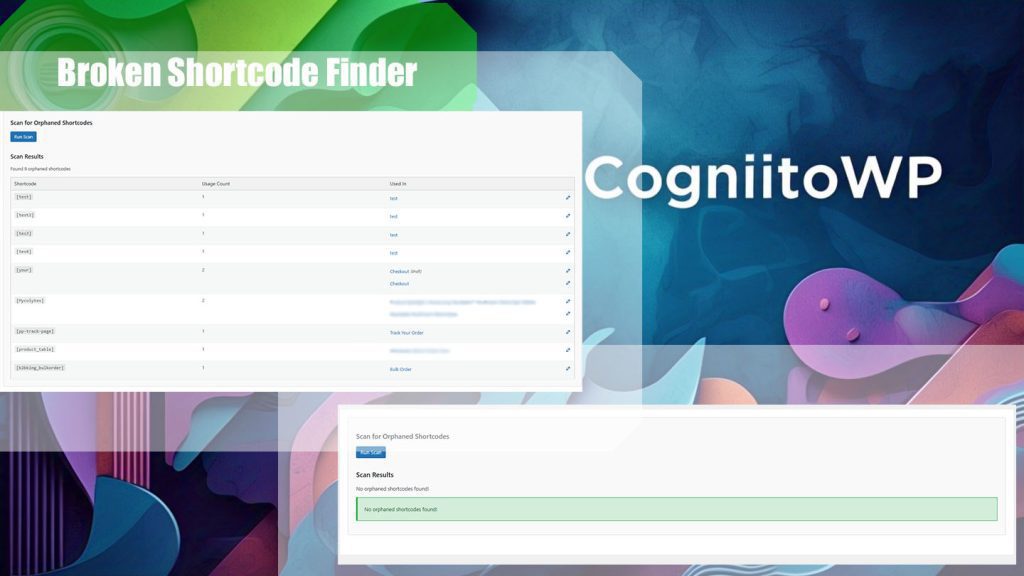
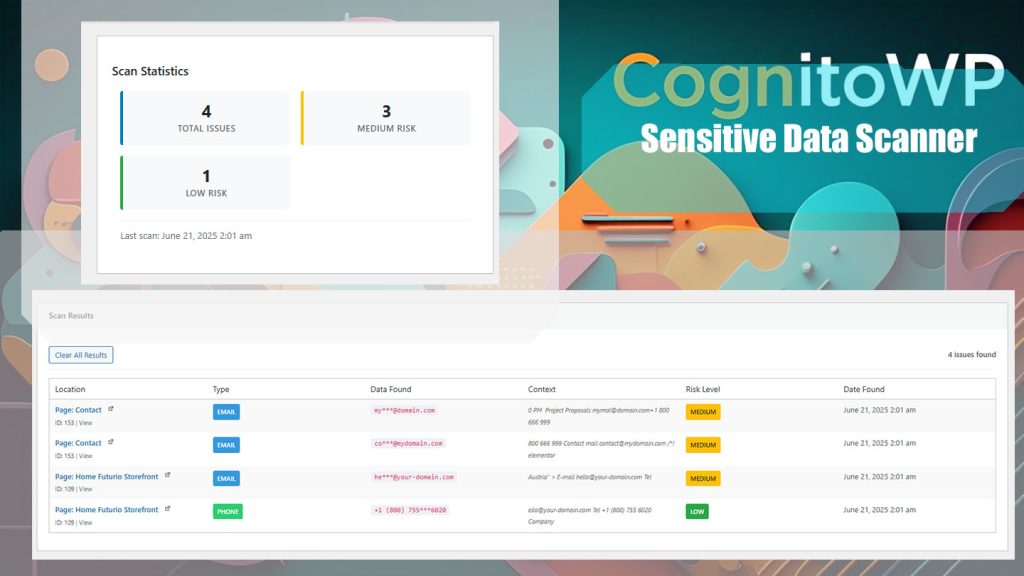
 9 days free
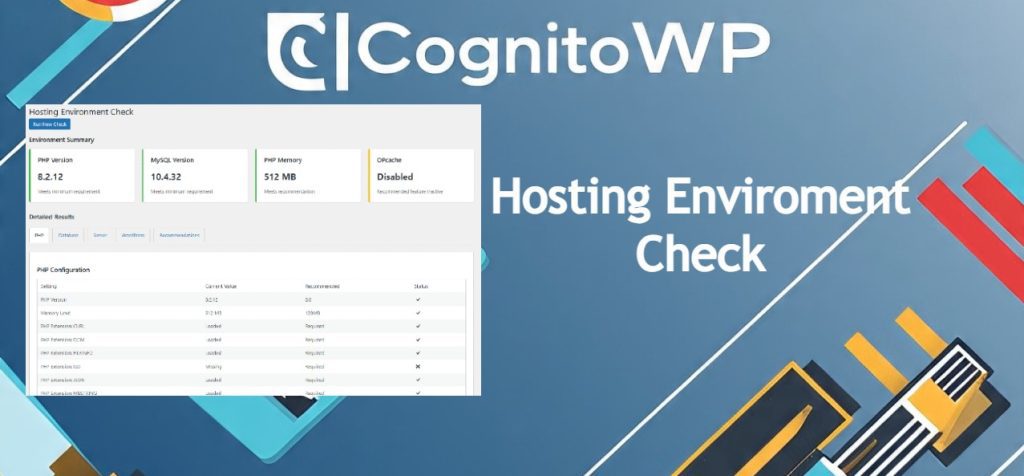
Hosting Enviroment Checker
$9,99/yr
Buyer guidance
How to choose your Agency Toolkit
How this collection was selected
Products and services are selected when they directly support professional WordPress client delivery or the management of repeatable agency workflows. Relevant capabilities include site setup, deployment, demonstrations, configuration transfer, environment verification, controlled access, updates, diagnostics, security checks, performance analysis and technical troubleshooting.
Featured placement considers practical usefulness across multiple projects, feature clarity, product maturity, update history, compatibility information and the importance of the workflow addressed. Placement is editorial and is not determined solely by sales volume, seller participation or promotional arrangements.
General-purpose frontend plugins are not included simply because an agency could use them on a client website. Products must provide a meaningful operational, administrative or development benefit to agencies, freelancers or technical teams. Buyers should verify licensing terms, multisite or multi-client usage rights, data-handling practices and required dependencies before adopting a product across several websites.
Successful WordPress agency work depends on more than building attractive websites. Agencies, freelancers and internal web teams also need reliable processes for preparing new installations, deploying changes, presenting demos, managing access, checking hosting environments, diagnosing problems and maintaining multiple client websites.
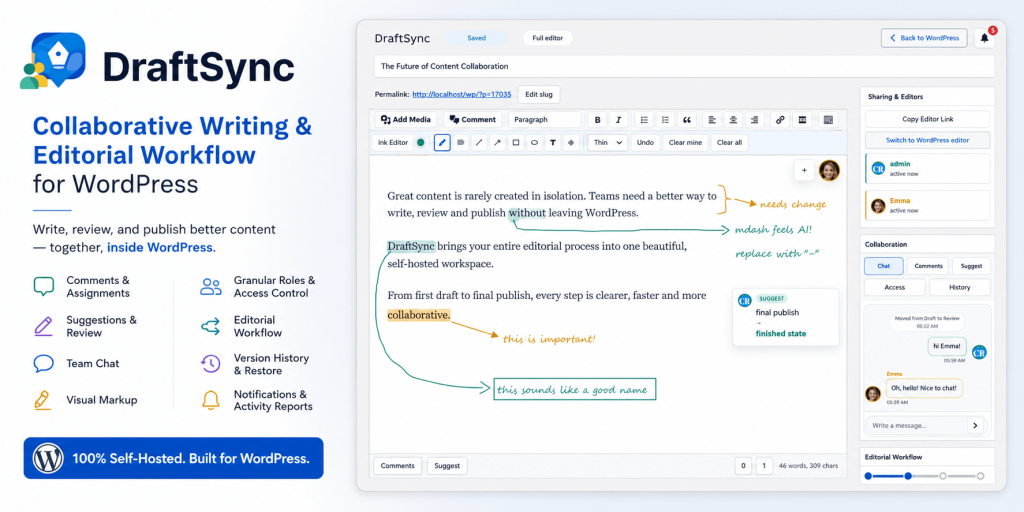
This collection brings together products that support those repeatable workflows. It includes tools for website setup and deployment, configuration transfer, draft synchronization, controlled administrator access, update management, resource monitoring, performance profiling, security checks and development troubleshooting. Professional services are also included for situations where a client problem requires dedicated technical work rather than another plugin.
The products are intended to solve different operational problems, not to be installed together on every client website. Choose the tools that fit your delivery process and avoid introducing permanent dependencies when a temporary diagnostic or migration utility is sufficient. Check whether a product is designed for production use, staging use or occasional administrative work before deploying it across multiple websites.
Client security and data protection should remain part of every agency workflow. Create backups before migrations or configuration changes, test important operations on staging, apply the minimum administrator access required and remove temporary accounts when work is complete. Review how each product handles credentials, exported settings, personal data and external services.
When selecting a professional service, confirm the exact scope, delivery time, included revisions and information required from the buyer. Services can complement an agency’s internal capabilities, but they should be commissioned with a clear technical brief and verified backups.
Keep exploring
View all collections
Related collections

WooCommerce Essentials
Discover WooCommerce plugins for building, managing and growing an online store—from marketplaces and checkout improvements to reporting, shipping and customer retention.
Explore collection
AI for WordPress
Discover practical AI-powered WordPress tools for content creation, customer support, SEO, accessibility, WooCommerce and everyday automation.
Explore collection
SEO & AI Search Visibility
Improve how WordPress websites are discovered across traditional search engines and AI-powered answer systems with tools for content, citations, technical SEO, images and site visibility.
Explore collection