



Pressavel – Laravel Integration for WordPress

 Recently Updated
Well Documented
Sold Only On WPBay
Recently Updated
Well Documented
Sold Only On WPBay
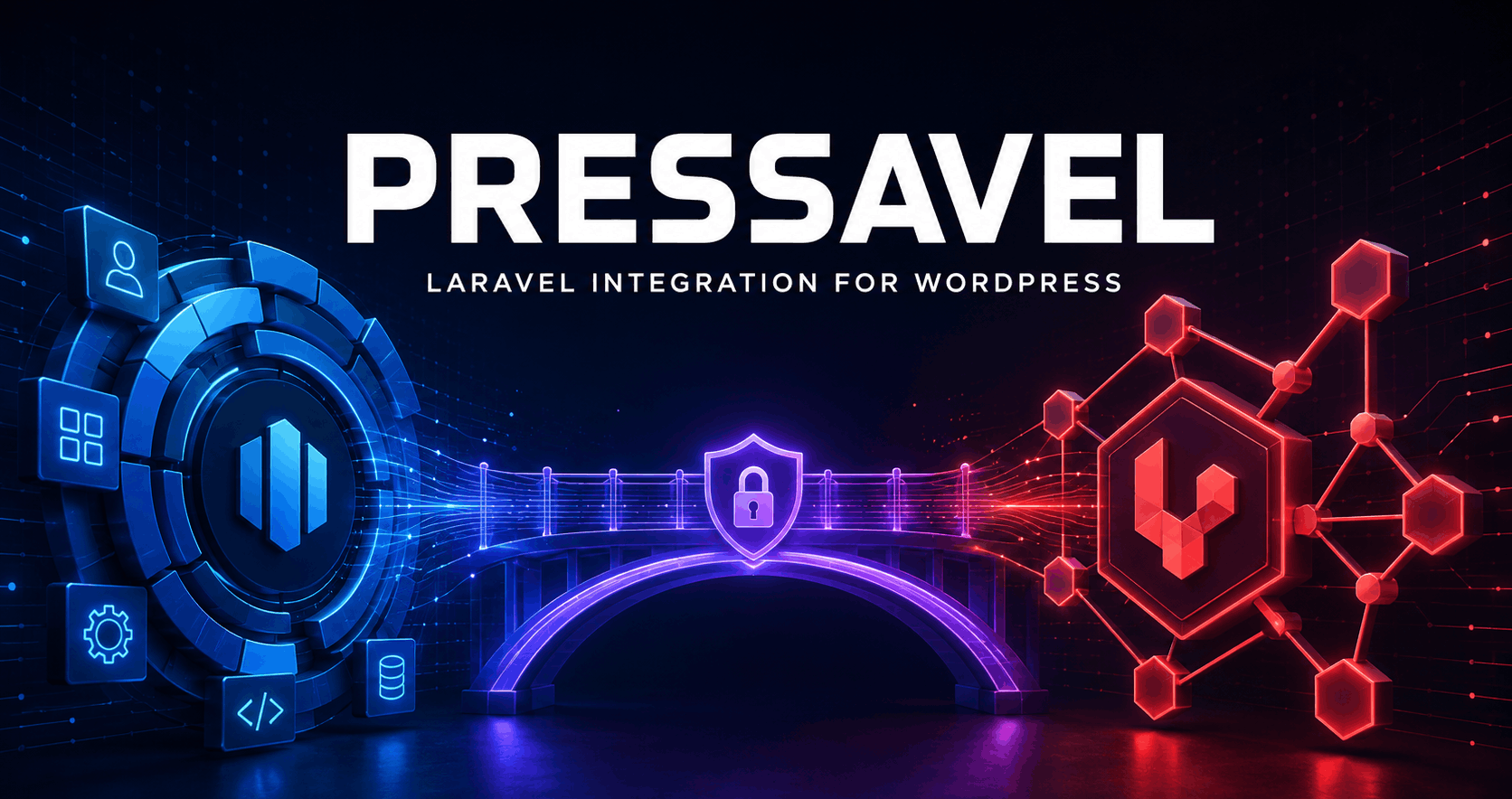
Build with Laravel. Deliver inside WordPress.
Pressavel securely connects a trusted Laravel application to WordPress, allowing you to run Laravel-powered dashboards, reports, importers, internal portals, campaign managers, APIs, and custom workflows directly inside the WordPress administration area.
WordPress remains the front door. It manages users, roles, capabilities, nonces, menus, and site access. Laravel becomes the application engine, handling routes, validation, Blade views, Eloquent models, database operations, responses, and business logic.
Your users stay inside the familiar WordPress dashboard while you build with the Laravel tools and architecture you already know.
One WordPress Login. A Complete Laravel Application Behind It.
Pressavel boots the Laravel HTTP kernel directly inside the WordPress request. You do not need to run php artisan serve, maintain a second login system, or send administrators to a separate application.
The authenticated WordPress user is securely passed to Laravel, together with the current transport and site context. Every Pressavel request requires the configured WordPress capability, allowing you to decide which administrator roles can access the connected application.
This makes Pressavel ideal for private administration tools that need Laravel’s structure without leaving WordPress.
Laravel Pages Inside WordPress Admin
Pressavel can display trusted Laravel-generated HTML inside the normal WordPress admin layout, preserving the WordPress header, sidebar, menu, and footer.
Use framed application pages for dashboards, settings screens, reports, forms, data tables, management tools, and other interactive administration interfaces.
Laravel can return Blade-rendered HTML while Pressavel safely integrates it into WordPress. The returned markup is filtered through a conservative WordPress allow-list, while scripts and styles can be loaded correctly through the WordPress enqueue system.
Secure JSON, Downloads, Images, Redirects, and Streams
Not every Laravel response belongs inside an admin page. Pressavel also provides authenticated raw endpoints for JSON responses, AJAX requests, file downloads, generated images, redirects, CSV exports, and streamed content.
Raw URLs are generated with a user-specific, time-limited WordPress nonce. They require an active WordPress login and the configured capability, including for GET requests.
This gives your Laravel application a secure transport for dynamic data and binary responses without exposing public application routes.
Use the WordPress Database with Laravel
Pressavel can automatically configure Laravel to use the existing WordPress database during bridged requests.
Database credentials are read directly from trusted WordPress runtime constants and are never copied into Pressavel settings. Laravel receives a dedicated connection named wordpress, which can become the default connection while the request is handled.
An isolated prefix helps keep Laravel application tables separate. For example, a WordPress prefix of wp_ combined with the default Pressavel suffix creates wp_pressavel_.
You can use Eloquent, Laravel’s query builder, migrations, and models while keeping application tables clearly separated from WordPress core data.
If your Laravel application needs its own database, simply disable WordPress database reuse and retain the application’s existing configuration.
Built for Real Administration Workflows
Pressavel is suitable for custom reporting systems, WooCommerce management tools, data importers and exporters, client portals, campaign managers, content-processing systems, analytics dashboards, internal business applications, automation panels, inventory tools, and custom administration workflows.
It is particularly useful when a project has outgrown a collection of WordPress admin callbacks but still needs to live inside WordPress and use its existing users and permissions.
Instead of rebuilding complex application logic around a different architecture, you can keep Laravel’s routes, controllers, validation, responses, Blade templates, Eloquent models, and services.
Security at Every Transport Layer
Pressavel was designed specifically for authenticated administration integrations.
Every request requires a logged-in WordPress user and the selected WordPress capability. Every raw request requires a valid Pressavel nonce, while state-changing framed requests require nonce verification before Laravel receives them.
Application paths are strictly normalized and protected against traversal attempts, unsupported characters, malformed paths, query injection, fragments, control characters, and unsafe stream wrappers.
By default, the Laravel application must be located inside wp-content. An application outside this directory can be enabled only through an explicit configuration constant.
Raw response headers are allow-listed, redirect destinations are validated by WordPress, Laravel response cookies are discarded, and framed HTML is sanitized before display.
Pressavel also detects incompatible Illuminate runtimes loaded by other plugins and stops safely instead of mixing conflicting framework versions in the same PHP process.
WordPress Identity Inside Laravel
Laravel routes receive the authenticated WordPress user ID and Pressavel transport type as request attributes.
This allows your application to connect WordPress users with Laravel records, apply workflow-specific permissions, record actions, personalize interfaces, and perform additional application-level authorization.
Pressavel uses WordPress authentication as the primary identity layer. Laravel’s session driver is request-local by default, and Laravel response cookies are not forwarded. This avoids requiring a separate Laravel session or database-backed session table for normal Pressavel workflows.
Framed and Raw URL Helpers
Pressavel includes simple PHP helpers for generating the correct application URLs.
Use pressavel_admin_url() for Laravel pages displayed inside WordPress administration. Use pressavel_raw_url() for JSON, AJAX, files, images, redirects, and streamed responses. Use pressavel_nonce_field() to protect state-changing framed forms.
Pressavel removes internal WordPress transport values before forwarding request data, allowing Laravel to receive normal query parameters, form fields, uploaded files, and request bodies.
Native Routes Without Laravel
A Laravel application is optional.
Pressavel includes native demonstration routes so you can install, explore, and test both transports immediately. Developers can also register lightweight native Pressavel routes without loading Laravel.
The included native router supports GET, POST, multiple HTTP methods, named routes, route parameters, optional parameters, additional capability requirements, JSON responses, HTML responses, redirects, errors, and downloads.
This makes Pressavel useful both as a Laravel bridge and as a secure foundation for smaller WordPress administration integrations.
Developer API and Extension Hooks
Pressavel provides public helpers, service accessors, response objects, actions, and filters for advanced integrations.
Developers can register native routes, inspect settings, generate framed or raw URLs, record redacted activity events, customize Laravel configuration after boot, add trusted request context, filter converted responses, and extend the permitted framed HTML when required by trusted local code.
The Laravel request is created with the intended application route rather than the underlying WordPress admin URL, allowing Laravel routing to behave naturally inside the bridge.
Diagnostics and Privacy-Aware Logging
The built-in Diagnostics screen checks the WordPress environment, PHP runtime, activity table, raw endpoint configuration, Laravel application path, required Laravel files, and kernel availability.
Pressavel records bridge errors automatically. Optional debug logging can also record successful request timing when troubleshooting is required.
Passwords, tokens, secrets, authorization data, cookies, API keys, and nonces are redacted from structured log context before storage.
Log retention can be controlled by both age and maximum entry count. Old activity is removed through a scheduled daily cleanup task.
Pressavel includes no telemetry and makes no undisclosed remote requests.
Complete Administration Interface
Pressavel adds a dedicated administration area containing the connected application, native overview dashboard, route browser, settings, diagnostics, and activity logs.
From one location, you can configure the application path, default route, access capability, raw endpoint availability, database behavior, table prefix, logging, retention, and uninstall cleanup.
The interface works immediately after activation, even before a Laravel application is connected.
WP-CLI and Bundled Console Commands
Pressavel can be managed from the command line using WP-CLI or its bundled artisan-style console.
Available operations include environment diagnostics, native route inspection, recent log output, and log cleanup. This makes Pressavel easier to test, monitor, deploy, and troubleshoot across development, staging, and production environments.
The bundled console operates on Pressavel and WordPress. Your connected Laravel application keeps its own regular Artisan console.
Multisite Support
Pressavel supports WordPress Multisite.
Network activation creates the required settings, activity storage, and scheduled cleanup for each existing site. Logging, configuration, cleanup, and uninstall behavior remain site-specific.
Safe Data Handling and Removal
Deactivating Pressavel preserves its settings and activity data while stopping the scheduled cleanup event.
Uninstalling also preserves data by default. Permanent removal of Pressavel settings and the activity table must be deliberately enabled before uninstalling.
Pressavel never deletes the connected Laravel application or its application tables.
Easy to Get Started
Install and activate Pressavel, place a Composer-installed Laravel application in a separate directory inside wp-content, enter its absolute path in the Pressavel settings, choose the default Laravel route, and open it through the Pressavel Application screen.
Pressavel boots the Laravel application through its HTTP kernel using the existing WordPress web server. No separate Laravel development server is required.
A complete offline manual is included, covering installation, configuration, Laravel routes, Blade views, forms, AJAX, JSON, downloads, streams, database integration, security, hooks, command-line tools, testing, troubleshooting, deployment, and maintenance.
Requirements
Pressavel requires WordPress 6.5 or newer and PHP 8.1 or newer.
Laravel is optional. A real Laravel integration requires a Composer-installed Laravel application compatible with the PHP version available on the server.
Composer is required for creating or installing the connected Laravel application, but it is not required to use Pressavel’s native routes.
Important Information
Pressavel is developer integration infrastructure. It does not generate a Laravel application and is not a visual application builder.
The connected Laravel application executes as local PHP code inside the WordPress process. Only applications controlled, reviewed, and trusted by the site owner should be connected.
Pressavel version 1.0 provides authenticated WordPress administration transports. It does not turn Laravel routes into anonymous public endpoints.
Application-specific development, controllers, database schemas, migrations, views, and business logic remain the responsibility of the Laravel application developer.
Bring Two Powerful PHP Ecosystems Together
WordPress gives you users, permissions, content, plugins, WooCommerce, and a familiar administration experience.
Laravel gives you expressive routing, validation, Eloquent, Blade, structured application code, and powerful development tools.
Pressavel gives them a secure place to work together.
Build with Laravel. Deliver inside WordPress.
Changelog:
v1.0.0 - 24 July 2026
First version released
Only logged in customers who have purchased this product may leave a review.
Loading...
WPBay support
 Support by CodeRevolution
Support by CodeRevolution
CodeRevolution supports this product through WPBay
Questions are handled in WPBay's private ticket system, keeping your purchase details and support conversation together.
Go to My Downloads
After purchase, open this item in My Downloads and choose Get Support.
What support includes
- Answers to product-related questions
- Help with reported bugs and issues
- Guidance for included third-party assets
What support does not include
- Customizations or new features
- Installation or setup services
Plugin
Maintenance snapshot
See recent updates, compatibility, support, and developer activity.
- Updated 34 days ago
- Developer active recently
- WPBay support available
- WordPress 7.1 tested
Snapshot updated 6 hours ago
View details Hide details
Maintenance details
This is maintenance data. It does not measure product quality or sales.
- Last update Updated 34 days ago
- Compatibility WordPress 7.1 tested · PHP 8.5 tested
- Releases 1 release in the 45 days since listing
- Developer activity Developer active recently
- Support No recent support tickets to measure
- Docs and demo Documentation available · Changelog available · Demo available
Health reflects increased activity during the last 90 days.
How this snapshot works
Plugin Health
The score is out of 100 and uses data WPBay can check. Ratings, popularity, and sales are not used.
- Last update 30 points
-
Plugins receive full recency points under 30 days, then step down at 90, 180, 365, and 545 days.
- Compatibility 20 points
-
WordPress, PHP, and WooCommerce (when relevant) are scored separately. The latest two PHP lines count as current. Nearby previous versions keep most of the points.
- Current version 100%
- One version behind 75%
- Two versions behind 50%
- Three versions behind 25%
- Older or not listed 0%
- Releases 15 points
-
One release earns 10, two or three earn 13, and four or more earn 15. Each accepted product ZIP counts once; reprocessing the same upload and listing-only edits do not count.
- Developer activity 15 points
-
Based on WPBay login and dashboard activity. Exact last-login dates are never shown.
- Support 15 points
-
There are no recent WPBay tickets to measure.
- Docs and demo 5 points
-
Documentation: 2. Changelog: 1. Working demo or preview: 2.
Score ranges
- 90–100 Excellent
- 75–89 Healthy
- 60–74 Fair
- 40–59 Needs attention
- 0–39 Limited
Long gaps
WPBay also checks for long gaps between updates, developer activity, support replies, and releases. Buyers do not see this score.
- Time since update 35 points
- Last developer activity 25 points
- WordPress compatibility 15 points
- Support replies 15 points
- Fewer releases 10 points
-
Quality verified by WPBay
WPBay review- Reviewed version
- 1.0.0
- Review completed
- Reviewer
- CodeRevolution
- Review type
- Initial
No unresolved approval blocker was identified during WPBay’s proportionate review of this release. This is not a security certification or a guarantee that the product contains no defects.
-
 Future updates
-
WPBay support from CodeRevolution
-
GPL code, proprietary assets
-
Covered by the WPBay refund policy
-
Plugin maintenance snapshot
Relevant picks
You may also like
Similar products selected by category, features, popularity and freshness.


From this seller
View seller store
More by CodeRevolution
Explore more bestselling products from this creator.


Reviews
There are no reviews yet.