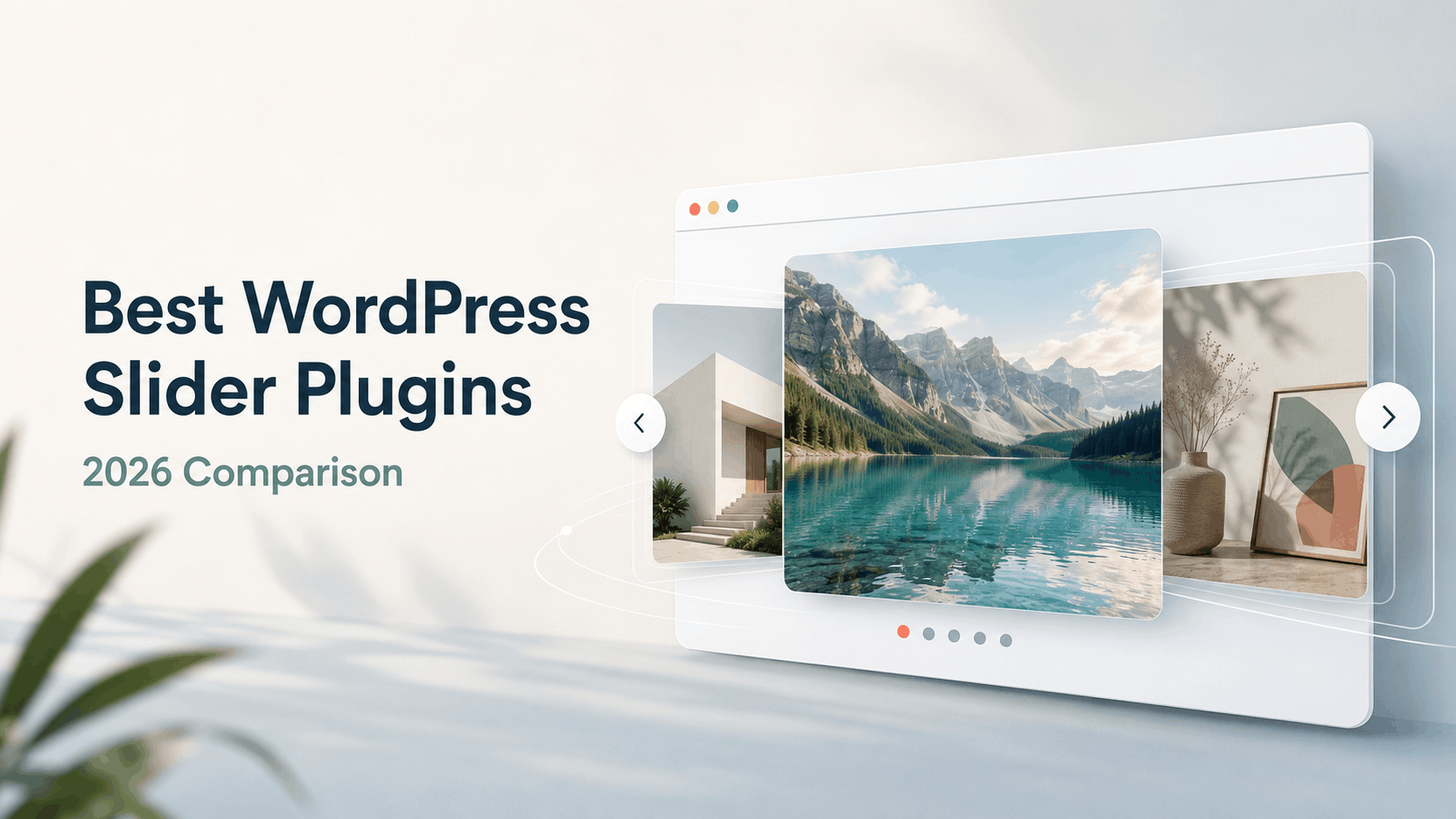
Best WordPress Slider Plugins in 2026: The Short Answer
The web design landscape has shifted dramatically away from basic, flat DOM sliders toward GPU-accelerated, WebGL-powered 3D carousels. Modern websites, especially high-end portfolios, agency showcases and WooCommerce stores, require smooth, interactive visual storytelling without sacrificing page load speeds or mobile battery life. The FWDesign collection on WPBay stands at the forefront of this shift, leveraging Three.js and GLSL custom shaders to deliver cinema-grade distortion, liquid flows and 3D spatial typography directly in WordPress.

Below is an in-depth comparison of the top 10 WordPress slider plugins to help you choose the ideal match for your site. The best WordPress slider plugin is not necessarily the one with the longest feature list. It is the one whose interaction model, media support and visual language fit the page you are building. A cinematic portfolio needs a different tool from a product gallery, a video showcase or a lightweight hero section.
For the most distinctive accordion-style presentation, Accordion Slider is the strongest fit. Filmstrip Slider is the most complete choice for mixed media and lightbox-driven galleries. Izubizu Slider stands out when transition variety and animated typography matter. Distorted Media Slider is the best-value entry point for fluid WebGL effects, while Shader Slider is the clearest option for controlled, slide-to-slide transitions. The remaining plugins serve more specialized needs such as spherical layouts, reflective filmstrips, organic infinite motion and grid-based noise effects.
All products in this comparison are developed by FWDesign and use modern browser rendering technologies such as Three.js, WebGL and GLSL shaders. That shared foundation means the choice is less about finding a conventional slideshow and more about choosing the right type of immersive experience.
Quick Comparison
| Plugin | Best use | Signature feature | From* |
| Accordion Slider | Creative portfolios and hero sections | Accordion motion + 12 presets | $59 |
| Filmstrip Slider | Rich media galleries | Advanced multimedia lightbox | $69 |
| Izubizu Slider | Campaigns and storytelling | 19 media + 16 text transitions | $89 |
| Distorted Media Slider | Affordable WebGL impact | Flowmap, RGB, noise and waves | $39 |
| Mirror Media Slider | Premium reflective showcases | Reflections, twirl and bending | $69 |
| Spherical Flow Slider | Experimental 3D presentations | Spherical scene + bent MSDF text | $59 |
| Linear Slider | Straightforward fluid carousels | Drag-responsive post-processing | $29 |
| Organic Slider | Natural infinite movement | Organic distortion + mouse effects | $29 |
| Noise Slider Carousel | Grid galleries and developer use | Noise/blur mesh effects | $20 dev. |
| Infinte Slider Pro | All-purpose media sliders | Inline image, video and audio | $69 |
| Shader Slider | Controlled visual transitions | Six per-slide shader transitions | $79 |
| Shader Infinite Slider | Horizontal or vertical 3D loops | Bending + liquid distortion | $89 |
*Prices shown are the starting prices contained in the supplied product information and exclude taxes. Plans and pricing can change; confirm the current option on the linked product page.
If you want to check also a specialized comparison only between Organic Slider and Izubizu Slider, check this other review post we made: Organic Slider vs Izubizu Slider.
How We Compared These WordPress Slider Plugins
This comparison focuses on practical selection criteria rather than counting every setting. We considered the type of presentation each plugin creates, the media formats it supports, how much control it gives over motion and effects, whether it adapts to different containers and devices and whether its extra features solve a real publishing need.
Visual identity: Does the plugin produce a recognizable effect or does it look like a standard carousel?
Media support: Is it designed mainly for images or can it also handle MP4, YouTube, Vimeo, audio and streaming formats?
Interaction: Does it support touch, dragging, snapping, wheel control, infinite navigation and responsive sizing?
Creative control: Can designers tune distortion, curvature, scale, opacity, captions, colors and post-processing?
Performance controls: Does it offer lazy initialization and GPU-accelerated rendering?
Project fit: Is the plugin best for a portfolio, landing page, product showcase, media library or experimental visual experience?
The Best WordPress Slider Plugins in 2026
1. Accordion Slider WordPress & WooCommerce Plugin
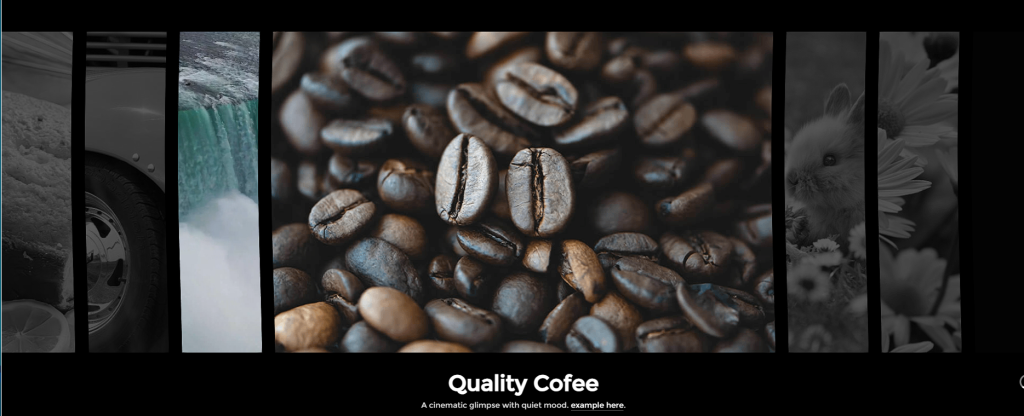
Best for: immersive portfolio strips, agency homepages and visually unusual hero sections.
Accordion Slider turns a familiar accordion layout into a fluid WebGL experience. Items can scale, bend, distort and respond to dragging while non-centered slides can be faded to keep attention on the active content.
Its twelve included presets make it particularly useful for buyers who want a sophisticated result without designing every shader configuration from scratch. Responsive and parent-based sizing also make the slider adaptable to both full-width sections and contained layouts.
Standout strengths
Natural accordion-style motion rather than a conventional slideshow
Fluid, grid, ripple, afterimage, bulge, glitch and noise effects
Infinite scrolling, parallax, rich captions and lazy initialization
What to consider: This is a visual-first plugin. Use restrained effects, compressed media and a clear fallback content structure so the presentation remains usable on slower devices and accessible outside the canvas.
2. Filmstrip Slider WordPress & WooCommerce Plugin
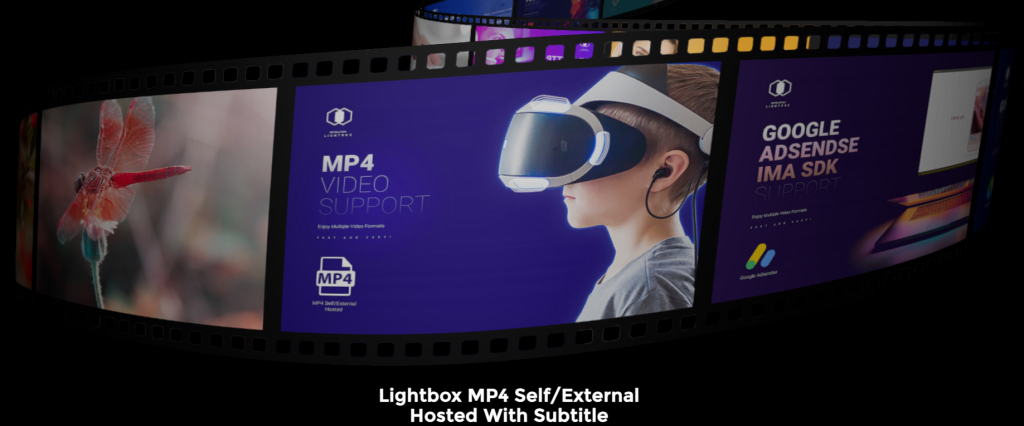
Best for: video portfolios, photography showcases and multimedia galleries.
Filmstrip Slider combines a cinematic 3D carousel with unusually broad lightbox support. In addition to images, it can present MP3, MP4, YouTube, Vimeo, HLS, DASH and cloud-hosted media. That makes it the most complete multimedia option in this group.
The carousel itself provides curvature, scaling, liquid distortion and snap behavior, while the lightbox adds subtitles, private media, previews, sharing, slideshow navigation and Chromecast support. It is an especially strong choice when the expanded media experience is as important as the slider.
Standout strengths
Broad video, audio and streaming-media compatibility
Advanced Revolution Lightbox integration
Custom curvature, item ratios, scaling, colors and liquid distortion
What to consider: Its feature depth is valuable only if the project uses it. For a simple image hero, a lighter and less expensive option may be easier to maintain.
3. Izubizu Slider WordPress and WooCommerce Plugin
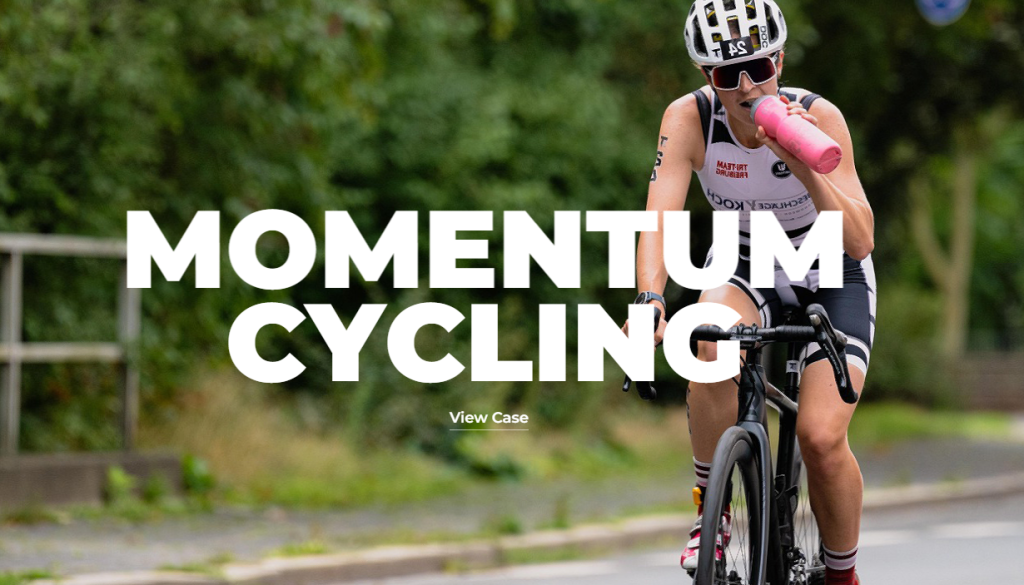
Best for: launch pages, brand storytelling and projects that need varied transitions.
Izubizu is the transition specialist. It includes 19 media transition types and 16 animated text treatments, allowing each sequence to feel authored rather than generic. Flowmap distortion, RGB shifting and configurable noise can add cinematic texture without requiring custom shader development.
Caption support includes titles, descriptions and calls to action, making the plugin suitable for campaign storytelling rather than purely decorative galleries. Full-width, boxed and embedded modes broaden its use across templates.
Standout strengths
The widest transition selection in this comparison
Animated typography with CTA-ready captions
Finite or infinite navigation plus four practical presets
What to consider: More transition choices can also produce inconsistency. Establish a small motion system and reuse it instead of assigning a different effect to every slide.
4. Distorted Media Slider WordPress & WooCommerce Plugin

Best for: designers seeking strong WebGL effects at an accessible starting price.
Distorted Media Slider offers a focused combination of flowmap interaction, RGB separation, wave motion and noise. It supports both images and MP4 video, rich captions, finite or infinite navigation and an optional introductory reveal.
A built-in debug GUI can help developers tune the look during implementation. At the supplied starting price of $39, it offers one of the clearest value propositions for sites that want fluid interaction without the broader media ecosystem of Filmstrip Slider.
Standout strengths
Image and MP4 support in one visual layer
Adjustable flowmap, RGB shift, noise and wave effects
Lazy initialization, flexible sizing and drag-physics controls
What to consider: The plugin is still GPU dependent. Test representative content on mid-range mobile devices, not only on a desktop development machine.
5. Mirror Media Slider WordPress & WooCommerce Plugin
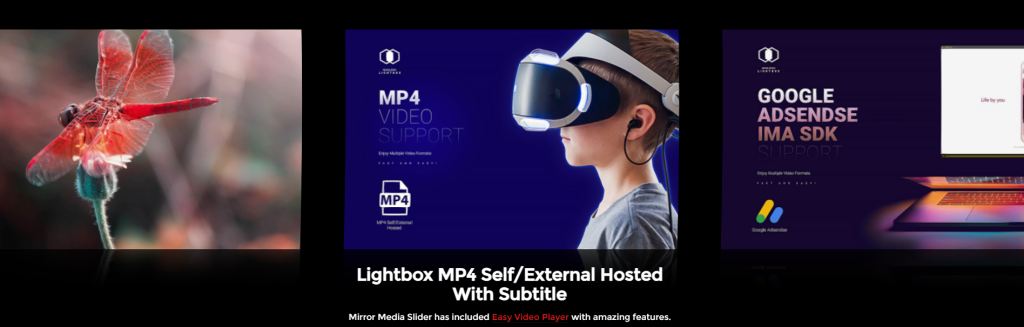
Best for: luxury products, architecture, fashion and polished creative portfolios.
Mirror Media Slider builds depth through real-time reflections, ribbon-style bending, twirl motion and trails. The visual language feels more architectural and premium than a standard flat carousel, particularly when paired with carefully art-directed photography.
Designers can adjust reflection size and opacity, curvature, spacing, monochrome treatment and the opacity of off-center items. Optional lightbox integration extends the experience to image, video and audio content.
Standout strengths
Distinctive reflection and ribbon-twirl effects
Strong control over focus, spacing, curvature and desaturation
Noise, flowmap, RGB and liquid-distortion options
What to consider: Reflections can consume vertical space and compete with captions. Plan the component dimensions around the actual page layout rather than treating the demo proportions as universal.
6. Spherical Flow Slider WordPress & WooCommerce Plugin
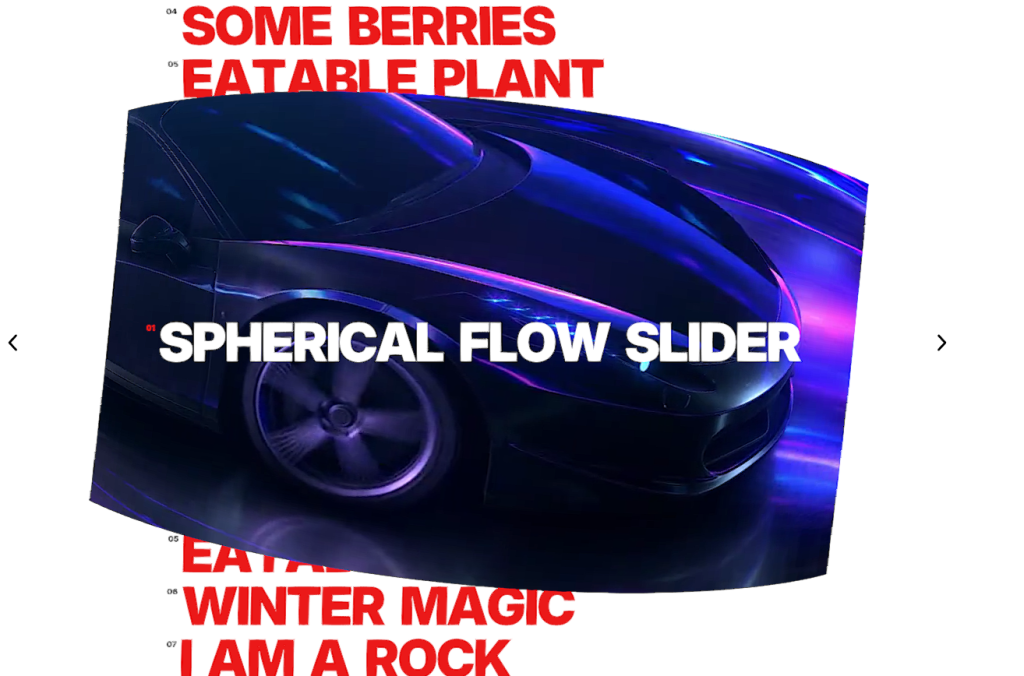
Best for: experimental portfolios, event experiences and high-impact 3D navigation.
Spherical Flow Slider arranges content inside a more spatial presentation and pairs it with parallax, wave deformation and flowmap effects. Its MSDF caption system supports crisp scalable text, including curved typography with adjustable bend, spacing and offsets.
The plugin also offers navigation buttons, snap easing, wheel controls, per-item links and styling, mixed image/video items and a performance statistics overlay for development.
Standout strengths
A genuinely spatial 3D presentation
Sharp MSDF text with curved caption controls
Per-item links, colors and mixed media
What to consider: This is a specialized interface, so discoverability matters. Keep the hand-cursor helper or visible navigation enabled until user testing shows that visitors understand the interaction.
7. Linear Slider WordPress and WooCommerce Plugin

Best for: clean horizontal presentations enhanced with fluid shader effects.
Linear Slider keeps the underlying interaction familiar while adding circular distortion, scale changes, noise animation, mouse rotation and a substantial post-processing stack. It is easier to place in a conventional page design than the more experimental spherical or mirrored options.
At a supplied starting price of $29, it is a practical choice for designers who want motion beyond CSS transitions but do not need a complex media lightbox.
Standout strengths
Familiar linear navigation with more expressive rendering
Responsive or parent-container sizing
Parallax, captions, scaling and multiple distortion effects
What to consider: The source product description contains some duplicated and inconsistent wording. Review the live demos and documentation to confirm the exact current controls before promising a specific behavior to a client.
8. Organic Slider WordPress and WooCommerce Plugin
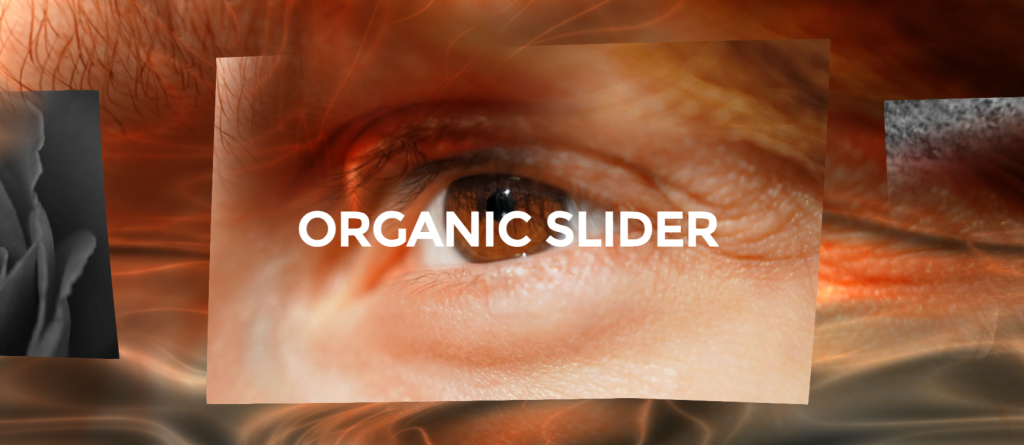
Best for: editorial galleries and portfolios that need flowing, natural motion.
Organic Slider focuses on a softer visual personality. Its infinite carousel can combine scroll-responsive scale, mouse distortion, opacity changes and optional desaturation of non-centered items. Snapping can be enabled for precision or disabled for a continuous, free-flowing feel.
Flexible item ratios make it useful for mixed portrait and landscape artwork, while lazy initialization and responsive sizing help it fit longer pages.
Standout strengths
Natural-looking distortion and continuous movement
Optional snap, monochrome focus and mouse distortion
Flexible ratios and container-aware sizing
What to consider: Organic effects work best when the image set is visually cohesive. Highly inconsistent colors, crops or aspect ratios can make the movement feel chaotic.
9. Noise Slider Carousel WordPress and WooCommerce Plugin
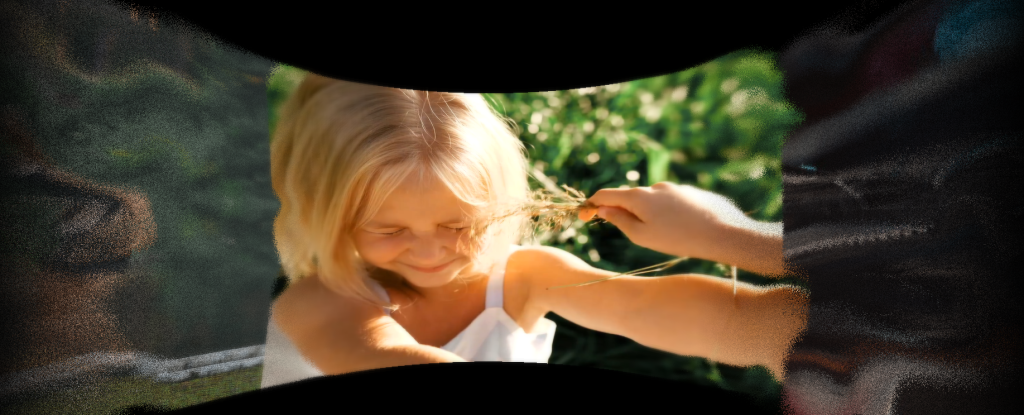
Best for: mesh-style galleries, creative grids and developers needing a broad license.
Noise Slider Carousel emphasizes grid and mesh behavior rather than a traditional single-track slider. Its configurable noise and blur shader, curvature, opacity, center snapping and animated camera intro create an art-directed gallery surface.
The supplied information lists a $20 developer-license option, making it particularly notable for professionals who need to deploy a specialized effect across projects. An included API supports deeper integration.
Standout strengths
Noise-and-blur shader treatment
Mesh snapping, curvature and radial black-and-white effects
API access and developer-oriented pricing in the supplied listing
What to consider: Confirm the precise license terms and current price before planning multi-site client use. Also test legibility carefully if captions or interactive controls sit over noisy imagery.
10. Infinte Slider Pro WordPress & WooCommerce Plugin
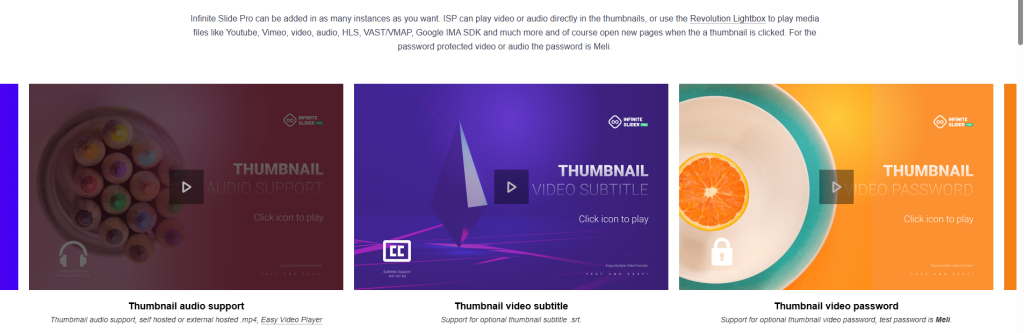
Best for: general-purpose image, video and audio sliders with inline playback.
Infinte Slider Pro is positioned as a more broadly capable media slider. It supports multiple instances, configurable presets, autoplay, thumbnail overlays and captions, plus direct MP4 and MP3 playback inside thumbnails.
Keyboard video controls, password-protected media and subtitles make it useful for presentations where visitors should consume content without first opening a separate lightbox.
Standout strengths
Inline image, audio and video experiences
Multiple independently configured instances
Autoplay, thumbnails, captions and protected media
What to consider: The product name is spelled “Infinte” in the listing, while parts of the supplied copy refer to other abbreviations. Verify the current documentation, product identity and complete feature set before deployment.
11. Shader Slider WordPress & WooCommerce Plugin
Best for: hero sections and campaigns that need deliberate slide-to-slide transitions.
Shader Slider provides six built-in transitions that can be assigned per image or video, with individually configurable durations. It supports MP4, JPG, JPEG, WebP and PNG content, plus CSS-styled captions.
Pin-to-scroll behavior and animated masks make it useful for narrative landing pages where the slider should remain on screen during part of the journey. Mouse-driven 3D rotation adds depth without changing the basic slide model.
Standout strengths
Per-slide transition assignment
Pin-to-scroll sequences and up to ten masks
Mixed image and MP4 formats plus an API
What to consider: Pinned experiences can interfere with normal scrolling and accessibility if overused. Keep the pinned distance reasonable and provide a reduced-motion experience.
12. Shader Infinite Slider WordPress and WooCommerce Plugin
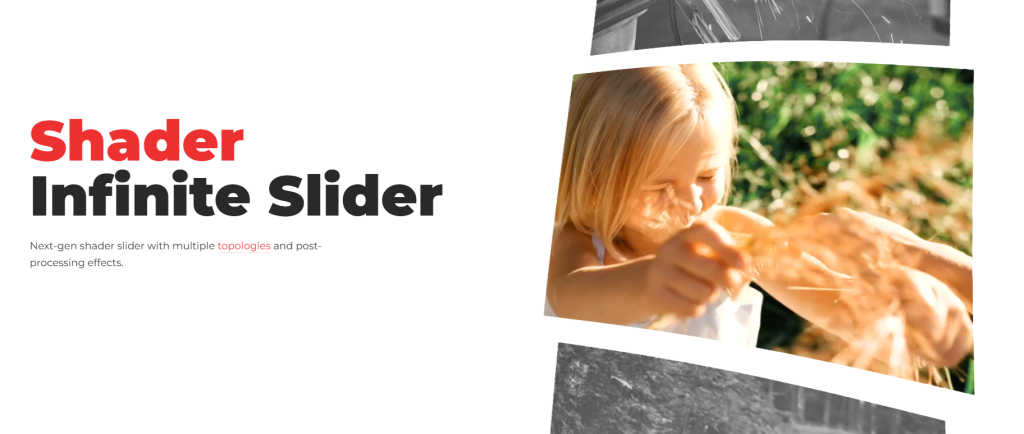
Best for: immersive horizontal or vertical 3D carousels.
Shader Infinite Slider combines infinite navigation with realistic item bending and both horizontal and vertical layout options. Its camera position can be adjusted in 3D space, while noise, mouse ripple, curvature and scroll-responsive liquid distortion shape the final feel.
Designers can also tune ratios, colors, snapping, scale, opacity and desaturation. This makes it one of the more flexible choices when the project needs a looping 3D gallery rather than discrete scene transitions.
Standout strengths
Horizontal and vertical 3D layouts
Realistic bending and scroll-responsive liquid distortion
Extensive focus, snap, color and ratio controls
What to consider: The supplied information shows separate one-site and developer prices, but the formatting is ambiguous. Confirm the current plan details on the product page before purchase.
Which Slider Should You Choose?
Choose by the job the slider must perform. If visitors should browse a multimedia collection, Filmstrip Slider is the strongest overall choice. If the slider is the visual centerpiece of a campaign, Izubizu or Shader Slider provides more deliberate storytelling control. For a portfolio that needs an immediately recognizable layout, Accordion Slider, Mirror Media Slider or Spherical Flow Slider will create the clearest signature.
For a lower-cost entry into WebGL motion, compare Distorted Media Slider, Linear Slider and Organic Slider. Distorted Media Slider offers the most concentrated effects package, Linear Slider keeps the layout familiar and Organic Slider favors continuous natural movement. Noise Slider Carousel is the specialist choice for mesh galleries, while Infinte Slider Pro is the practical option when media playback matters more than shader experimentation.
Performance, Accessibility and SEO Considerations
A visually impressive slider can still hurt a website if it delays rendering, shifts the layout or hides essential content. WebGL and shader effects use the visitor’s GPU, so performance depends on the device, media dimensions, number of simultaneous effects and the rest of the page.
Enable lazy initialization for sliders below the fold and avoid running several WebGL instances at once.
Resize and compress images before upload; do not use a 4K source where a smaller asset will render at the same visible size.
Use poster images and sensible preload behavior for video. Avoid autoplay with sound.
Provide text equivalents for essential captions, links and calls to action outside the rendered canvas when needed.
Respect reduced-motion preferences and avoid intense glitch, ripple or pinned-scroll effects for visitors who opt out of motion.
Keep keyboard navigation, visible controls, focus states and touch targets in the acceptance checklist.
Do not rely on a slider as the only location for critical SEO copy. Important headings, product details and internal links should remain in crawlable HTML.
Reserve the component’s dimensions to reduce cumulative layout shift, then test with real mobile hardware and performance tools.
Frequently Asked Questions
Are sliders still good for WordPress websites in 2026?
Yes, when they have a specific purpose. A portfolio browser, product-story sequence or media gallery can benefit from a slider. A generic homepage carousel containing unrelated marketing messages is less likely to help. Keep the content focused and make the primary action visible.
What is the difference between WebGL and a normal WordPress slider?
A conventional slider usually moves HTML elements with CSS or JavaScript. A WebGL slider renders graphics through the browser’s graphics pipeline, allowing fluid distortion, 3D bending, reflections, noise and other shader-based effects. The visual ceiling is higher, but implementation and performance testing matter more.
Which plugin is best for video?
Filmstrip Slider is the broadest choice because its lightbox supports MP4, YouTube, Vimeo, HLS, DASH and other media sources. Shader Slider and Distorted Media Slider are good choices for image-and-MP4 sequences, while Infinte Slider Pro supports direct audio and video playback in thumbnails.
Which plugin offers the best transition variety?
Izubizu Slider leads this comparison with 19 media transitions and 16 text transitions. Shader Slider is a more focused alternative with six transitions that can be assigned per slide.
Can these sliders work with WooCommerce?
The products are presented as WordPress and WooCommerce plugins, but the best integration depends on the intended workflow. Confirm whether the slider can source the exact product data, gallery media or links you need, rather than assuming every WooCommerce field is automatic.
Will a WebGL slider slow down my website?
It can if the media is oversized or several effects run simultaneously. Lazy initialization, optimized assets, restrained post-processing and real-device testing can keep the experience practical. Always measure the final page rather than judging the plugin in isolation.
What should I check before buying?
Open the demos on desktop and mobile, confirm the required media formats and integration method, review the documentation, check browser and WordPress compatibility, verify the license scope and confirm the current price and support terms.
Technical Performance & Optimization Tips
WebGL and Three.js sliders offer exceptional visual quality, but improper implementation can impact Core Web Vitals if unmanaged. Keep these best practices in mind:
+-------------------------------------------------------------------+
|                     OPTIMIZATION WORKFLOW                         |
+-------------------------------------------------------------------+
|  1. Enable Lazy Initialization (Load only when scrolled in view)  |
|  2. Downscale Media (WebP for images, 1080p h.264 for MP4s)       |
|  3. Set Max Frame Bounds (Cap canvas dimensions to 1920x1080)     |
|  4. Utilize Mobile Auto-scaling & Touch Sensitivity Tweaks        |
+-------------------------------------------------------------------+
- Enable Lazy Initialization: Always turn on lazy initialization for sliders below the fold. This prevents Three.js canvas creation until the user scrolls near the container.
- Optimize Media Assets: WebGL shaders render textures continuously. Compress images using WebP/AVIF formats and encode MP4 videos with H.264 at modest bitrates.
- Set Canvas Bounds: Use built-in scaling properties (such as Spherical Flow’s Max Width/Height limits) to prevent oversized render targets on UltraWide 4K displays.
- Leverage Native Lightboxes: For high-resolution video reels, render lightweight thumbnail textures inside the 3D canvas and defer heavy playback to lightboxes like Revolution Lightbox.
How to Choose the Right Slider for Your Project
Consider Your Content Type
- Images only: Any FWDesign slider will work, but Organic Slider, Distorted Media Slider and Accordion Slider are particularly strong for image-focused presentations
- Video + Images: Izubizu Slider, Filmstrip Slider and Distorted Media Slider support MP4 video natively
- Audio content: Filmstrip Slider offers the most comprehensive audio support with MP3 playback and Chromecast
Consider Your Budget
- Under $30: Noise Slider Carousel ($20), Organic Slider ($29), Linear Slider ($29)
- Under $60: Distorted Media Slider ($39), Spherical Flow Slider ($59)
- Under $90: Accordion Slider ($69), Filmstrip Slider ($69), Mirror Media Slider ($69), Infinite Slider Pro ($79), Shader Slider ($79), Izubizu Slider ($89), Shader Infinite Slider ($89)
Consider Your Visual Style
- Organic, fluid motion: Organic Slider
- Cinematic transitions: Izubizu Slider
- 3D depth & immersion: Spherical Flow Slider, Shader Infinite Slider
- Reflections & twirl: Mirror Media Slider
- Drag-speed distortion: Linear Slider
- Noise & grain: Noise Slider Carousel
Consider Performance
All FWDesign sliders leverage Three.js and WebGL for GPU-accelerated rendering, ensuring smooth 60fps performance on modern devices. The lazy initialization feature (available on most plugins) ensures sliders only load when visible, improving page load times
Final Verdict
There is no universal winner because these plugins solve visibly different problems. Filmstrip Slider is the best overall multimedia option; Izubizu is the best for transition-rich storytelling; Accordion Slider offers the most distinctive accordion presentation; and Distorted Media Slider provides excellent value for fluid WebGL effects. Mirror, Spherical Flow, Noise and Shader Infinite are best treated as specialist design tools whose unusual interaction can become the identity of a page.
Start with the content and user journey, then choose the effect. The right slider should make browsing clearer and the story more memorable, not merely prove that the browser can render another animation.