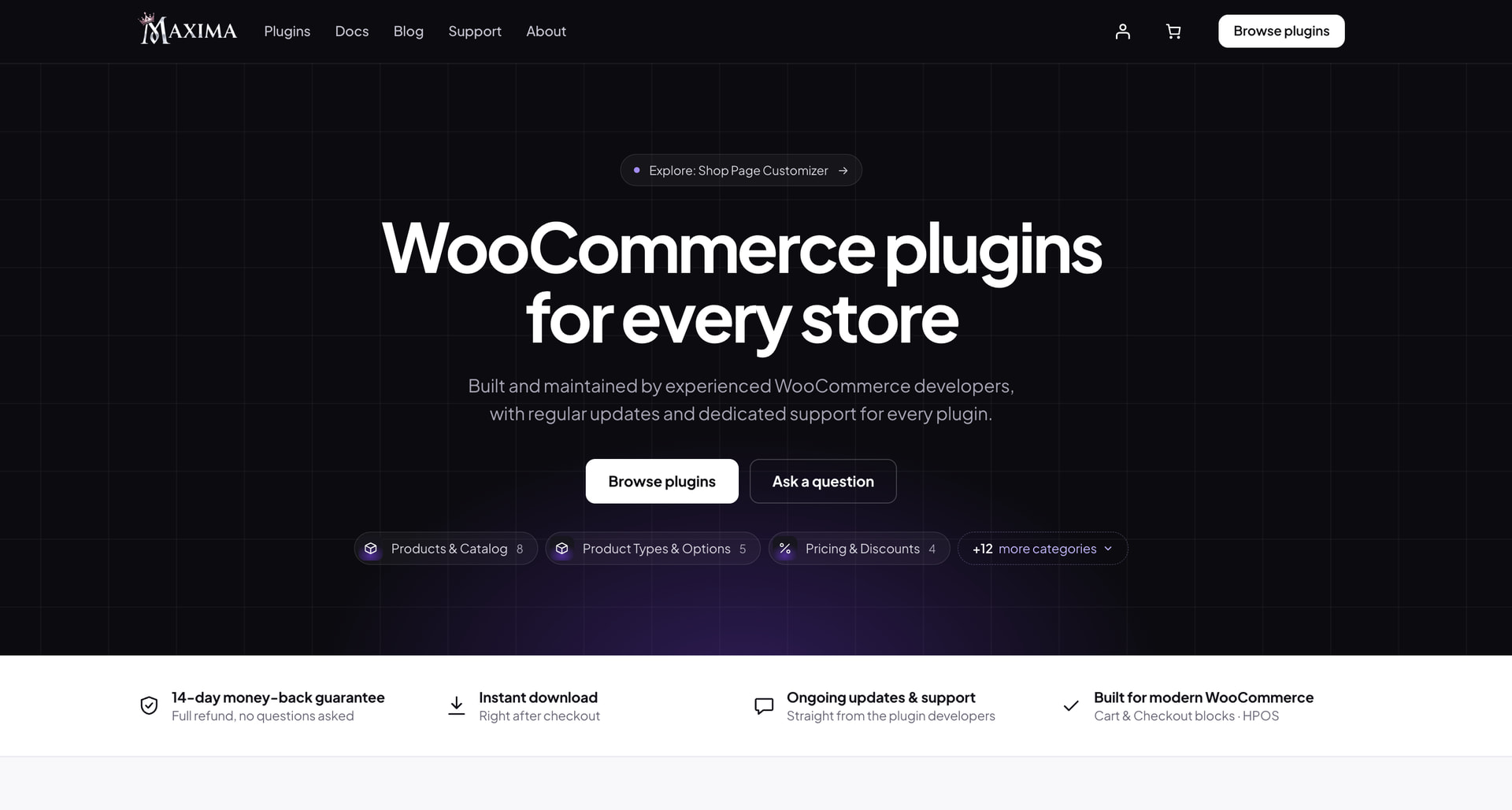
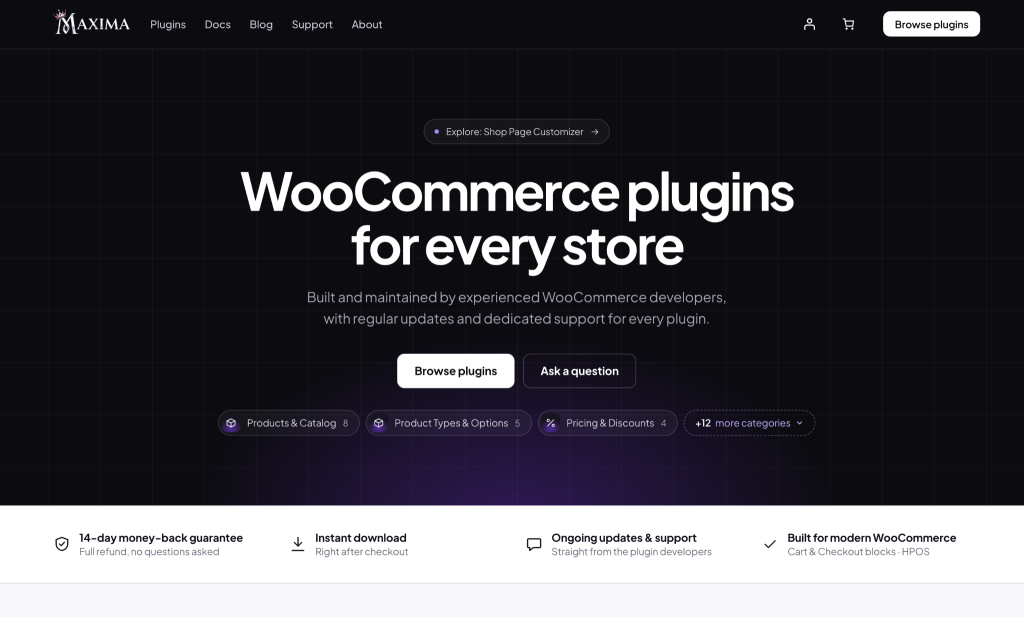
We’re happy to welcome a new seller to the marketplace. Maxima Plugins, a developer that builds WooCommerce extensions and nothing else, is now selling on WPBay, starting with its Country and State Restrictions plugin.
If you run a WooCommerce store, this one is worth a look. Below is a short introduction to the team, what sets their plugins apart, and three extensions from their catalog that solve problems most stores hit sooner or later.
Why one focused developer helps
Plugin stacks rarely get planned. They grow as problems appear: a shipping tweak here, an invoicing requirement there. Before long, a store relies on ten or more extensions from different vendors, each with its own settings screens, release rhythm and support desk, and every WooCommerce update becomes something to test carefully.
Getting related extensions from one team reduces that friction. The plugins follow the same admin conventions, are tested against the same WooCommerce releases, and when something needs attention there is one place to ask. That is the approach Maxima Plugins has taken from day one.
Who is Maxima Plugins?
Maxima Plugins is a focused catalog of premium WooCommerce extensions, covering shipping, product options, pricing, B2B and wholesale, orders and invoices, and tax and localization. The brand is new, but the team behind it has years of WooCommerce development experience, and it shows in the details.
A few things stood out to us:
- Built for modern WooCommerce. Every plugin supports the Cart and Checkout blocks and High-Performance Order Storage (HPOS), as well as the classic shortcode checkout. No more finding out after install that a plugin only works with the old checkout.
- Lightweight. Scripts and styles load only where they’re needed, and there are no upsell banners cluttering your dashboard.
- Clear documentation. Each product comes with docs, a live demo and example setups, so you can tell quickly whether it fits your store.
Beyond the three plugins covered below, the catalog includes minimum and maximum order quantities, dynamic pricing and discount rules, order export to CSV and Excel, URL coupons, custom product tabs and FAQs, a quick order form, product options and add-ons, pre-orders, custom order statuses and a set of B2B and wholesale tools.
Country and State Restrictions (now on WPBay)
WooCommerce lets you choose where your store sells, but not where each product sells. That’s a problem if you sell live plants that can’t cross borders, furniture that’s too heavy to ship overseas, or products that aren’t allowed in certain states.
Country and State Restrictions for WooCommerce fills that gap. You can:
- Set “sell only to” or “never sell to” countries and states per product, right from its Shipping tab
- Go further on variations, so a large size stays domestic while a small one ships anywhere
- Create store-wide rules for categories, tags or hand-picked products
- Show payment methods only in certain regions (for example, cash on delivery only where you deliver yourself)
- Block or redirect pages, or the whole site, for chosen locations, and show content only to visitors from specific countries
Shoppers get a clear experience: restricted products show a custom notice instead of the add to cart button, or can be hidden from the shop entirely. Location is detected from the customer’s address, or before that through WooCommerce geolocation or Cloudflare, with no third-party services contacted. And if a restricted item still lands in the cart, checkout blocks the order and names the item, in both the classic and block checkout.
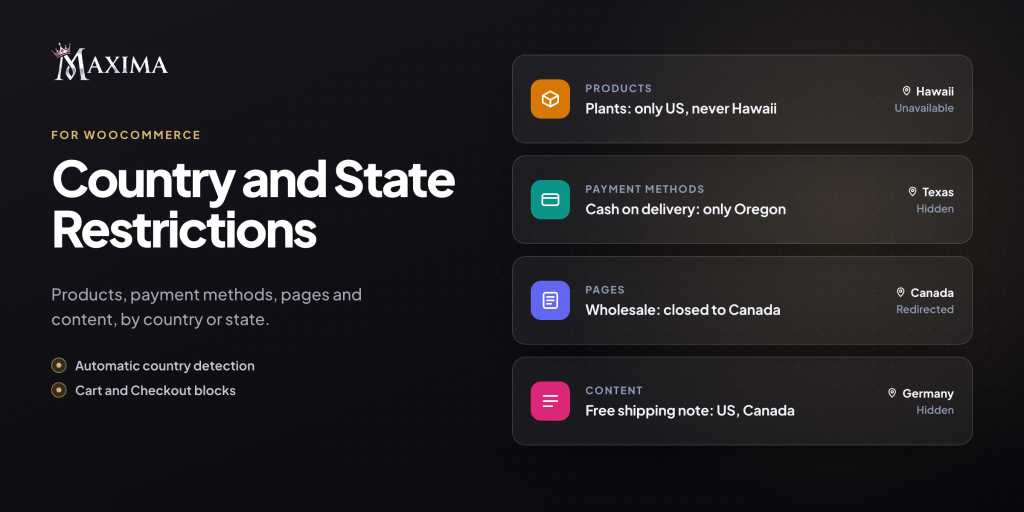
Day-to-day management stays flexible. Rules can be switched on or off at any time, individual products can opt out of global rules, and you can hide prices on restricted items if you prefer. An optional “Delivering to” bar also lets customers change their destination country in one click.
A few situations where it earns its keep:
- Regulated or perishable products. A nursery can sell live plants across the US while excluding Alaska and Hawaii.
- Bulky items. A furniture store can keep oversized pieces domestic while smaller accessories ship internationally.
- Regional storefronts. A brand with separate US and Canadian shops can send visitors to the right one automatically.
- Targeted messaging. A free shipping banner can appear only in the countries where the offer actually applies.
Logged-in store managers are never locked out by site-wide rules, so testing a new configuration won’t block your own access.
It’s available on WPBay for $79/year for one site.
Two more from the Maxima catalog
Both of these pair naturally with Country and State Restrictions, especially for stores selling across borders, where invoicing requirements and shipping costs change from one country to the next.
PDF Invoices & E-Invoicing
This plugin generates a sequentially numbered PDF invoice for every order and attaches it to the WooCommerce emails you choose. It also handles packing slips, credit notes for refunds and proforma invoices. For stores selling to European businesses, it can produce e-invoices in formats like Peppol BIS 3.0, XRechnung and Factur-X / ZUGFeRD directly from the order, which is increasingly required across the EU.
Invoices carry your logo, brand color and business details in A4 or US Letter, and customers can download them again from My Account instead of emailing you. The e-invoicing features are optional: if you sell only to consumers or outside the EU, it works as a straightforward, dependable PDF invoice tool.
Table Rate Shipping Rules
Flat rate shipping breaks down once your catalog mixes light and heavy products. Table Rate Shipping Rules calculates shipping from rules based on order value, weight, volume, item count or shipping class, with per-item, per-kilo or percentage pricing. Customers also see a “spend X more for cheaper shipping” message with a progress bar in the cart, which helps nudge order values up.
When two rules match, you can offer both as separate options, such as Standard and Express, or let the plugin pick the cheapest or most expensive. Handling fees and minimum or maximum charges are built in, and each rule is summarized in one readable line in the admin, so even a long rate table stays easy to manage.
Getting started
Country and State Restrictions can be purchased directly on WPBay, with updates included for the license period and coverage under WPBay’s refund policy. Like every product on the marketplace, it went through WPBay’s review before being listed.
Support is handled by the Maxima team through their own help center, so your questions reach the developers who built the plugin. Documentation and a live demo are available on the Maxima Plugins website, which is also where you’ll find the rest of the catalog while more of it makes its way to WPBay.