

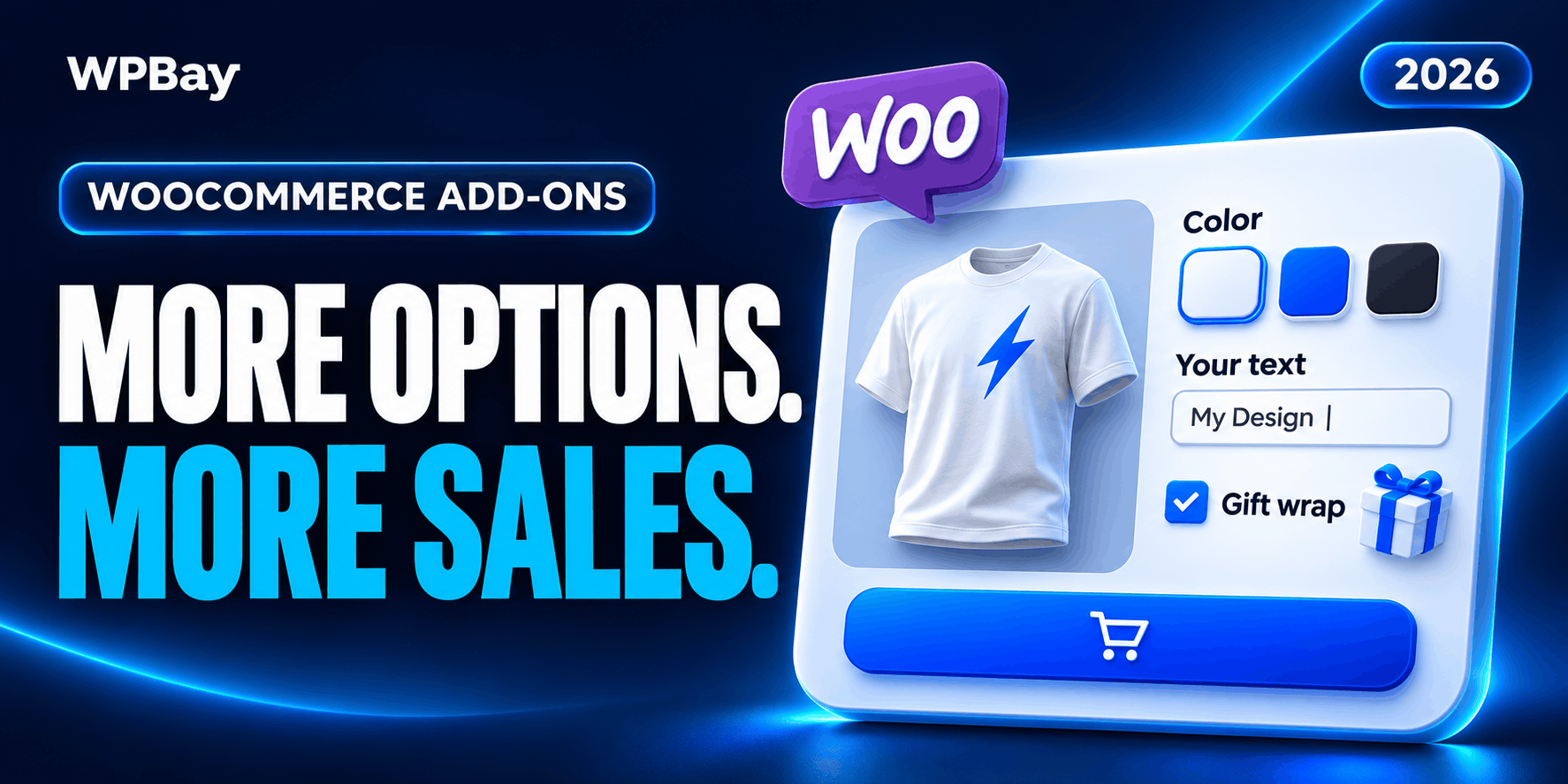
An engraving box is easy to add to a product page. Charging the right amount for it, keeping each customer’s wording attached to the correct item, and getting that wording onto a production sheet takes more care.
That is where WooCommerce product add-on plugins earn their place. They let shoppers enter text, upload artwork, choose paid extras or configure a product before adding it to the cart. The differences become clearer when you change the quantity, combine several options or ask the plugin to calculate a price.
We looked at eight options for this guide, including two sold through WPBay. Some suit a simple personalization form. Others can handle conditional questions, linked products or calculations. There is little value in buying the largest field library if the one pricing rule your shop needs sits outside the plan.
Our comparison draws on current product pages, documentation and published license options. Compatibility claims below describe the developers’ documented support; this is not a claim that we installed every plugin on the same test store.
WPBay sells Aluleth Product Options and OptionKit. We have included them alongside products available directly from their developers so you can compare the choices on the same terms.
Which WooCommerce product add-on plugin should you choose?
For a straightforward paid message or optional service, start with WooCommerce Product Add-Ons. If fields must appear in response to earlier answers, compare Advanced Product Fields, Barn2, Plugin Republic and ThemeComplete. Aluleth and OptionKit are worth considering when a one-time purchase matters to the budget.
This table gives you the main buying distinction before the longer explanations.
| Plugin | Particularly useful for | Listed entry price | Detail to check before buying |
|---|---|---|---|
| WooCommerce Product Add-Ons | Familiar extra fields and straightforward paid choices | $79 for one year | No built-in show/hide conditional logic |
| Advanced Product Fields | Starting with basic fields, then adding more complex pricing | Free version; paid annual and lifetime plans | Calculations and linked child products require Extended |
| Barn2 WooCommerce Product Options | Conditional product forms with optional visual preview | $149/year or $499 one-time, one site | Live Preview is a separate bundle |
| Plugin Republic Product Add-Ons Ultimate | Configurations involving child products and repeatable inputs | $79/year or $199 one-time, one site | Specialist extensions have separate pricing |
| ThemeComplete Extra Product Options | Extensive rules, calculations and form layouts | €49/year, one site, bought directly | Compare the license terms of the sales channel you use |
| YITH Product Add-Ons & Extra Options | Product options in a store already using YITH extensions | $119.99 with one year of updates and support | Integrations have specific limits |
| Aluleth Product Options | Paid fields with per-item and per-line charges | $49 one-time, one site | A newer product with a shorter public track record |
| OptionKit Add-ons | Budget-conscious stores needing formulas and repeaters | $19.95 one-time, one site | File upload protection needs attention on Nginx |
Prices were checked on November 4, 2026. Taxes, localized currencies and promotions can change the checkout total. The Advanced Product Fields checkout varies by edition, site count and payment term, so we have not assigned its entire range a single starting price.
Product add-ons, variations and checkout fields do different jobs
A product add-on belongs to a particular item. An engraved name, a print file and a paid assembly service are typical examples.
A variation represents a product combination that may need its own price, SKU, image or stock quantity. WooCommerce’s variable product documentation explains those controls. If your warehouse holds twelve blue medium shirts, that inventory belongs to a variation. A message printed on the shirt usually belongs in an add-on field.
Whole-order instructions belong elsewhere. Asking for a delivery note once during checkout is different from asking for three separate inscriptions on three products. Putting item-specific answers in an order-wide field makes fulfilment harder.
There is also a distinction between accepting customization instructions and showing a finished design. A text field can collect “Welcome home” without rendering those words onto a product image. If buyers need to position artwork, resize it or approve a realistic preview, also read our WooCommerce product customization plugin comparison. Some tools overlap, but a working options form does not automatically include a visual designer.
WooCommerce Product Add-Ons
WooCommerce Product Add-Ons, built by Woo, is an approachable starting point for conventional extra fields. It supports choices such as text, dropdowns, images and uploads, with global or product-specific groups and flat, percentage or quantity-based charges.
Its limits are worth reading before purchase. The official documentation states that add-ons are not separate products with independent inventory or SKUs. Add-ons assigned to a variable product are inherited by its variations; you cannot define a different add-on configuration for each variation through this extension.
There is no built-in conditional show/hide system. If choosing “engraving” must reveal a required message field while choosing “plain” removes it, that requirement takes you beyond its standard behavior.
At $79 for one year, it belongs on the shortlist for a shop with modest requirements and an existing preference for Woo’s own extensions. For a paid gift message, ask whether a clear optional text field and a transparent surcharge are enough. They often are.
For a more involved product builder, sketch the branching questions first. Discovering the conditional-logic limitation after creating fifty product forms is an expensive way to choose a plugin.
Advanced Product Fields for WooCommerce
Studio Wombat’s Advanced Product Fields has a useful entry point: the free WordPress.org edition handles basic input fields, conditional logic and option pricing. That gives a small shop a way to assess the editing workflow before choosing a paid edition.
The important purchase decision is which version covers the work. Studio Wombat’s edition comparison places calculation fields, linked child products and more advanced pricing features in Extended. Extended + Add-ons includes the additional add-on range. Paid licenses have annual and lifetime options.
This is a good candidate when a form starts with a few choices but may later need a calculation. Picture a seller asking for a panel’s dimensions and then quoting from those measurements. The arithmetic, allowed ranges and pricing table become more important than the number of available field styles.
Write those requirements down before paying for a license. A text box that accepts a width is different from a field whose value drives a properly bounded calculation. Also separate a preview of the new total from a preview of the finished product: they answer different questions for the buyer.
Barn2 WooCommerce Product Options
Barn2 WooCommerce Product Options combines text inputs, swatches, uploads and conditional rules with formula pricing. Its layout tools include ways to organize options into steps, tabs or popups.
The base one-site license is listed at $149 annually or $499 as a one-time purchase. The Product Options + Live Preview bundle starts at $199 annually. That distinction matters if the reason for buying is to show shoppers their text or artwork on an image: the base options plugin and the preview bundle are different purchases.
Barn2 is worth a closer look when the product form itself needs careful organization. A long printed-sign order might ask for dimensions, material, finish and artwork. Showing everything at once can leave the customer unsure where to begin. Conditional fields and a sensible sequence can make that decision easier.
Still, a multi-step form is not an improvement by default. A shop selling a single optional gift box probably gains little from putting a basic choice behind another interaction. Buy the workflow you need, then keep the customer-facing form as short as the product allows.
Plugin Republic Product Add-Ons Ultimate
Product Add-Ons Ultimate offers conditional fields, uploads, calculations, repeaters and child products. Its one-site Single license is currently $79 annually or $199 one-time. Specialist extensions are sold separately or through a bundle, so price the complete setup if you need additional preview or upload functionality.
Child products are particularly relevant when the “extra” is something your warehouse actually stocks. The settings documentation describes controls for child-product quantities and stock behavior. That deserves attention if a buyer can add an existing accessory to the main purchase.
For example, a lamp retailer may sell a base product with optional bulbs. Treating bulbs as plain text choices would leave a gap between what the customer bought and what inventory records. A linked-product approach can be more appropriate, provided the chosen configuration reduces the intended stock.
The final order needs to remain readable as well. Ask how the parent item and extras will appear to the packing team, whether quantities are clear, and what happens when an accessory becomes unavailable. A polished product-page selector is only the first part of that purchase.
ThemeComplete Extra Product Options & Add-Ons
ThemeComplete Extra Product Options & Add-Ons is a broad option builder with conditional rules, calculations, lookup tables, swatches, uploads and repeatable sections. Its direct Starter license currently costs €49 annually for one site.
That range is attractive for shops with several distinct kinds of configurable products. A printing business might have one form for signs, another for invitations and a third for custom packaging. The documentation covers local and global forms, giving administrators different ways to reuse or specialize their options.
With a large configuration system, maintainability becomes part of the buying decision. Someone will eventually change a material surcharge or retire a finish. They should be able to find the right rule without reconstructing why a form behaves as it does.
Use clear group names and keep common rules together. Where the plugin permits overlapping assignments, inspect a product that matches several groups. That is a useful way to catch duplicate questions or charges before a customer does.
The price quoted here is for buying directly from ThemeComplete. Check the actual license and renewal terms attached to your purchase channel, especially if you are comparing it with an older marketplace license.
YITH WooCommerce Product Add-Ons & Extra Options
YITH WooCommerce Product Add-Ons & Extra Options supports conditional options, swatches, uploads and selection limits. Its current listing shows $119.99 with a year of updates and support.
It is an understandable candidate for a shop already using YITH products, but read the integration descriptions closely. For example, YITH documents that its Product Bundles integration adds options to the bundle’s parent product, not to the individual products inside that bundle. Other YITH extensions remain separate purchases.
That is a small sentence with a large practical consequence. A gift hamper seller might want one message for the whole hamper, in which case parent-level options make sense. If each item inside the hamper needs separate personalization, the same integration description does not establish that requirement is covered.
Use your actual order as the basis for a pre-sales question. Include the products involved, the customer inputs and the expected cart display. “Does it work with bundles?” leaves too much open to interpretation.
YITH is worth comparing on that basis, especially when existing store workflows already depend on its extensions. Familiar administration can help, but it does not replace checking where each option is stored and charged.
Aluleth Product Options
Aluleth Product Options is a newer WPBay option for adding paid fields to WooCommerce and FluentCart. Its listing documents conditional groups, uploads, swatches and pricing by fixed amount, percentage, character or unit. Charges can apply to every item or once per order line.
The current one-time price is $49 for one site, with a ten-site option at $149. The developer also declares support for WooCommerce’s Cart and Checkout blocks and High-Performance Order Storage.
The distinction between per-item and per-line pricing makes it relevant to sellers who have a setup cost. A badge manufacturer might charge for every badge while charging once to prepare a batch’s artwork. Those are two separate pricing rules, even though the customer experiences them as one product purchase.
Because the product has a shorter public history than several established competitors, evaluate it against a representative order before committing a large catalog. Include a variable product, a quantity change and two separate personalized lines.
For a smaller shop, the one-time license is a practical reason to look. For an agency, the ten-site option deserves its own cost comparison. In either case, decide from the complete order behavior rather than the license price alone.
OptionKit Add-ons
OptionKit Add-ons is currently listed on WPBay at $19.95 for a one-site, one-time license. It includes conditional fields, repeaters, formulas and CSV lookup tables, making it an inexpensive candidate for more than a basic message box.
Its documentation clarifies two details that deserve attention. A “one-time” charge is once per cart line, regardless of quantity. Invalid formulas are flagged in the editor and priced at zero, so calculation rules need deliberate checking before publication.
File uploads also have a hosting requirement. On Nginx, the generated Apache protection file is not sufficient. The documentation provides an Nginx rule or an alternative location outside the web root, followed by a folder-protection check.
That makes OptionKit especially interesting for someone comfortable checking a formula and working with their host when necessary. A low license cost can be useful, but the setup still needs ownership.
For a dimension-based product, try the smallest allowed value, the largest value and a missing answer. Confirm the final charge in the cart and completed order. If the shop depends on a calculation, a plausible-looking product-page total is not enough evidence to launch it.
The pricing mistake that is easiest to miss
Before configuring fields, write down what the order should cost in ordinary arithmetic.
Suppose a product costs $30. Personalization costs $4 per item, and preparing the artwork costs $25 once for the batch. Three identical items should total $127 before tax and shipping: $90 for the products, $12 for personalization and $25 for setup.
Now change the quantity to six. The item charges should increase; that particular setup charge should remain $25.
The harder case is adding another line with different artwork. If setup applies once per line, the second configuration should attract another setup charge. If the business promises one setup fee for the entire order, a per-line pricing option will not reproduce that policy.
This is why the words “flat fee” and “one-time” deserve a follow-up question. Ask what creates the charge and what makes it repeat. Then check coupons, tax-inclusive displays and refunds against the same example. A fee spread across a line’s unit prices can also produce awkward-looking figures when divided among several items.
Get agreement on the expected totals before someone spends an afternoon styling the form.
Keep answers, stock and files attached to the right work
A particularly useful trial order contains two of the same product with different answers. Put “Reception” on one sign and “Deliveries” on another, then change their quantities. The cart, order email and production document should preserve the association between each sign and its wording.
That exercise also exposes a common fulfilment problem: a plugin may save information correctly while the invoice, export or warehouse integration omits it. Check the document your team actually uses. If production staff never open the WooCommerce order screen, a perfect display there does not solve their problem.
Treat stock separately. A $10 accessory displayed as a paid choice is not necessarily a stock-managed item. If the last accessory sells elsewhere, the configuration must respond appropriately. Where a plugin offers linked products, confirm which product’s stock changes, how quantity is calculated and what the customer sees when it runs out.
Uploads need the same attention. Decide who must retrieve a file and whether the customer is submitting material that should remain private. A difficult-to-guess URL is not the same as an access check. Ask about storage, direct URL access and deletion before accepting customer documents.
For artwork, agree on practical limits too. An accepted image may still be too small to print. File validation, production suitability and approval are separate tasks; an upload button cannot settle all three.
What to check with your theme and checkout
Use the product template customers will see, including any page-builder template. Confirm that the options appear next to the purchasing controls and remain usable on a phone. Long labels, image swatches and file-upload messages can reveal layout problems that a clean demo product hides.
Then follow the actual checkout route. If you use Cart and Checkout blocks, test those blocks. If an express payment button offers a shorter route, check that required options are still collected and the right amount reaches the order.
High-Performance Order Storage support matters to order handling, while block compatibility matters to the cart and checkout interface. Neither label establishes compatibility with every invoice plugin, subscription configuration or custom integration.
Conditional logic deserves a small but revealing exercise. Select a paid service, complete its required field, and then switch the service off. The hidden field should stop being required, and its unwanted surcharge should disappear. Refresh the cart and repeat the change.
Also consider the administrator who will maintain the form. Change one price, duplicate one group and inspect an existing order. A shop needs to preserve what a customer purchased even after its current configuration changes.
These are acceptance checks to run on your own store, not claims that every product in this article has passed them in every environment.
Frequently asked questions
Can I add product options to WooCommerce for free?
Yes. The free edition of Advanced Product Fields provides basic fields, conditional logic and pricing. Check its current field and feature limits before designing the form; a paid edition may be necessary for more involved requirements.
Do product add-ons replace variations?
They can reduce the need to create variations for information such as a personalized message. Keep variations or another suitable stock-managed structure where the choice needs independent inventory, SKU or fulfilment treatment.
Which plugins have one-time payment options?
The current listings include one-time licenses for Aluleth, OptionKit, Barn2 and Plugin Republic. Advanced Product Fields also offers lifetime licensing. Compare the site allowance, included extensions and support terms attached to the specific plan.
Can customers see their personalization on the product image?
Some configurations support this, but it is a separate capability from collecting text or uploading a file. Barn2 sells a Live Preview bundle. Confirm the exact preview feature and any additional license before purchasing for that purpose.
Can I use more than one product add-on plugin?
There is rarely a good reason to make two systems control the same product form. Overlapping fields and pricing rules make discrepancies harder to trace. For a migration, preserve existing order information and move a small product group first.
Choosing the plugin for your store
Take one difficult order from your business and build that example first. Include the choices, the price calculation and the information needed to make or pack it. That will tell you more than browsing another collection of field screenshots.
Woo’s extension is worth considering for straightforward extras. The broader form builders become more relevant when the product needs branching questions, calculations or linked items. Aluleth and OptionKit add one-time WPBay options to that comparison.
Choose the plugin that produces the correct charge and a usable order with a configuration you can maintain. Once that works, the color of the swatches is a much easier decision.