



Vertical Royal 3D Coverflow WordPress & WooCommerce Plugin

 Well Documented






What is Vertical Royal 3D Coverflow WordPress Plugin
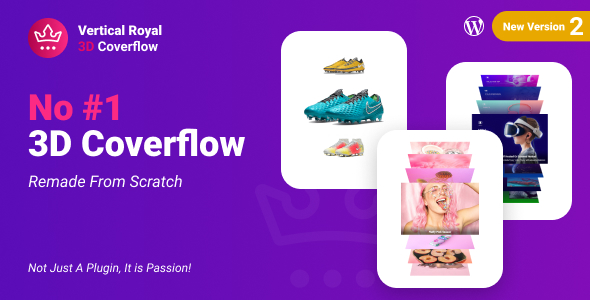
Vertical Vertical Royal 3D Coverflow is a fully 3D multimedia coverflow slider that allows to display multimedia content with an unique original layout from a 3D perspective. It’s perfect for any kind of presentation, for anyone that wants to deliver a great impact to thier visitors.
Vertical Royal 3D Coverflow WordPress Plugin main features:
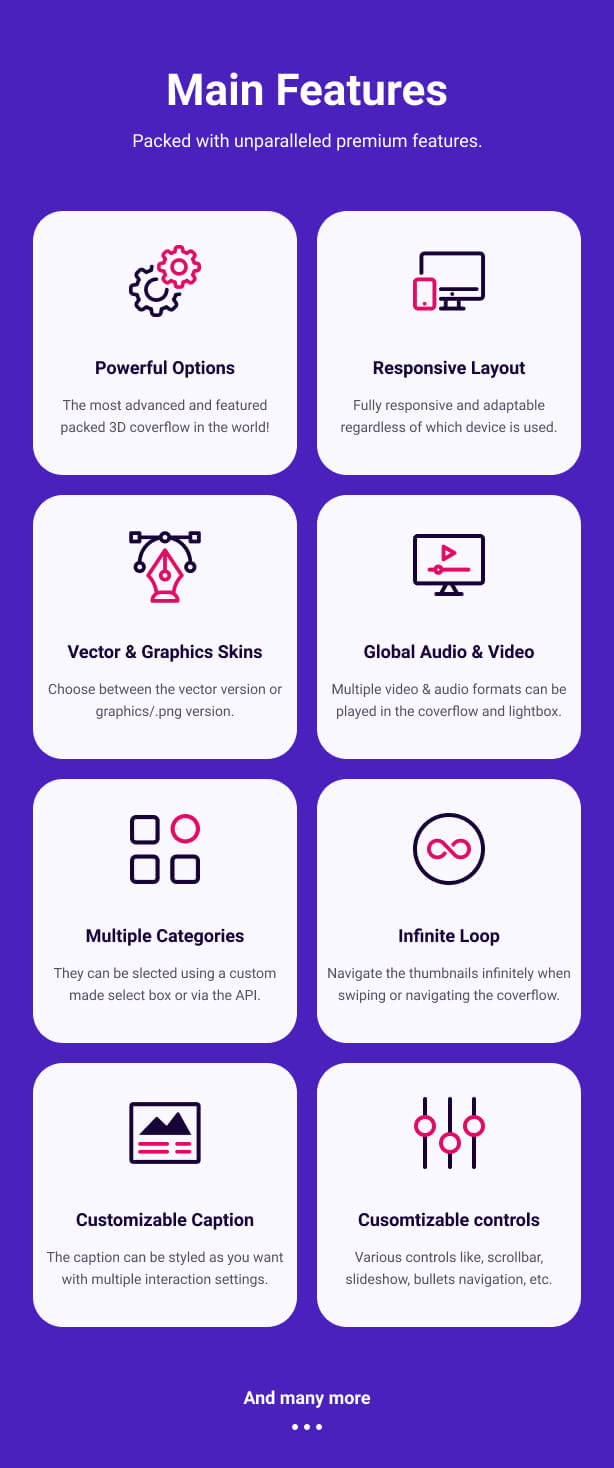
Powerful Options – The most advanced and featured packed 3D coverflow in the world!
Responsive Layout – Fully responsive and adaptable regardless of which device is used.
Vector & Graphics Skins – Choose between the vector skin or graphics/.png skin, video tutorial.
Global Audio & Video – Multiple video & audio formats can be played in the coverflow and lightbox.
Multiple Categories – Support for one ore more categories with optional categories menu.
Infinite Loop – Navigate the thumbnails infinitely when swiping or navigating the coverflow.
Customizable Caption – The caption can be styled as you want with multiple interaction settings.
Cusomtizable Controls – Various controls like, scrollbar, slideshow, bullets navigation, etc.
Lazy Loading – Lazy loading for both coverflow and lightbox.
Deep linking – Unique and shareable link for the current opened lightbox gallery item.
Multiple Instances – One or more coverflow instance can be used and each instance can be configured individually, example here.
Easy Video Player – EVP is used as the video/audio engine in both the coverflow thumbnails and the lightbox.
Thumbnails video/audio – Support for various video or audio formats like .mp3, .mp4, Shoutcast, Icecast, Youtube, Vimeo and Vimeo Pro, HLS/.m3u8, DASH MPEG/.mpd live streaming, Google Drive, Dropbox and other cloud platforms in the coverflow.
Lightbox video/audio – Support for various video or audio formats like .mp3, .mp4, Shoutcast, Icecast, Youtube, Vimeo and Vimeo Pro, HLS/.m3u8, DASH MPEG/.mpd live streaming, Google Drive, Dropbox and other cloud platforms, Iframe, PDF, Google Maps, HTML Content in the ligtbox.
Video Autoplay – Support for video autoplay inside the coverflow and the lightbox.
Private Video & Audio – Protected password video and audio inside the coverflow and the lightbox.
Chromecast Support – Play mp4 video, mp3 audio or HLS/m3u8 files on your TV screen using Chromecast, the media can be controlled via the video player interface basically the browser and the video player becomes a remote tv, inside the coverflow and lightbox.
Video Thumbnails Live Preview – Video thumbnails preview created from a .vtt file or live auto-generated video thumbnails inside the coverflow and the lightbox.
Video Subtitle Support – Support for subtitle inside the coverflow and the lightbox.
Automatic Content Detection – Vertical Royal 3D Coverflow and Revolution Lightbox will set the appropriate type (video, audio, image, etc) based on the media URL to the media items without any extra requirements.
Slideshow Support – Slidshow with autoplay for both the coverflow thumbnails and the lightbox.
Drag & Swipe Support – Drag support to navigate between the coverflow thumbnails or lightbox, mobile example here.
Mouse wheel support – Use the mouse wheel to navigate between the coverflow thumbnails, example here.
Keyboard support – Use the left and right arrow to navigate between thumbnails or scrub the video, space to play/pause the video, F to go video fullscreen, M to mute the video, Up and Down to change video volume.
Maximize & Minimize For Images – Lightbox maximize/minimize button and maximize/minimize double click/tap feature for images. The maximize zoom factor can be set to a custom value to allow fine tune controll on the maximized image.
Share Button And Share Window – Lightbox share button and share window with nine share social platforms, the share social platforms buttons can be ordered and also removed as needed.
Powerful API Included – Full set of API methods and API events, example here.
Custom Support – Support directlly from the plugin developer – Tibi @ FWD.
Detailed Documentation – Detailed documentation as well as various video tutorials.
Updates log:
Version 4.0 Release Date 28.08.2024
- Added support for WooCommerce.
Version 2.0 Release Date 21.06.2021
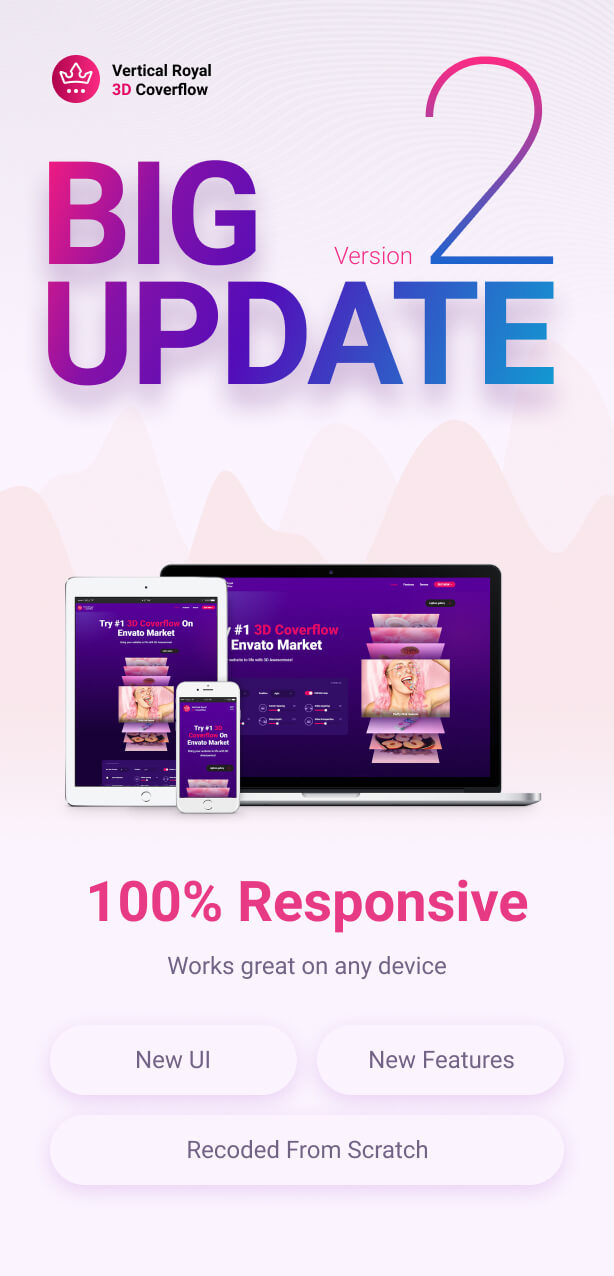
- Completely remade from scratch.
- New UI
- New features
Only logged in customers who have purchased this product may leave a review.
Loading...
WPBay support
 Support by FWDesign
Support by FWDesign
FWDesign supports this product through WPBay
Questions are handled in WPBay's private ticket system, keeping your purchase details and support conversation together.
Go to My Downloads
After purchase, open this item in My Downloads and choose Get Support.
What support includes
- Answers to product-related questions
- Help with reported bugs and issues
- Guidance for included third-party assets
What support does not include
- Customizations or new features
- Installation or setup services
Plugin
Maintenance snapshot
See recent updates, compatibility, support, and developer activity.
- Updated 91 days ago
- Developer active recently
- WPBay support available
- WordPress 7.0 tested
Snapshot updated 10 hours ago
View details Hide details
Maintenance details
This is maintenance data. It does not measure product quality or sales.
- Last update Updated 91 days ago
- Compatibility WordPress 7.0 tested, one version behind · PHP 8.5 tested · WooCommerce 10 tested, one version behind
- Releases 1 release in the 91 days since listing
- Developer activity Developer active recently
- Support No recent support tickets to measure
- Docs and demo Documentation available · Changelog missing · Demo available
Health reflects increased activity during the last 90 days.
How this snapshot works
Plugin Health
The score is out of 100 and uses data WPBay can check. Ratings, popularity, and sales are not used.
- Last update 30 points
-
Plugins receive full recency points under 30 days, then step down at 90, 180, 365, and 545 days.
- Compatibility 20 points
-
WordPress, PHP, and WooCommerce (when relevant) are scored separately. The latest two PHP lines count as current. Nearby previous versions keep most of the points.
- Current version 100%
- One version behind 75%
- Two versions behind 50%
- Three versions behind 25%
- Older or not listed 0%
- Releases 15 points
-
One release earns 10, two or three earn 13, and four or more earn 15. Each accepted product ZIP counts once; reprocessing the same upload and listing-only edits do not count.
- Developer activity 15 points
-
Based on WPBay login and dashboard activity. Exact last-login dates are never shown.
- Support 15 points
-
There are no recent WPBay tickets to measure.
- Docs and demo 5 points
-
Documentation: 2. Changelog: 1. Working demo or preview: 2.
Score ranges
- 90–100 Excellent
- 75–89 Healthy
- 60–74 Fair
- 40–59 Needs attention
- 0–39 Limited
Long gaps
WPBay also checks for long gaps between updates, developer activity, support replies, and releases. Buyers do not see this score.
- Time since update 35 points
- Last developer activity 25 points
- WordPress compatibility 15 points
- Support replies 15 points
- Fewer releases 10 points
-
Quality verified by WPBay
WPBay review- Reviewed version
- 4.0
- Review completed
- Reviewer
- CodeRevolution
- Review type
- Initial
No unresolved approval blocker was identified during WPBay’s proportionate review of this release. This is not a security certification or a guarantee that the product contains no defects.
-
 Future updates
-
WPBay support from FWDesign
-
GPL code, proprietary assets
-
Covered by the WPBay refund policy
-
Plugin maintenance snapshot
Relevant picks
You may also like
Similar products selected by category, features, popularity and freshness.



From this seller
View seller store
More by FWDesign
Explore more bestselling products from this creator.



Reviews
There are no reviews yet.