



Iza 3D Product Designer & Product Builder Customizer WordPress & WooCommerce Plugin

 Recently Updated
Well Documented
Recently Updated
Well Documented
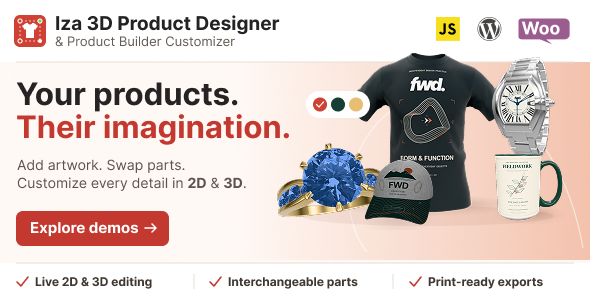
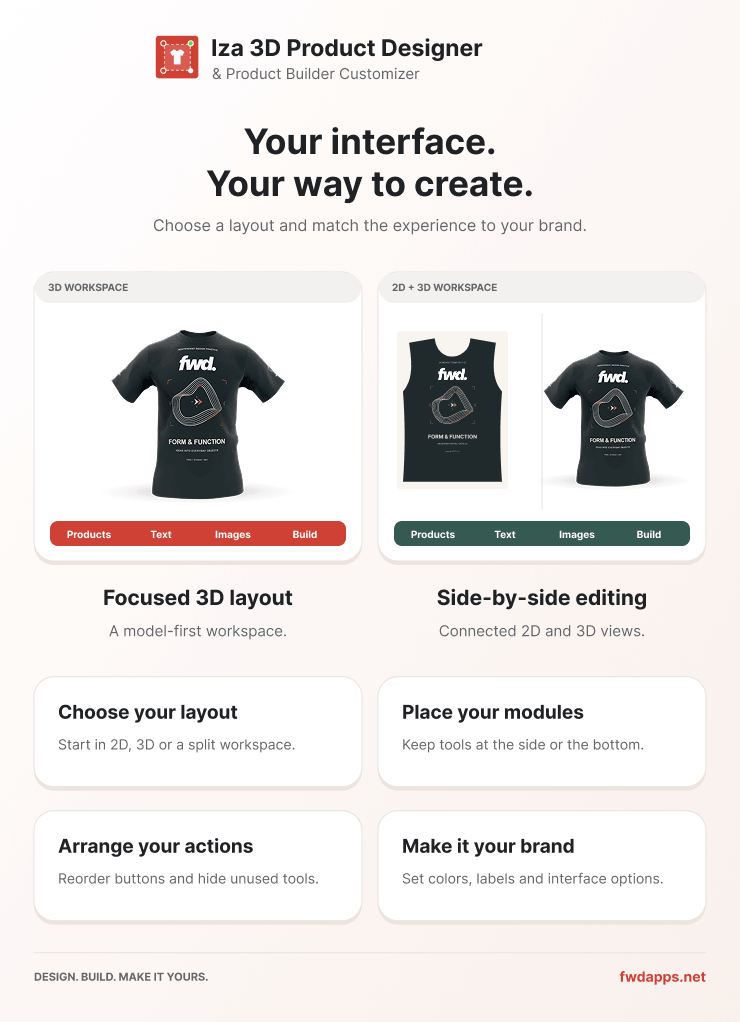
Iza 3D Product Designer & Product Builder Customizer WordPress & WooCommerce Plugin
Iza Product Designer is a responsive product customization plugin for WordPress and WooCommerce. Let customers personalize products with editable text, uploaded images, SVG artwork, shapes and colors, work across multiple product views, and preview or save their designs. Manage customizable products from your WordPress dashboard, display the designer on pages using a shortcode, or connect it to WooCommerce products so customers can order their creations. Built-in pricing, order design tools and production export help you take each design from customization to fulfillment.
Main features
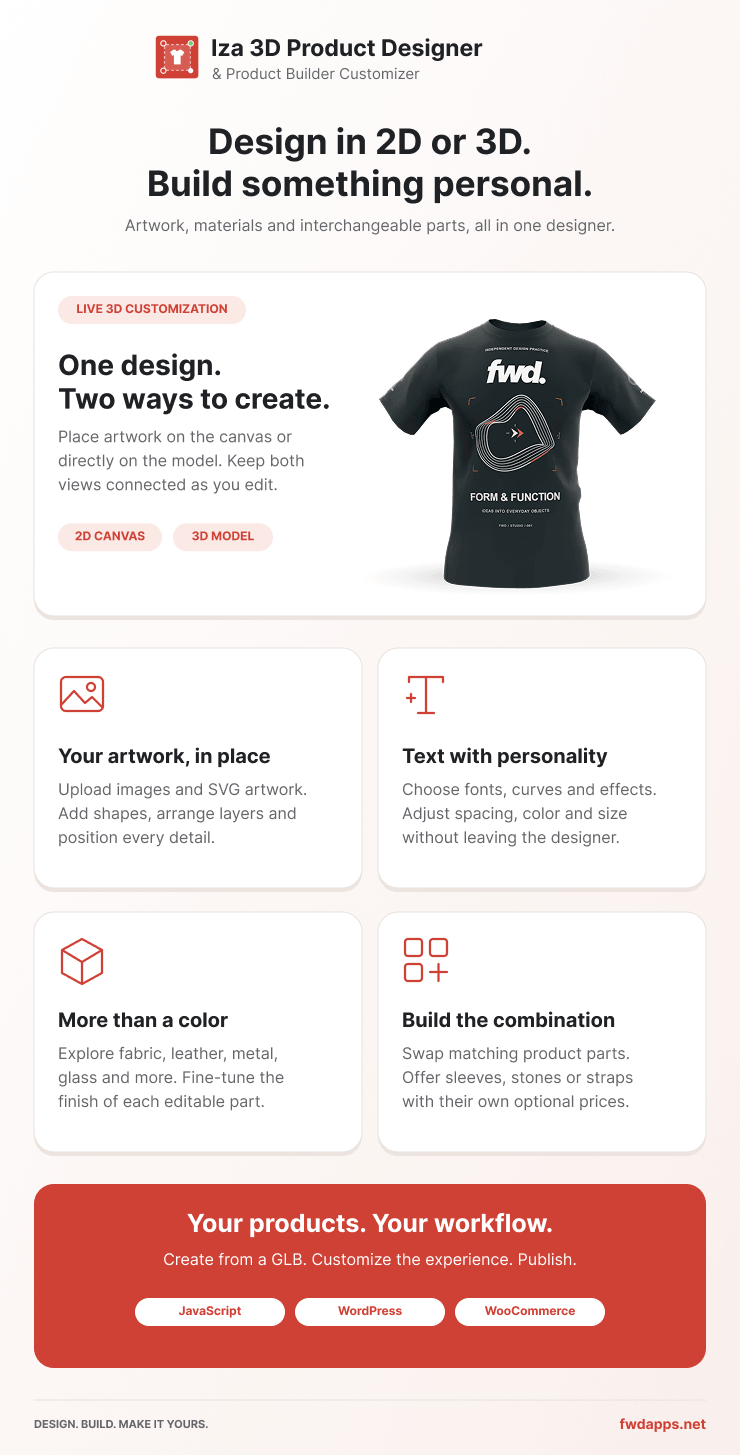
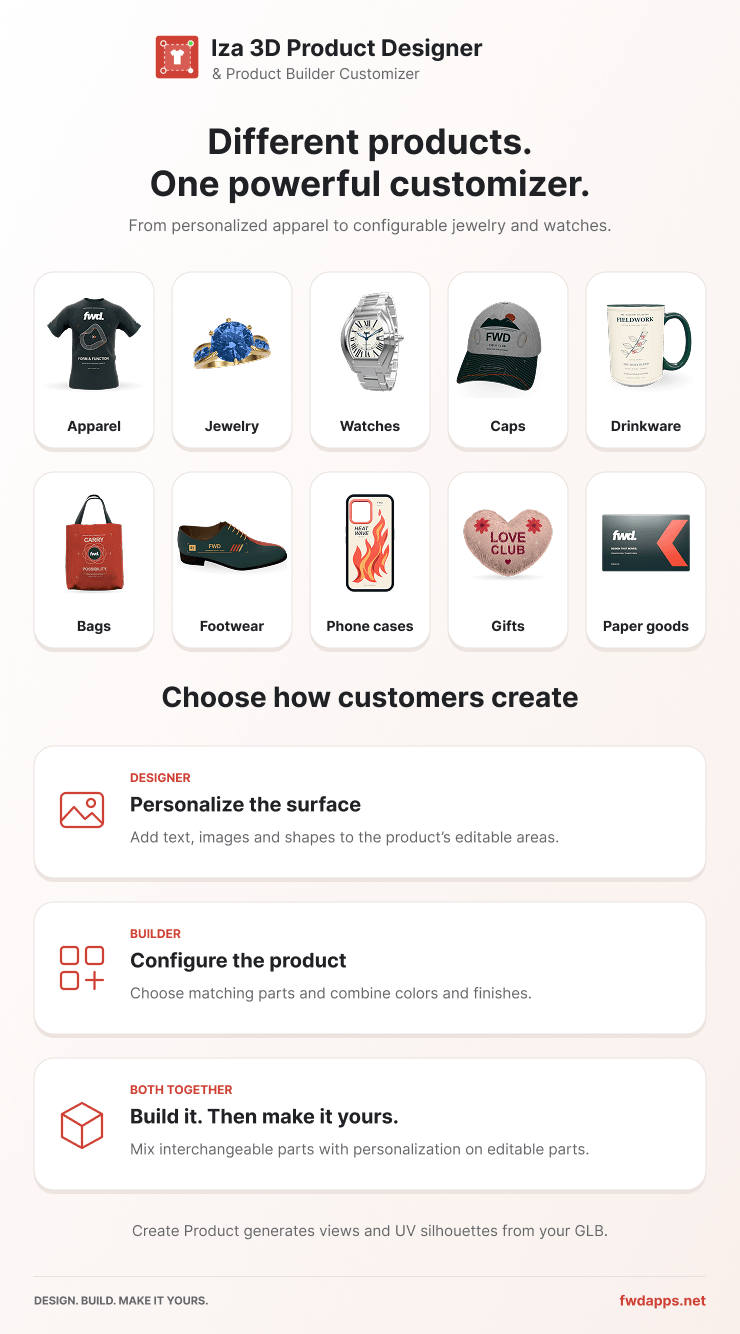
Visual Product Customization – Let customers design apparel, mugs, caps, phone cases, paper products, merchandise and other printable products directly in the browser, see demos.
Multiple Products And Views – Switch between products and customize front, back or additional views. Each view can have its own layers, thumbnail, printing box and production settings.
Advanced Text Editing – Add text from reusable templates and customize fonts, font weights, font size, line height, letter spacing, alignment, colors, strokes and shadows.
Curved And Shaped Text – Create curved-up, curved-down, oblique and bridge text, with adjustable radius or deformation controls for supported text styles.
Image Uploads And Drag-And-Drop – Let customers upload images or drag files into the designer. Supply reusable PNG, JPG and SVG graphics through the image library.
Shapes And Searchable Artwork Libraries – Offer ready-to-use shapes and categorized artwork with search, thumbnails, color presets, prices and configurable editing permissions.
SVG Multi-Color Editing – Expose separate SVG fill groups so customers can recolor supported parts of a product or illustration without replacing the original artwork.
Color Presets And Image Tinting – Provide curated palettes and a custom color picker for supported elements. Use image tinting where configured, including white PNG assets designed to act as tint masks.
Realistic Layered Product Previews – Combine product images, SVG parts, transparent shading and overlay layers to show the design on a mockup. Keep presentation layers separate from printable artwork.
Layer Management – Manage layer order, visibility, locking and names. Configure whether customers can select, move, resize, rotate, duplicate, remove or reset individual elements.
Precise Object Controls – Scale, rotate, skew, flip and align supported objects using the object toolbar, on-canvas controls and numeric inputs.
Printing Boxes, Bounds And Clipping – Define a print area for each view, restrict object movement to its bounds, or use supported layers as clipping masks. Configure editing boundaries separately from export settings.
Rulers, Units And Center Snapping – Work with rulers in pixels, millimeters, centimeters or inches, snap objects to the center and position printing boxes using precise canvas coordinates.
Undo, Redo And Keyboard Shortcuts – Step backward or forward through edits and use shortcuts for common actions, including undo, redo, movement and scaling.
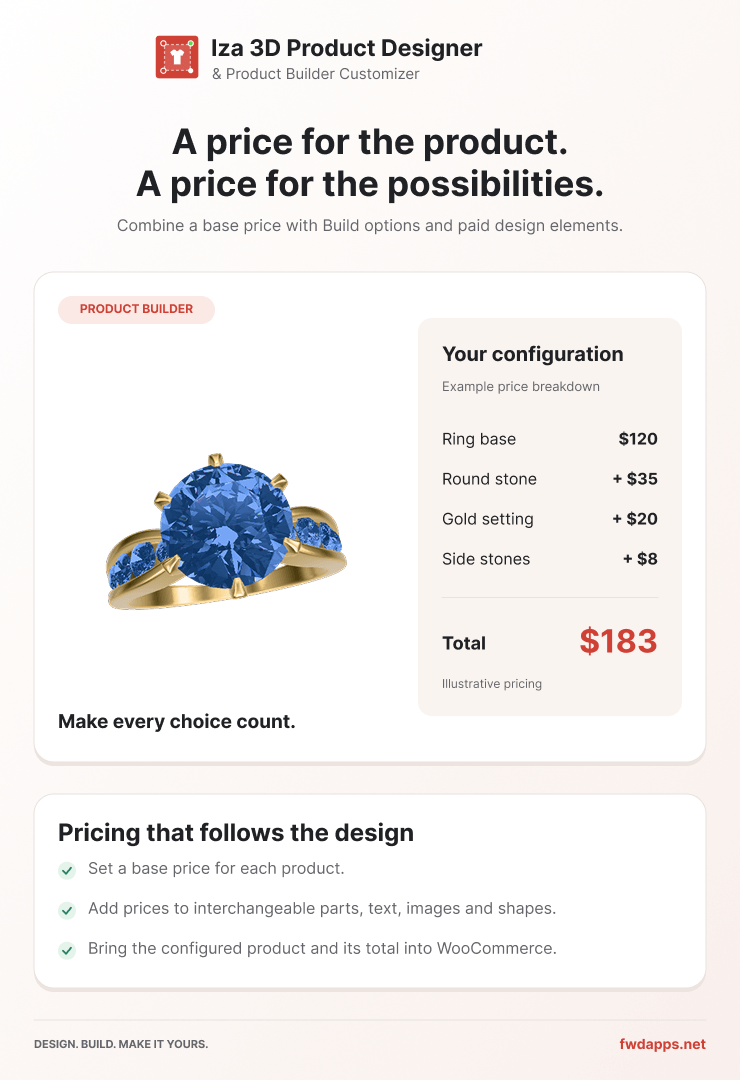
Dynamic Customization Pricing – Configure charges for supported products, views and added elements such as text, images, shapes and artwork. Show the updated design total as customers customize.
Responsive Editing – Adapt the designer, modules, object toolbar, dialogs and preview windows to desktop, tablet and mobile layouts. Use zoom, fullscreen or lightbox mode to give customers more working space.
Preview, save and export
Customer Preview Downloads – Download previews as PNG, JPG, SVG or PDF, with current-view or multiple-view options depending on your configuration. Customers can also print the design.
Production Export With Physical Dimensions – Export the printable area as PNG, JPG or PDF using the configured print width, print height, DPI and bleed. Exclude mockups, shading and other non-printing layers from production output.
Product Import And Export – Export product data and referenced assets as a ZIP package, then import it to reuse your setup or move products between sites. Editable product packages are separate from customer previews and production files.
Customer Saved Designs – Let logged-in customers save their customizations and reopen them later. Designs are stored in the WordPress database, with configurable saving permissions and a cooldown to limit repeated saves.
Product management and store integration
Visual Product Manager – Create, duplicate, edit, import and export customizable products in WordPress. Start from included shirt, cap, mug and phone templates, then configure views, layers, libraries and print areas.
WordPress Pages And Shortcodes – Place the designer on WordPress pages or posts with a shortcode. Use it as a visual customization tool without requiring WooCommerce when you do not need a shopping cart or checkout.
WooCommerce Products And Variations – Assign designers to simple or variable WooCommerce products, including different designer configurations for individual variations. Display the editor inline or in a lightbox as part of the product page.
Cart And Order Integration – Carry the customer’s customization into the cart and order. Calculate supported customization charges on the server from the configured product settings, with WooCommerce handling quantities, coupons and taxes.
Order Design Viewer – Open customer designs from the order screen, inspect their views and download preview or production files for fulfillment.
Customization and integration
Configurable Interface – Customize colors, labels, icons, button order, module placement and fixed or floating toolbars. Choose which tools, modules and download formats are available to customers.
Reusable Templates And Libraries – Configure text templates, images, shapes and categorized artwork through the plugin’s administration tools. Set item defaults, prices, colors and editing permissions, then reuse these resources across your products.
Developer API And Events – Extend the designer with custom JavaScript integrations for previews, downloads, printing, production export, saved designs and view switching.
Documentation And Setup Examples – Follow the product setup examples and WordPress and WooCommerce documentation to configure products, views, print areas, store placement and customer workflows.
Support – For marketplace purchases, use the item’s support channel to contact Future Web Design.
Keywords: product designer, product customizer, WordPress, WooCommerce, product personalization, t-shirt designer, mug designer, phone case designer, SVG editor, curved text, artwork library, print-ready export, saved designs, custom merchandise, visual editor
Only logged in customers who have purchased this product may leave a review.
Loading...
WPBay support
 Support by FWDesign
Support by FWDesign
FWDesign supports this product through WPBay
Questions are handled in WPBay's private ticket system, keeping your purchase details and support conversation together.
Go to My Downloads
After purchase, open this item in My Downloads and choose Get Support.
What support includes
- Answers to product-related questions
- Help with reported bugs and issues
- Guidance for included third-party assets
What support does not include
- Customizations or new features
- Installation or setup services
Plugin
Maintenance snapshot
See recent updates, compatibility, support, and developer activity.
- Updated today
- Developer active recently
- WPBay support available
- WordPress 7.1 tested
Snapshot updated 3 hours ago
View details Hide details
Maintenance details
This is maintenance data. It does not measure product quality or sales.
- Last update Updated today
- Compatibility WordPress 7.1 tested · PHP 8.5 tested · WooCommerce 11 tested
- Releases 1 release in the 1 days since listing
- Developer activity Developer active recently
- Support No recent support tickets to measure
- Docs and demo Documentation available · Changelog missing · Demo available
How this snapshot works
Plugin Health
The score is out of 100 and uses data WPBay can check. Ratings, popularity, and sales are not used.
- Last update 30 points
-
Plugins receive full recency points under 30 days, then step down at 90, 180, 365, and 545 days.
- Compatibility 20 points
-
WordPress, PHP, and WooCommerce (when relevant) are scored separately. The latest two PHP lines count as current. Nearby previous versions keep most of the points.
- Current version 100%
- One version behind 75%
- Two versions behind 50%
- Three versions behind 25%
- Older or not listed 0%
- Releases 15 points
-
One release earns 10, two or three earn 13, and four or more earn 15. Each accepted product ZIP counts once; reprocessing the same upload and listing-only edits do not count.
- Developer activity 15 points
-
Based on WPBay login and dashboard activity. Exact last-login dates are never shown.
- Support 15 points
-
There are no recent WPBay tickets to measure.
- Docs and demo 5 points
-
Documentation: 2. Changelog: 1. Working demo or preview: 2.
Score ranges
- 90–100 Excellent
- 75–89 Healthy
- 60–74 Fair
- 40–59 Needs attention
- 0–39 Limited
Long gaps
WPBay also checks for long gaps between updates, developer activity, support replies, and releases. Buyers do not see this score.
- Time since update 35 points
- Last developer activity 25 points
- WordPress compatibility 15 points
- Support replies 15 points
- Fewer releases 10 points
-
Quality verified by WPBay
WPBay review- Reviewed version
- 1.0.0
- Review completed
- Reviewer
- CodeRevolution
- Review type
- Initial
No unresolved approval blocker was identified during WPBay’s proportionate review of this release. This is not a security certification or a guarantee that the product contains no defects.
-
 Future updates
-
WPBay support from FWDesign
-
GPL code, proprietary assets
-
Covered by the WPBay refund policy
-
Plugin maintenance snapshot
Relevant picks
You may also like
Similar products selected by category, features, popularity and freshness.



 1 month free
From this seller
View seller store
More by FWDesign
Explore more bestselling products from this creator.



Reviews
There are no reviews yet.