

Someone about to buy a replacement filter has one question: “Does this fit my model?” You can answer it on the product page, where they’re about to decide. You can also put it in the help center for customers who start there. The trouble comes when you’ve copied the answer to both places and have to remember both the next time the list of compatible models changes.
YOP-FAQ gives that answer a home of its own in WordPress. Write it once, then show it in a searchable FAQ hub, a short accordion on an existing page, or both. It’s a WordPress FAQ plugin for sites where customers have more questions than one page can comfortably hold.
See YOP-FAQ on WPBay · From $5/month for one site before tax.
Start with a few questions people already ask
Start with the replies you keep typing. For a store selling filters, those might be questions about compatibility, replacements and delivery. Give each answer a plain title, then add it to a category. Customers should be able to tell which question to open without knowing how you’ve organized the store.
A category files a question by topic. A hub lets you assemble a set of questions for a particular audience or job. You might put a filter compatibility question in a Replacement Parts category and add it to a Before You Order hub alongside questions from Delivery and Returns. The hub gives first-time buyers a useful place to start, while the categories still make sense to someone looking up a specific issue.
A longer answer about identifying a model number can have its own FAQ page, with a table of contents and links to related questions. If your team turns on required editorial review, check the workflow before editing a live answer: an edit can send it back for approval and temporarily remove it from the public FAQ.
Put the answer on the page where it matters
In the WordPress block editor, add FAQ Accordion to a page and choose the questions or category that belong there. Use a single FAQ block when there’s just one question to answer. If you build with Elementor, look for the FAQ widget in the YOP-FAQ group. Both let you use the questions you’ve already entered rather than maintaining a separate copy in each page layout.
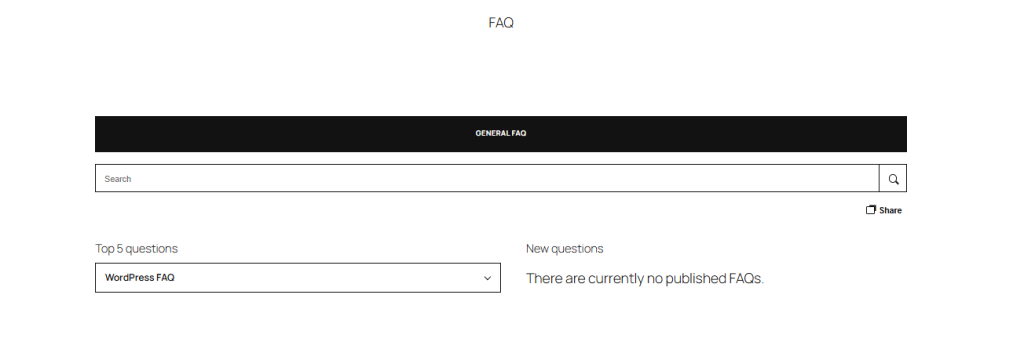
On a product page, I’d put the compatibility answer near the specifications. On a service page, I’d put “What do I need to send you before we start?” close to the booking button. The public FAQ overview gives visitors a place to browse the rest.
If the page uses a shortcode instead, this example shows up to five published questions from a category with the slug shipping:
[ufaqm_list category="shipping" limit="5" layout="accordion"]Use the actual slug from your site. If the list is empty, check that the questions are published, assigned to that category and eligible for public display. A pending review, a password or an exclusion from the public list can explain a question that an editor can see but a visitor can’t.
Local search is enough to get started
People rarely search for the exact title you gave an answer. They’ll type “replacement filter” or a model number. Try a few real terms from support emails once you’ve entered the first questions. If a result is hard to find, look at whether the question or answer actually contains the words your customers use. That’s often an easier fix than changing the search provider.
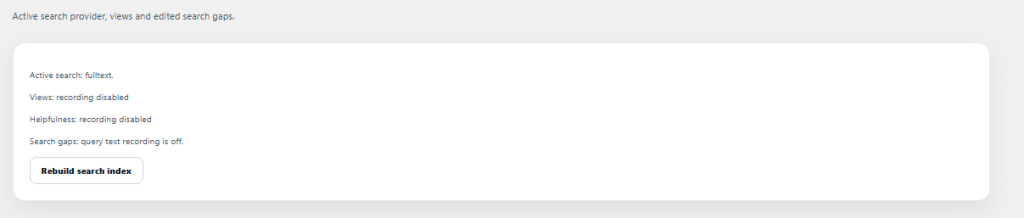
The built-in FAQ search runs on your WordPress site. It works without a separate account, and customers can search with query logging turned off.
Typesense and Algolia are optional if you already use one of them or have a reason to manage an external index. You supply the service account and credentials. The index or collection is called ufaqm_faq; use a key allowed to add, delete and search records there. A search-only key can query an existing index but can’t populate it. Use the setup guide to create the index and rebuild it after connecting. Public FAQ content is copied to the selected provider, and searches using that provider are sent to it. Start with local search if you want to keep those operations on your own site.
Set up YOP-FAQ and publish your first answer
You need WordPress 6.6 or newer and PHP 8.2 or newer. In WordPress, go to Plugins → Add New → Upload Plugin, choose the ZIP and activate YOP-FAQ. Activation adds FAQ content types and tables. Your existing posts and pages stay in place.
The setup wizard lets you choose a base path and configure FAQ consent. The public overview starts at /faq/. If you already have a page using that address, choose a free path such as /help/ before adding a menu link. Open the questions section under YOP-FAQ, publish an answer in a category, and open the overview in a signed-out window. If the new route returns a 404, save the base URL in YOP-FAQ settings, then resave Settings → Permalinks once.
Once the page works, link it from your main navigation or footer. Then add an accordion to the page that generates the most repeat questions. You can build more categories and hubs when you see what customers look for. The setup guide is available in English and German.
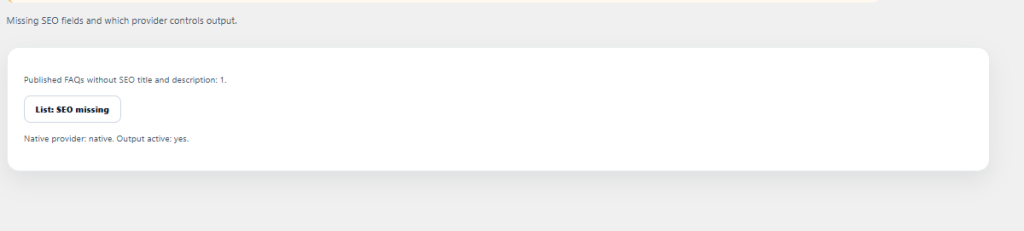
YOP-FAQ can add optional FAQPage structured data. Google no longer shows FAQ rich results, so buy it for the help your visitors will use. If another plugin already outputs FAQ markup for the same content, choose which one should supply it.
License checks and privacy settings
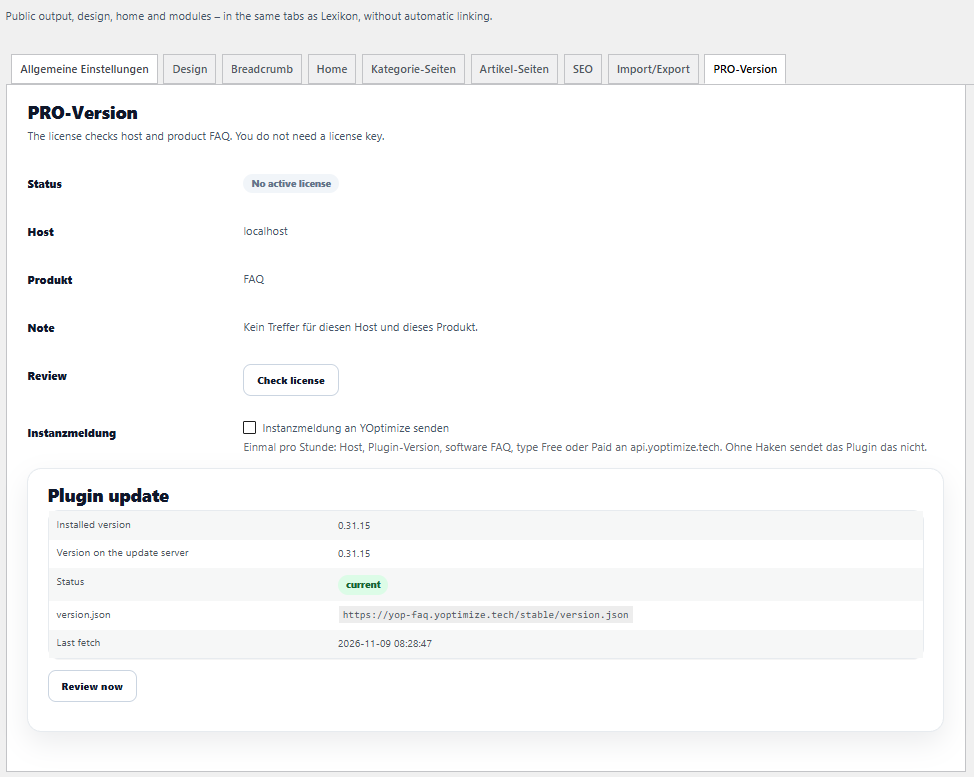
The FAQ and local search work without an external search account. The license check is separate. It normally runs about every 12 hours and sends the site hostname, the product identifier FAQ, and the server IP to YOptimize. There’s no license key to paste in. Publishing and displaying FAQs keep working if the check fails. The optional instance report is off by default; if enabled, it sends the site hostname, plugin version and Free or Paid license type hourly. The in-plugin support connection requires a matching support contract and is separate from publishing.
Views, helpfulness votes and search logging start off. If you turn on search logging, a readable query is stored for seven days. It is limited to 120 characters, with email addresses and long digit sequences removed. A summary of up to four words is kept for 13 months. A consent state of unknown or denied from the website blocks recording. The extra FAQ consent setting lets you require an explicit grant before any enabled usage module records. If you only want to publish answers and let customers search them, you can leave those modules off.
Price and who should buy it
The one-site license is $5 per month or $39 per year on WPBay, before tax, as checked on November 9, 2026. If you plan to keep it on the site for a year, the annual plan saves $21 compared with paying monthly for 12 months. External search services are separate if you choose to use one. Check the seller’s contact and support details on the listing if you have a question about your setup.
I’d buy YOP-FAQ when the same answers need to appear in several places, or when customers need a searchable place to find answers about a product or service. If you only need a couple of questions on one page, your editor’s accordion may already cover it. The best first project for YOP-FAQ is a small one: take five questions that slow down purchases or fill your inbox, publish them in a help hub, and put the most useful answer on the page that prompted the question.