



Ultimate Grid Pro WordPress & WooCommerce Plugin

 Well Documented


One Grid many superpowers
Your secret weapon to creating stunning image, video and audio responsive grids even with zero experience and dazzle your clients with jaw-dropping visuals that look amazing on any device.
Faster by using hardware accceleration
Ultimate Grid Pro is using the latest JavaScript and CSS techniques for the best possible performance using the GPU this way the animations are smooth and on mobile devices the battery consumption is minimal.
Very easy to use and setup
Easy to include in your project. Featuring detailed documentation and sample demo pages ready for use..
A tons of features
Desktop & Mobile Optimized – The grid is optimized for mouse and touch inputs.
Lazy Scrolling/Loading – Initialize the grid and start to load/display images only when the grid is visible in the page.
Smart Loading – UGP can load all images or sets of images for exanple it will load the first 10 images and when scroll down it will continue to load images until there is no more to load, the set image number can be adjusted as needed.
Multiple Instances – One or more grid instance can be used and each instance can be configured individually, example here.
Customizable Presets – UGP can be tweaked to look exactly how you want using easy to understand settings.
Customizable Grid And Thumbnail Siz – The grid can be set to be at any width and height, as well as the thumbnails.
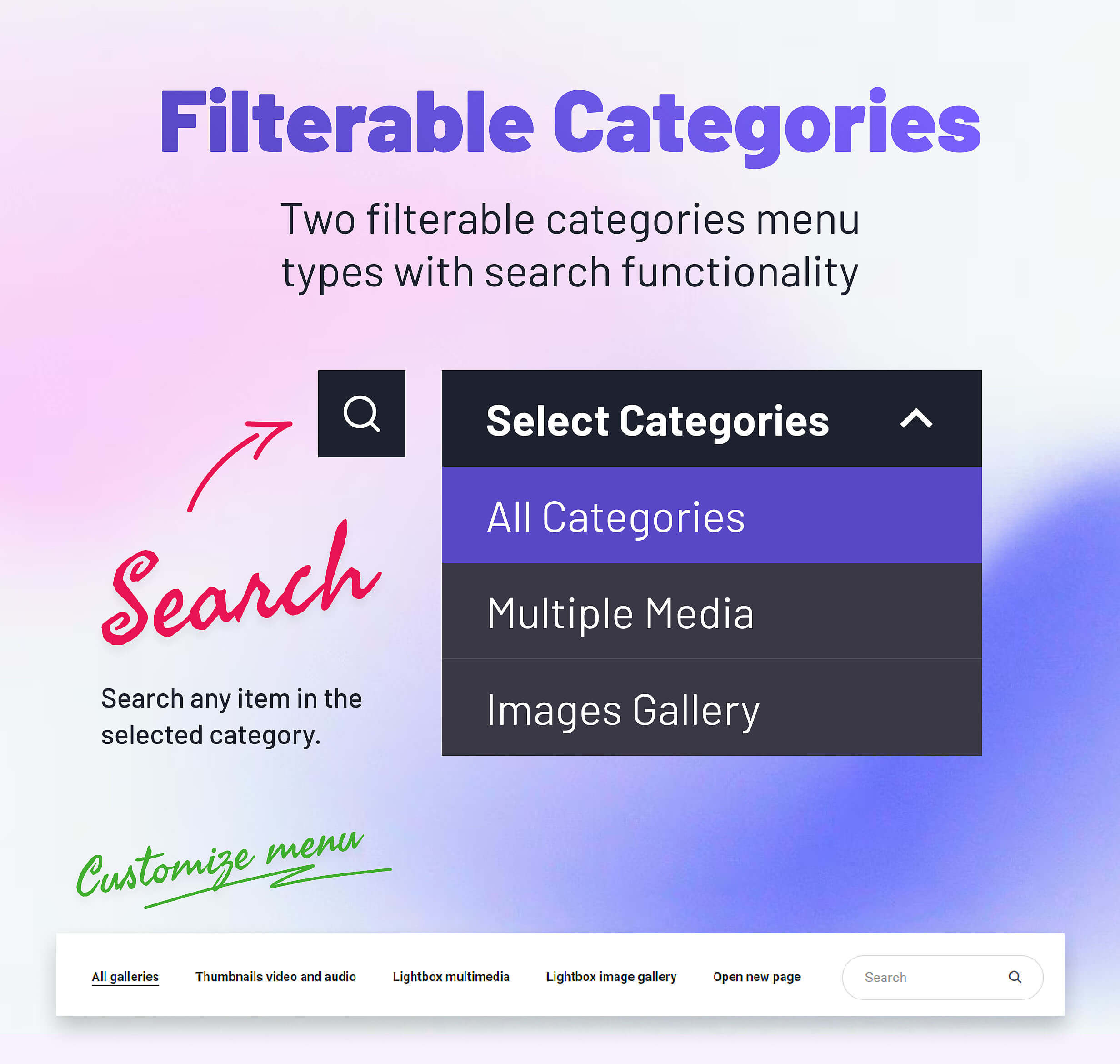
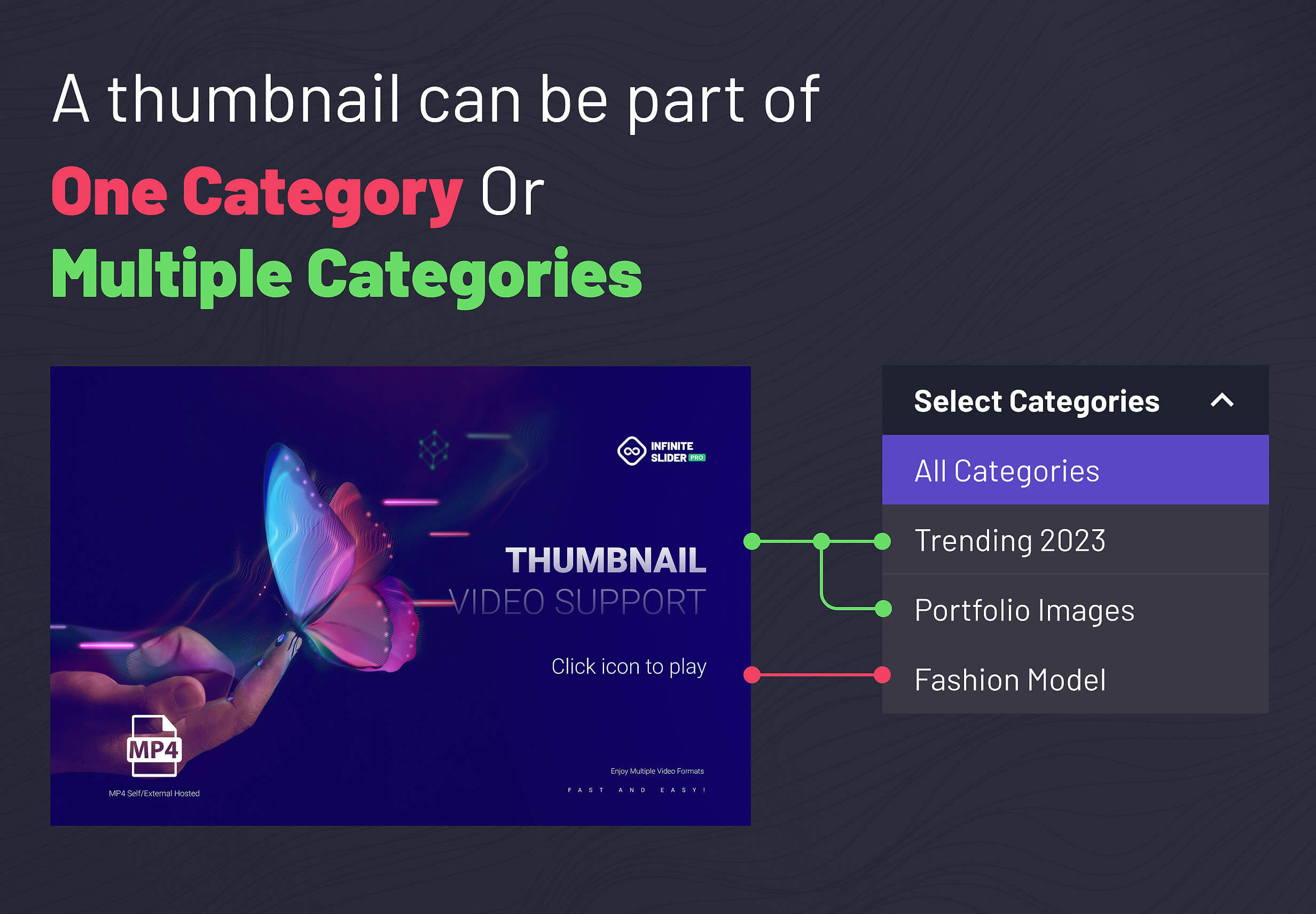
Filtrable Categories – One ore more categories can be created and filtred using a drop down select menu or a normal menu. An image can be part of one, more, or all categories.
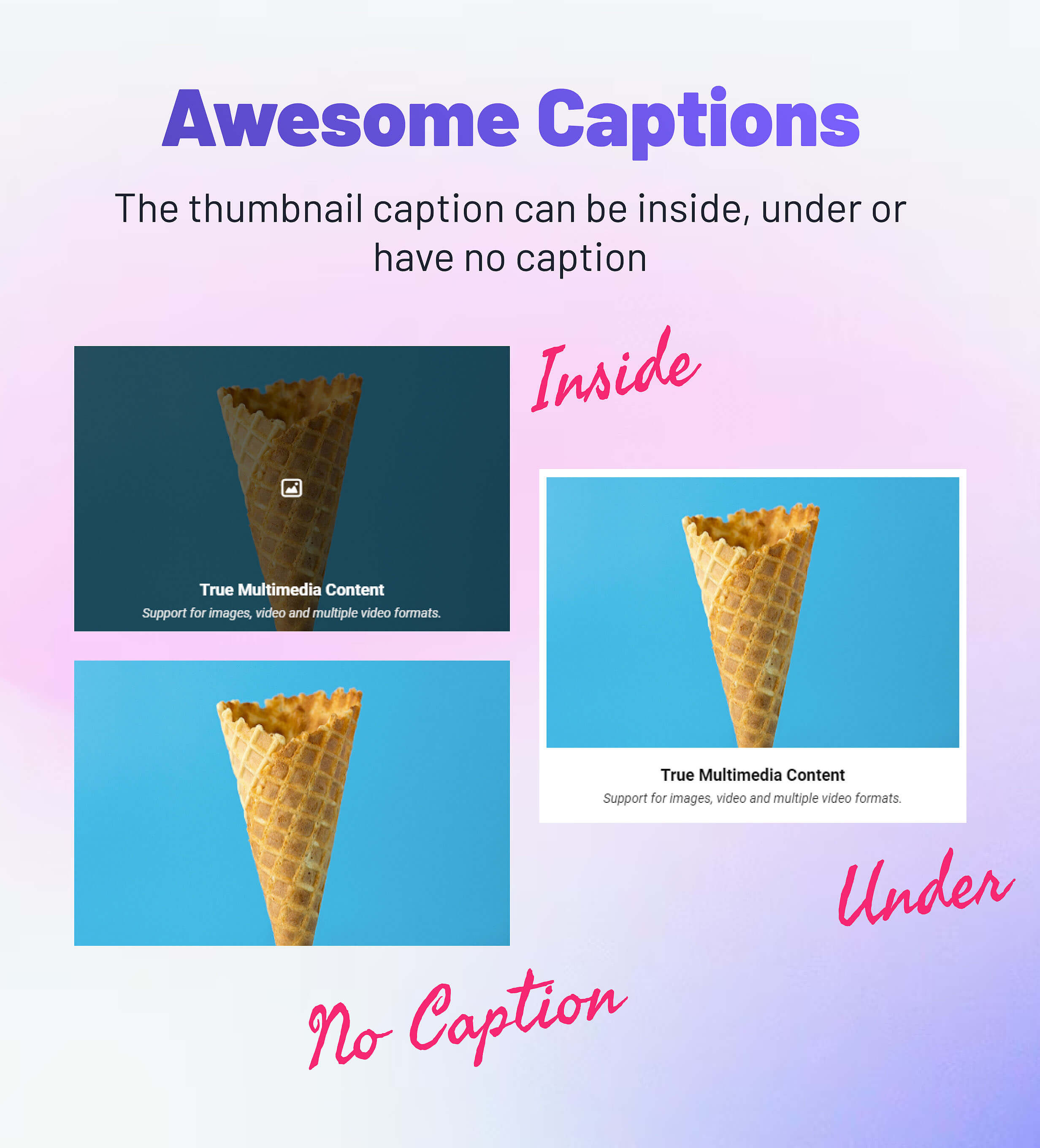
Optional Thumbnails Caption, Overlay And Icon – The grid thumbnail can have an optional overlay, caption or icon.
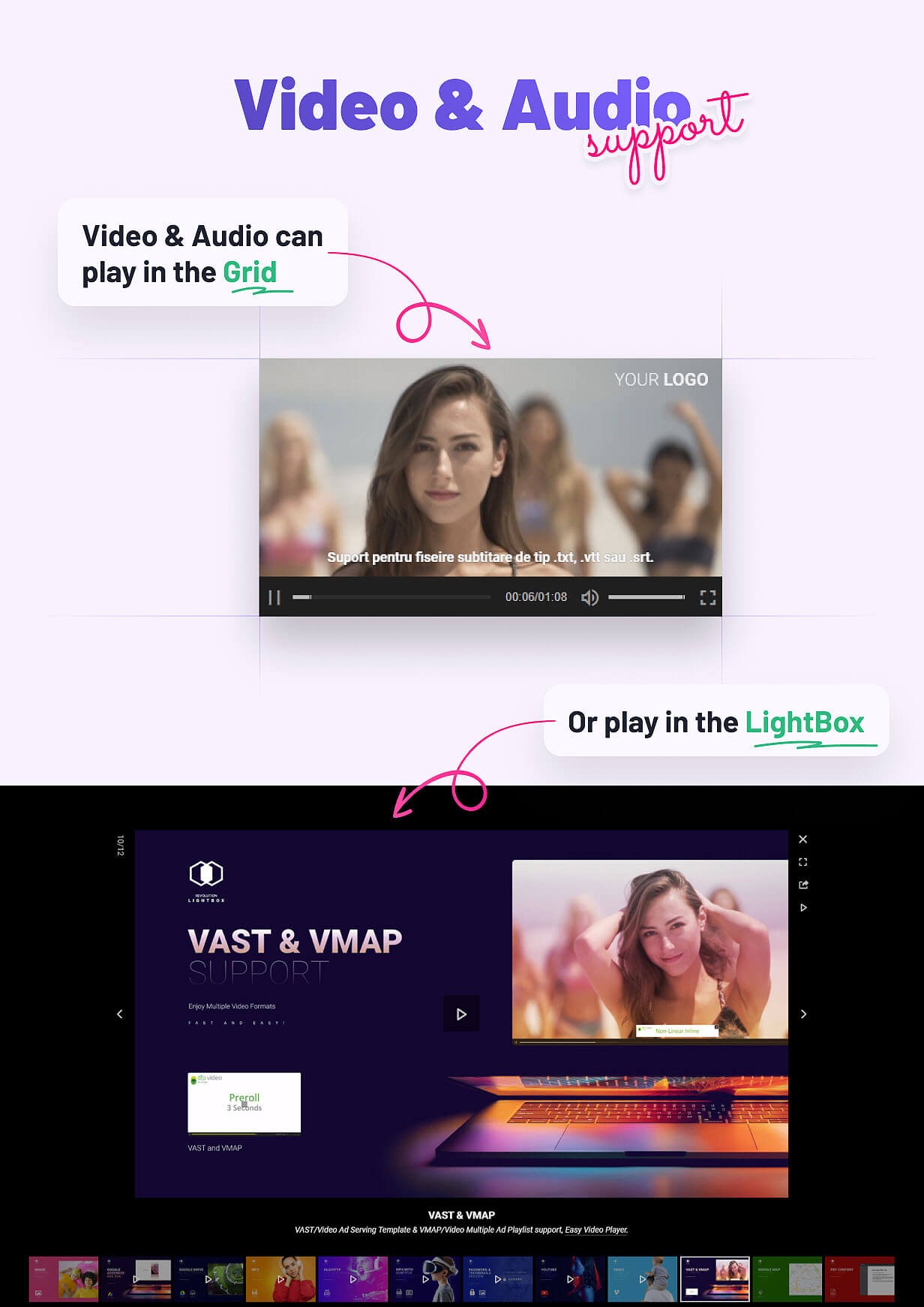
Thumnail Video And Audio Support – Play directly in the grid thumbnails video(.mp4) or audio(.mp3), the content can be example here, also the video and audio can be password protected and have subtitles. For the password protected video or audio the test password is Meli.
Thumnail video keyboard support – Use the left and right to scrub the video, space to play/pause the video, F to go video fullscreen, M to mute the video, Up and Down to change video volume.
Custom Thumbnail Click – When a thumbnail is clicked the lightbox can be open with a media file, a new page can be opened with a specific link and target, play a video or audio directly in the thumbnail or do nothing.
Two Ways Search – Optional search input for both the outside menu and inside menu.
Two Ways Caption – The caption can be displayed inside the thumbanil or under the thumbnail.
Two Ways Menu – The menu can be over the grid or as a drop-down select box or under the thumbnail.
Powerful API Included – Full set of API methods and API events, example here.
Revolution Lightbox included – Revolution Lightbox can be used to open multimedia content when the thumbnail is clicked.
Lightbox Drag & Swipe Support – Drag support to navigate between the grid images, this feature is supported both with mouse and touch.
Lightbox Slideshow Support – Slideshow support with customizable slideshow dealy in milliseconds.
Lightbox Keyboard Support – Use the left and right arrow to navigate between images or scrub the video, space to play/pause the video, F to go video fullscreen, M to mute the video, Up and Down to change video volume.
Lightbox Image Maximize & Minimize – This feature allows maximizing the image on double click or a single click. The zoom factor can be set to any value that you want allowing you to fine-tune how much the image will be scaled when maximized.
Lightbox Fullscreen Support – The grid has native fullscreen support using a fullscreen button.
Lightbox Navigation Buttons – Next and previous image buttons.
Lightbox Custom Buttons Postion – The next and previous image buttons can be positioned near to the center image or at the grid sides with fine tune controll.
Lightbox Autohide Buttons – The buttons and controls can be set to autohide after a number of seconds of inactivity.
Lightbox Customizable Slider Geometry – The grid image borders, spacing, reflections, shadows, colors and other visual settings can be customized with ease.
Lightbox Random Images – The option to randomize the images order everytime the page is visited.
Lightbox Caption Support – The caption be added inside the image, at the bottom or top of the image or outside the image at the bottom.
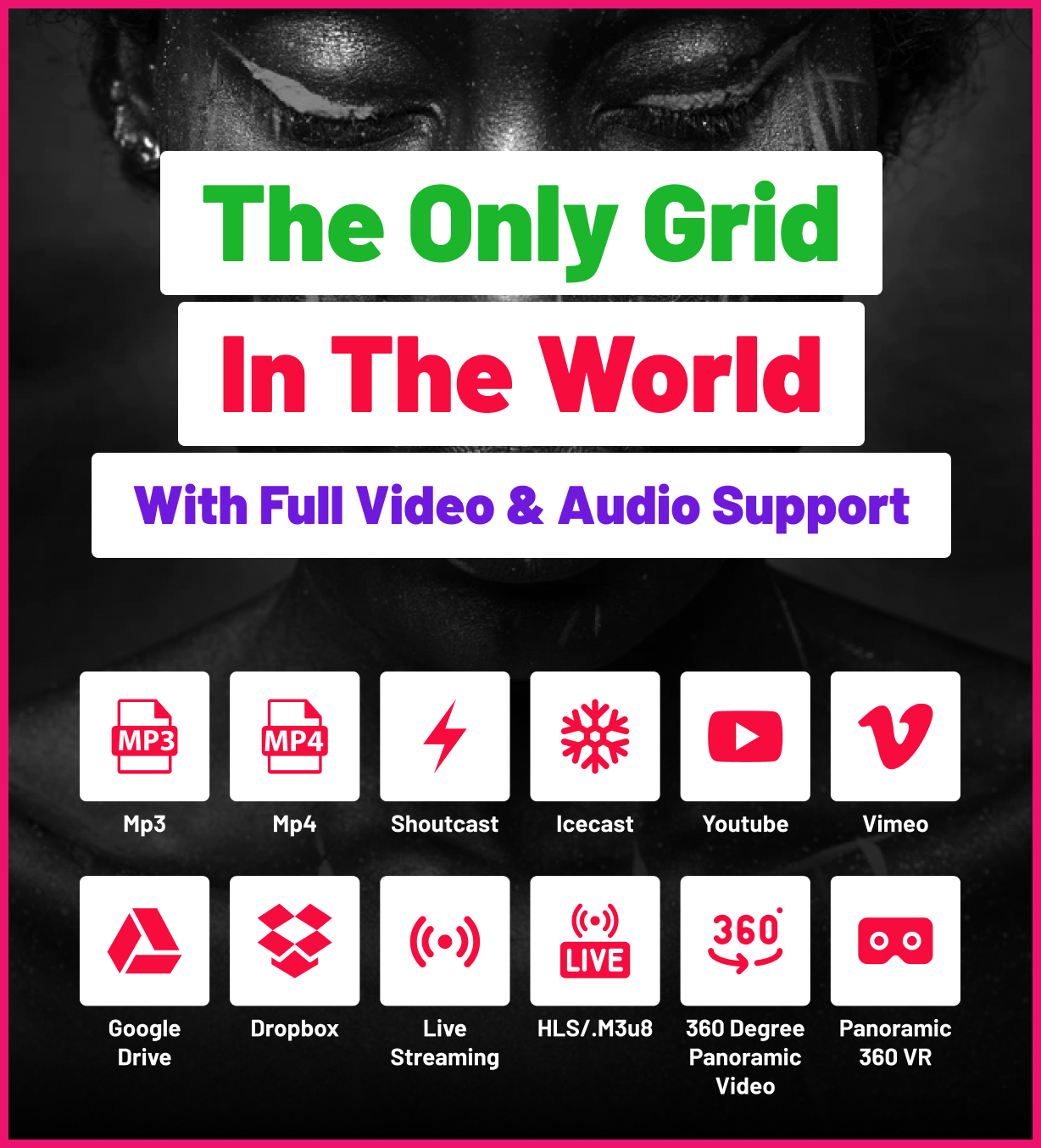
Lightbox Video & Audio Support – Support for various video or audio formats like .mp3, .mp4, Shoutcast, Icecast, Youtube, Vimeo and Vimeo Pro, HLS/.m3u8, DASH MPEG/.mpd live streaming, Google Drive, Dropbox and other cloud platforms.
Grid thumbnails and lightbox multiple video quality levels HTTP Live Streaming HLS / .m3u8 files – HLS handles quality switch automatically and multiple audio tracks support, using heuristics based on fragment loading bitrate and quality level bandwidth exposed in the variant manifest, basically the player will choose the best possible quality based on user bandwidth and player size also it supports optional quality level buttons when playing an HLS video file the quality levels will be generated and the user will be able to select the quality from the quality selector buttons, example here.
Grid thumbnails and Lightbox Audio Tracks Support For .mp4 / Video – support for video / mp4 multiple audio tracks, please note that this feature is limited by browser support, browsers that do not have support for the HTMLMediaElement.audioTracks video property will not display the headphone button that allows changing the video audio track.
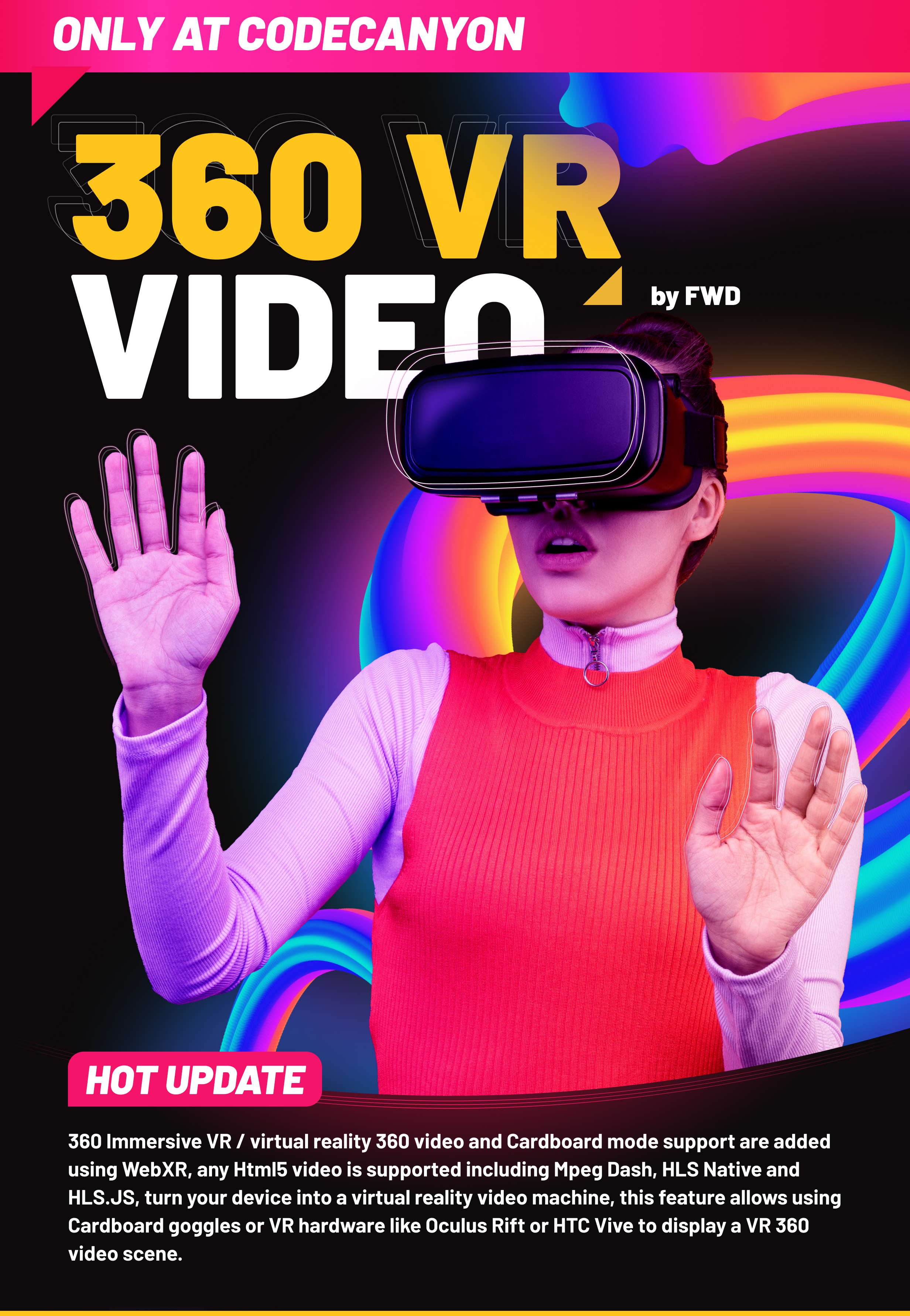
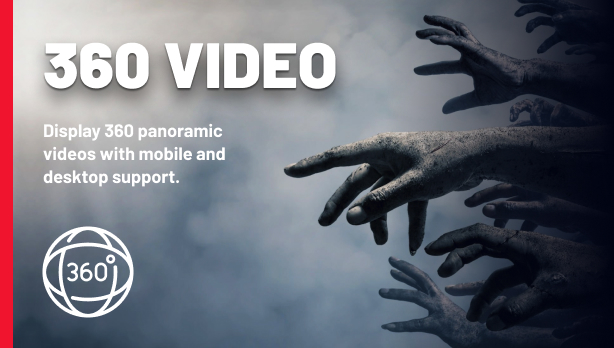
Lightbox 360-degree videos and immersive VR – play 360 Degree Panoramic Video and Panoramic 360 VR Aand Stereoscopic Video, 360 Immersive VR / virtual reality 360 video and Cardboard mode support are added using WebXR, any Html5 video is supported including Mpeg Dash, HLS Native and HLS.JS, turn your device into a virtual reality video machine, this feature allows using Cardboard goggles or VR hardware like Oculus Rift or HTC Vive to display a VR 360 video scene.
Easy Video Player – Easy Video Player used as the video engine.
Lightbox VAST & VMAP – “Video Ad Serving Template”. Monetize your videos using VAST / VMAP and a sophisticated mix of video advertising, example here.
Lightbox IMA SDK – IMA SDK for HTML5 and DFP / Google Adsense Doubleclick IMA tags. The ultimate ad revenue and monetization, example example.
Lightbox Video Autoplay – Support for video autoplay, the video autoplay works on all machines including mobile devices.
Lightbox Private Video & Audio – Protected password video and audio.
Lightbox Chromecast Support – Play mp4 video, mp3 audio or HLS/m3u8 files on your TV screen using Chromecast, the media can be controlled via the video player interface basically the browser and the video player becomes a remote tv.
Lightbox Video Thumbnails Live Preview – Video thumbnails preview created from a .vtt file or live auto-generated video thumbnails.
Lightbox Subtitle Support – Support for subtitles, all video and audio supported formats can display a subtitile in .srt format.
Custom Support – Support directlly from the plugin developer – Tibi @ FWD.
Detailed Documentation – Detailed documentation and examples included.
Updates log
Version 5.0 Release Date 29.08.2024
- Added WooCommerce support.
Version 4.0 Release Date 15.04.2023
- Added grid thumbnails and lightbox multiple video quality levels HTTP Live Streaming HLS / .m3u8 files – HLS handles quality switch automatically and multiple audio tracks support, using heuristics based on fragment loading bitrate and quality level bandwidth exposed in the variant manifest, basically the player will choose the best possible quality based on user bandwidth and player size also it supports optional quality level buttons, when playing an HLS video file the quality levels will be generated and the user will be able to select the quality from the quality selector buttons, example here.
- Added grid thumbnails and Lightbox Audio Tracks Support For .mp4 / Video – support for video / mp4 multiple audio tracks, please note that this feature is limited by browser support, browsers that do not have support for the HTMLMediaElement.audioTracks video property will not display the headphone button that allows changing the video audio track.
- Added 360 degree videos and immersive VR – play 360 Degree Panoramic Video and Panoramic 360 VR Aand Stereoscopic Video, 360 Immersive VR / virtual reality 360 video and Cardboard mode support are added using WebXR, any Html5 video is supported including Mpeg Dash, HLS Native and HLS.JS, turn your device into a virtual reality video machine, this feature allows using Cardboard goggles or VR hardware like Oculus Rift or HTC Vive to display a VR 360 video scene.
Version 1.1 Release Date 01.03.2023
- Added support for .webp format image.
Only logged in customers who have purchased this product may leave a review.
Loading...
WPBay support
 Support by FWDesign
Support by FWDesign
FWDesign supports this product through WPBay
Questions are handled in WPBay's private ticket system, keeping your purchase details and support conversation together.
Go to My Downloads
After purchase, open this item in My Downloads and choose Get Support.
What support includes
- Answers to product-related questions
- Help with reported bugs and issues
- Guidance for included third-party assets
What support does not include
- Customizations or new features
- Installation or setup services
Plugin
Maintenance snapshot
See recent updates, compatibility, support, and developer activity.
- Updated 94 days ago
- Developer active recently
- WPBay support available
- WordPress 7.0 tested
Snapshot updated 18 hours ago
View details Hide details
Maintenance details
This is maintenance data. It does not measure product quality or sales.
- Last update Updated 94 days ago
- Compatibility WordPress 7.0 tested, one version behind · PHP 8.5 tested · WooCommerce 10 tested, one version behind
- Releases 1 release in the 94 days since listing
- Developer activity Developer active recently
- Support No recent support tickets to measure
- Docs and demo Documentation available · Changelog missing · Demo available
Health reflects increased activity during the last 90 days.
How this snapshot works
Plugin Health
The score is out of 100 and uses data WPBay can check. Ratings, popularity, and sales are not used.
- Last update 30 points
-
Plugins receive full recency points under 30 days, then step down at 90, 180, 365, and 545 days.
- Compatibility 20 points
-
WordPress, PHP, and WooCommerce (when relevant) are scored separately. The latest two PHP lines count as current. Nearby previous versions keep most of the points.
- Current version 100%
- One version behind 75%
- Two versions behind 50%
- Three versions behind 25%
- Older or not listed 0%
- Releases 15 points
-
One release earns 10, two or three earn 13, and four or more earn 15. Each accepted product ZIP counts once; reprocessing the same upload and listing-only edits do not count.
- Developer activity 15 points
-
Based on WPBay login and dashboard activity. Exact last-login dates are never shown.
- Support 15 points
-
There are no recent WPBay tickets to measure.
- Docs and demo 5 points
-
Documentation: 2. Changelog: 1. Working demo or preview: 2.
Score ranges
- 90–100 Excellent
- 75–89 Healthy
- 60–74 Fair
- 40–59 Needs attention
- 0–39 Limited
Long gaps
WPBay also checks for long gaps between updates, developer activity, support replies, and releases. Buyers do not see this score.
- Time since update 35 points
- Last developer activity 25 points
- WordPress compatibility 15 points
- Support replies 15 points
- Fewer releases 10 points
-
Quality verified by WPBay
WPBay review- Reviewed version
- 5.0
- Review completed
- Reviewer
- CodeRevolution
- Review type
- Initial
No unresolved approval blocker was identified during WPBay’s proportionate review of this release. This is not a security certification or a guarantee that the product contains no defects.
-
 Future updates
-
WPBay support from FWDesign
-
GPL code, proprietary assets
-
Covered by the WPBay refund policy
-
Plugin maintenance snapshot
Relevant picks
You may also like
Similar products selected by category, features, popularity and freshness.



From this seller
View seller store
More by FWDesign
Explore more bestselling products from this creator.


Reviews
There are no reviews yet.