



SEO S.A.M Pro – Automatic WordPress SEO Fixes with Review, Rollback & No AI Subscription

 Recently Updated
Well Documented
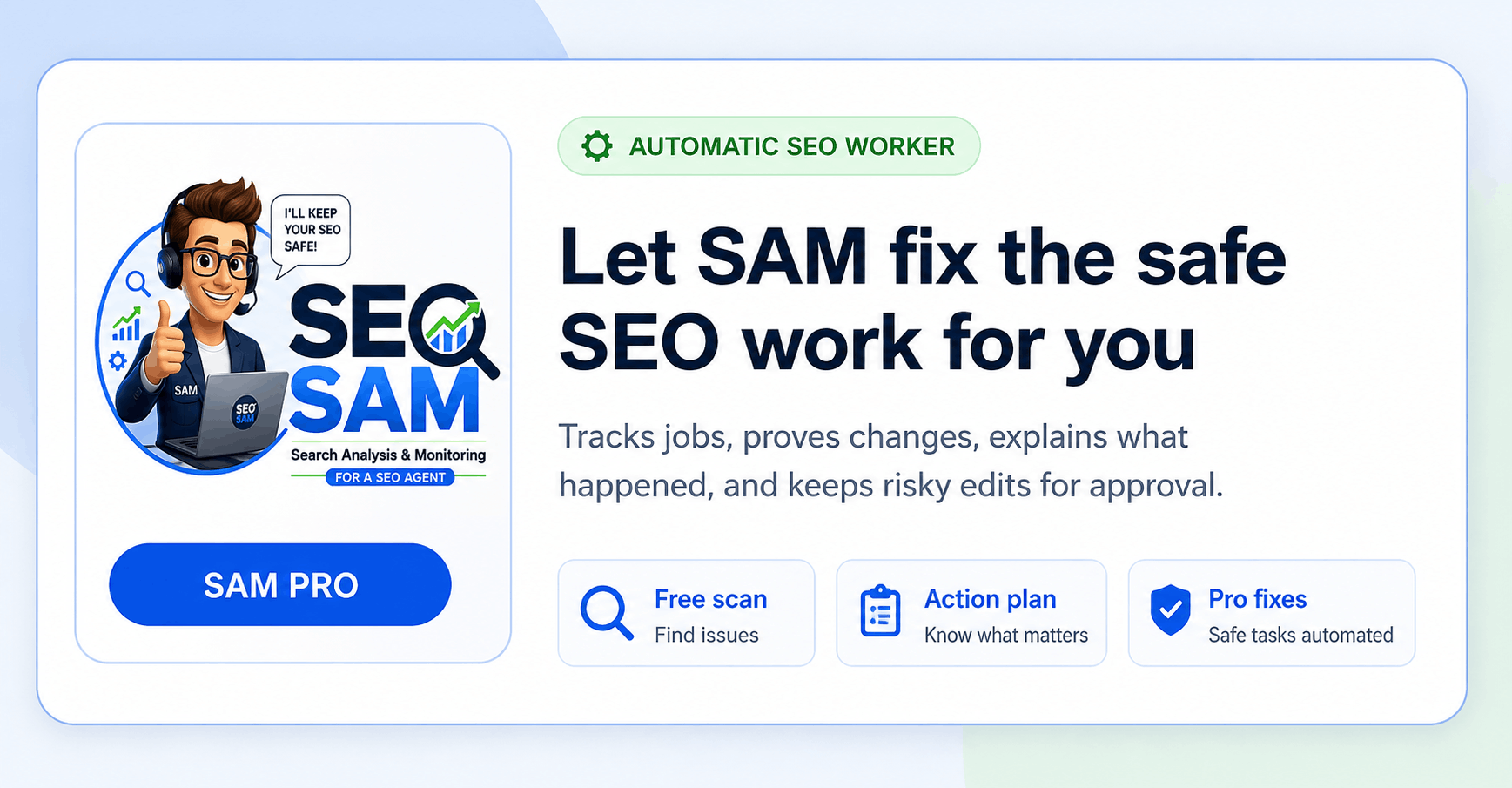
SEO S.A.M Pro does not just find SEO problems. It helps fix them, verifies the result, and keeps a reversible history of every change.
SEO S.A.M Pro is a plain-English SEO worker inside WordPress. It learns how a business works, scans the whole site, explains what matters, applies practical SEO improvements, and rescans to confirm what changed. It is designed for business owners who are not SEO experts, while still giving agencies and developers the evidence they need.
FEATURES
– Automatic SEO improvements for titles, meta descriptions, headings, target keywords, image alt text, and internal links.
– Full-site SEO scans with live progress, crawlability checks, technical checks, and a clear SEO score.
– Plain-English explanations, so customers do not need to understand SEO terminology before taking action.
– A guided setup wizard that learns the business name, category, services, locations, audience, and priorities.
– Page-aware recommendations for home, service, product, shop, contact, about, gallery, blog, archive, and listing pages.
– Confidence scores and plain-English reasons for every recommendation.
– Automatic safety checks that avoid unsupported claims, redirect loops, unsafe canonicals, and destructive overwrites.
– Restore points and Fix History with one-click undo for SAM changes.
– Verification rescans after fixes, with protection against changes that do not appear correctly on the live page.
– A Work Queue showing what SAM can fix, what needs a decision, what was skipped, and what is waiting for verification.
– Search Console integration for clicks, impressions, queries, indexing status, canonical evidence, and sitemap health.
– Sitemap tools with archive coverage, robots.txt controls, sitemap status checks, and read-only sitemap health history.
– Optional IndexNow notifications for public same-site content updates.
– Optional /llms.txt summary for compatible AI tools, using only public indexable pages.
– Redirect management with exact paths, prefixes, wildcards, regular expressions, common redirect codes, query preservation, and 404 monitoring.
– Schema.org structured data with stable business identity, page types, social identity fields, and breadcrumbs.
– Open Graph and social sharing metadata aligned with the saved SEO title and description.
– Import tools for popular SEO plugins, with preview, controlled migration, and undo support.
– Multilingual-aware SEO fields and language context, while leaving page translation to the site’s language plugin.
– Builder-aware analysis for content stored by common page builders, with safe suggestion-first behavior.
WHY CHOOSE SEO S.A.M PRO?
Most SEO plugins give customers a long checklist and leave them to work out what to do next. SEO S.A.M Pro turns that checklist into a practical work queue. It explains the problem, proposes a useful action, applies changes through controlled paths, and checks the result afterwards.
Let SEO S.A.M Pro do the SEO work inside WordPress. Start with guided setup, run your first scan, and let SAM turn the most important opportunities into verified improvements.
Changelog:
Version 2.40.46
Search Console sitemap monitoring now keeps a small read-only history for each connected property. SAM can show trends for submitted, pending, error, and warning sitemap counts without adding API requests to normal site scans.
This release also includes:
- Live scan progress across Dashboard, Work Queue, and Site Health.
- Search Console URL Inspection.
- Validated Schema.org
@graphoutput. - Optional dynamic
llms.txt. - Archive title and description templates.
- Optional IndexNow notifications.
- Safe robots.txt directives.
- Builder-aware internal-link analysis.
- Import tools for Yoast, Rank Math, All in One SEO, and SEOPress.
- Restore points, Fix History, undo, approval workflows, verification rescans, and client-ready reports.
1 review
Only logged in customers who have purchased this product may leave a review.
Loading...
Email support
 Support by SEOSAM
SEOSAM provides support by email
Contact the seller directly by email for product questions and issue reports.
Email support
Opens your default email app.
What support includes
- Answers to product-related questions
- Help with reported bugs and issues
- Guidance for included third-party assets
What support does not include
- Customizations or new features
- Installation or setup services
Plugin
Maintenance snapshot
See recent updates, compatibility, support, and developer activity.
- Updated 8 days ago
- Developer active recently
- Email support available
- WordPress 7.1 tested
Snapshot updated 1 hour ago
View details Hide details
Maintenance details
This is maintenance data. It does not measure product quality or sales.
- Last update Updated 8 days ago
- Compatibility WordPress 7.1 tested · PHP 8.5 tested · WooCommerce 11 tested
- Releases 17 releases in the 109 days since listing
- Developer activity Developer active recently
- Support Support is offered by email, not through WPBay tickets
- Docs and demo Documentation available · Changelog available · Demo available
Health reflects increased activity during the last 90 days.
How this snapshot works
Plugin Health
The score is out of 100 and uses data WPBay can check. Ratings, popularity, and sales are not used.
- Last update 30 points
-
Plugins receive full recency points under 30 days, then step down at 90, 180, 365, and 545 days.
- Compatibility 20 points
-
WordPress, PHP, and WooCommerce (when relevant) are scored separately. The latest two PHP lines count as current. Nearby previous versions keep most of the points.
- Current version 100%
- One version behind 75%
- Two versions behind 50%
- Three versions behind 25%
- Older or not listed 0%
- Releases 15 points
-
One release earns 10, two or three earn 13, and four or more earn 15. Each accepted product ZIP counts once; reprocessing the same upload and listing-only edits do not count.
- Developer activity 15 points
-
Based on WPBay login and dashboard activity. Exact last-login dates are never shown.
- Support Not scored
-
WPBay cannot measure response times for email or support on another site, so support is not scored.
- Docs and demo 5 points
-
Documentation: 2. Changelog: 1. Working demo or preview: 2.
Score ranges
- 90–100 Excellent
- 75–89 Healthy
- 60–74 Fair
- 40–59 Needs attention
- 0–39 Limited
Long gaps
WPBay also checks for long gaps between updates, developer activity, support replies, and releases. Buyers do not see this score.
- Time since update 35 points
- Last developer activity 25 points
- WordPress compatibility 15 points
- Support replies Not scored
- Fewer releases 10 points
-
Quality verified by WPBay
WPBay review- Reviewed version
- 2.15.2
- Review completed
- Reviewer
- CodeRevolution
- Review type
- Initial
Version note: The current release is 2.40.46. The last recorded WPBay review applies to version 2.15.2.
No unresolved approval blocker was identified during WPBay’s proportionate review of this release. This is not a security certification or a guarantee that the product contains no defects.
-
 Future updates
-
Email support from SEOSAM
-
GPL code, proprietary assets
-
Covered by the WPBay refund policy
-
Plugin maintenance snapshot
Relevant picks
You may also like
Similar products selected by category, features, popularity and freshness.




From this seller
View seller store
More by SEOSAM
Explore more bestselling products from this creator.


Mallorca tech (verified owner) –
Amazing i cant belive sam took care of eveything i never need to touch seo again it updated all my H1,H2,H3 Tags and wrote content all without a AI Subscription