


1000 QR WP – QR Code Generator for WordPress & Elementor

 Recently Updated
Well Documented
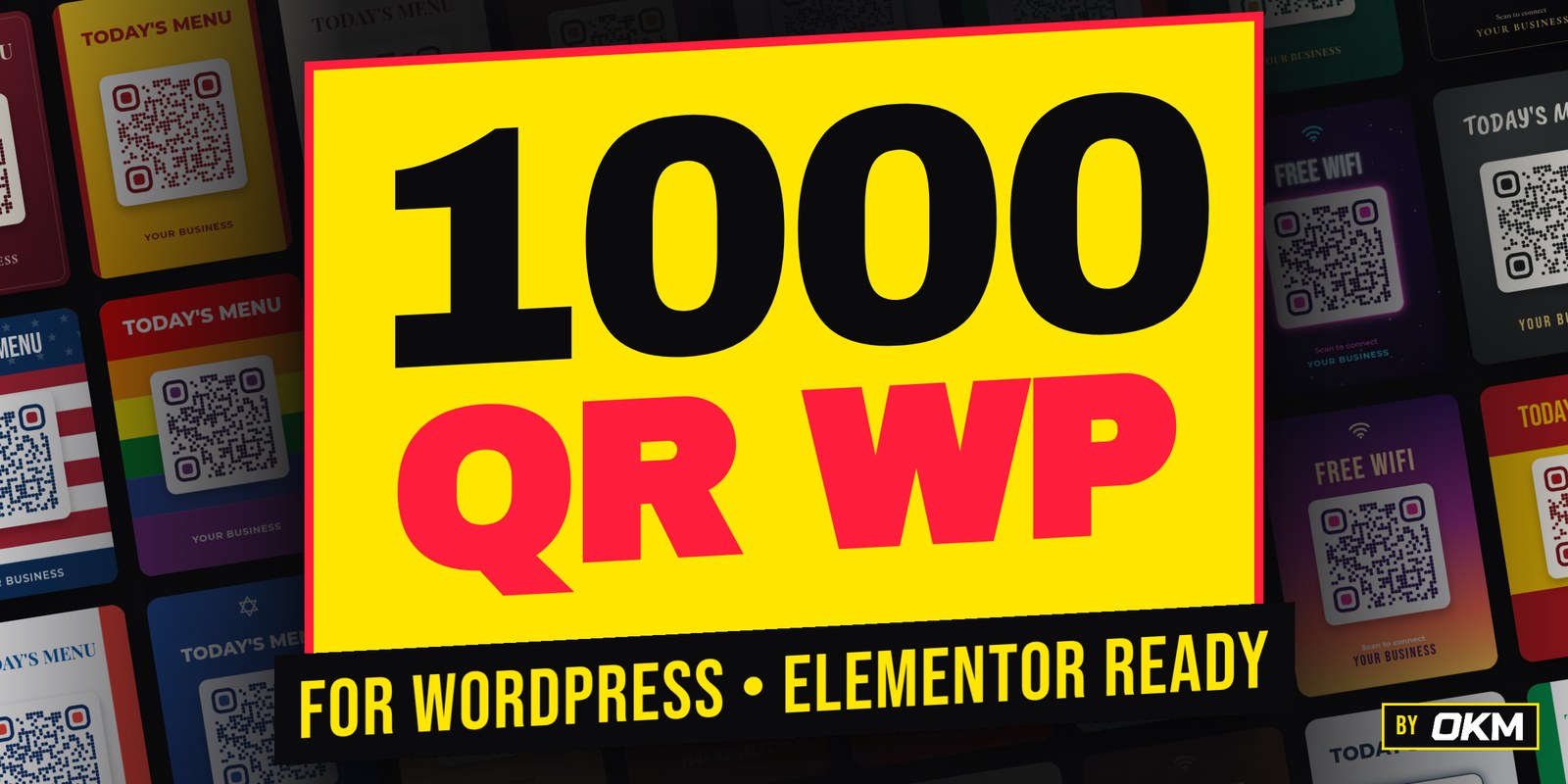
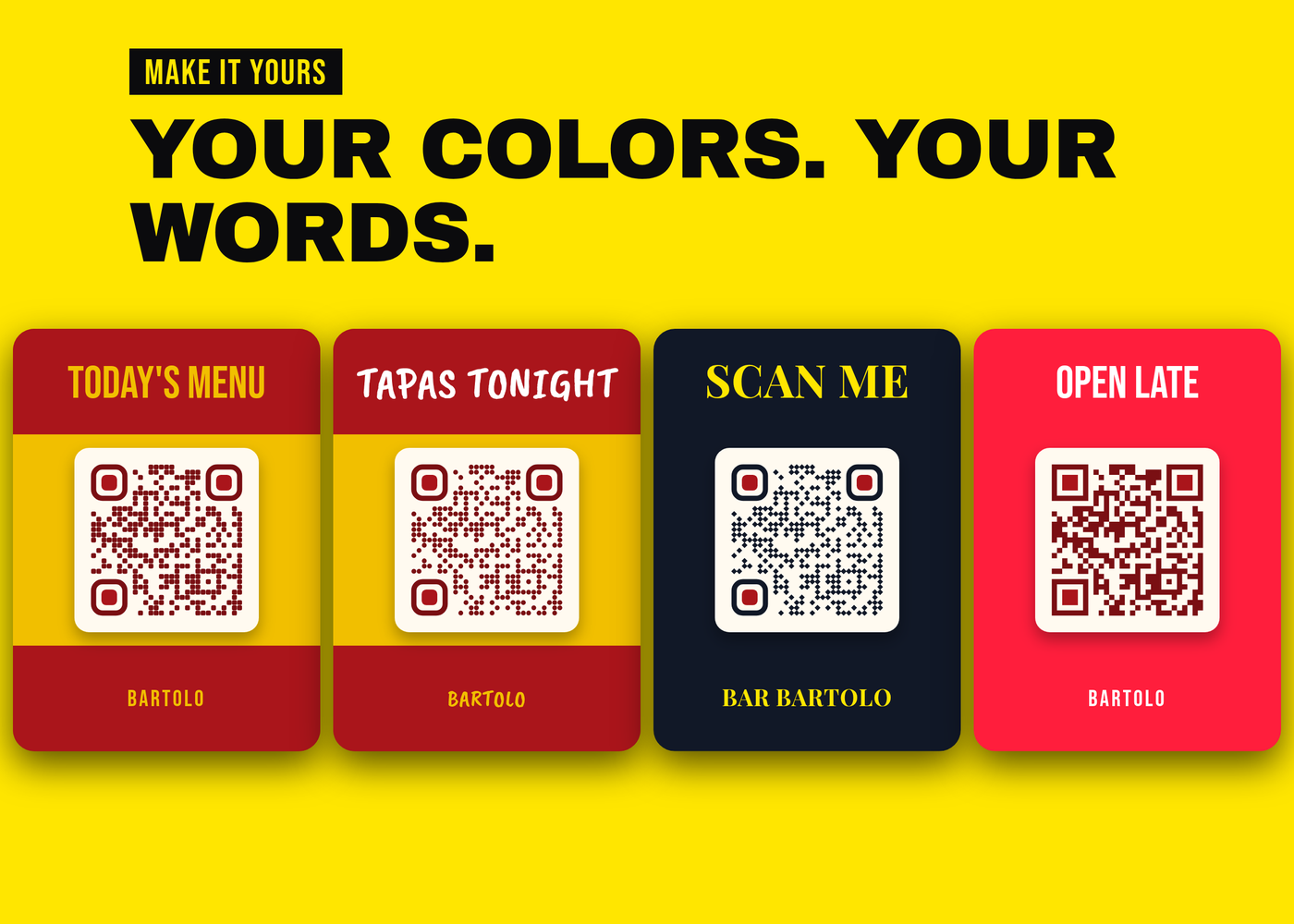
1000 ready-made QR poster styles for WordPress. Pick a style, type your text and print a QR that gets noticed. Made for restaurants, bars, shops, hotels, clinics, schools, churches, events and anyone who needs a good-looking QR for a table, a door, a counter or a flyer.
Live demo: Try 1000 QR WP
Features
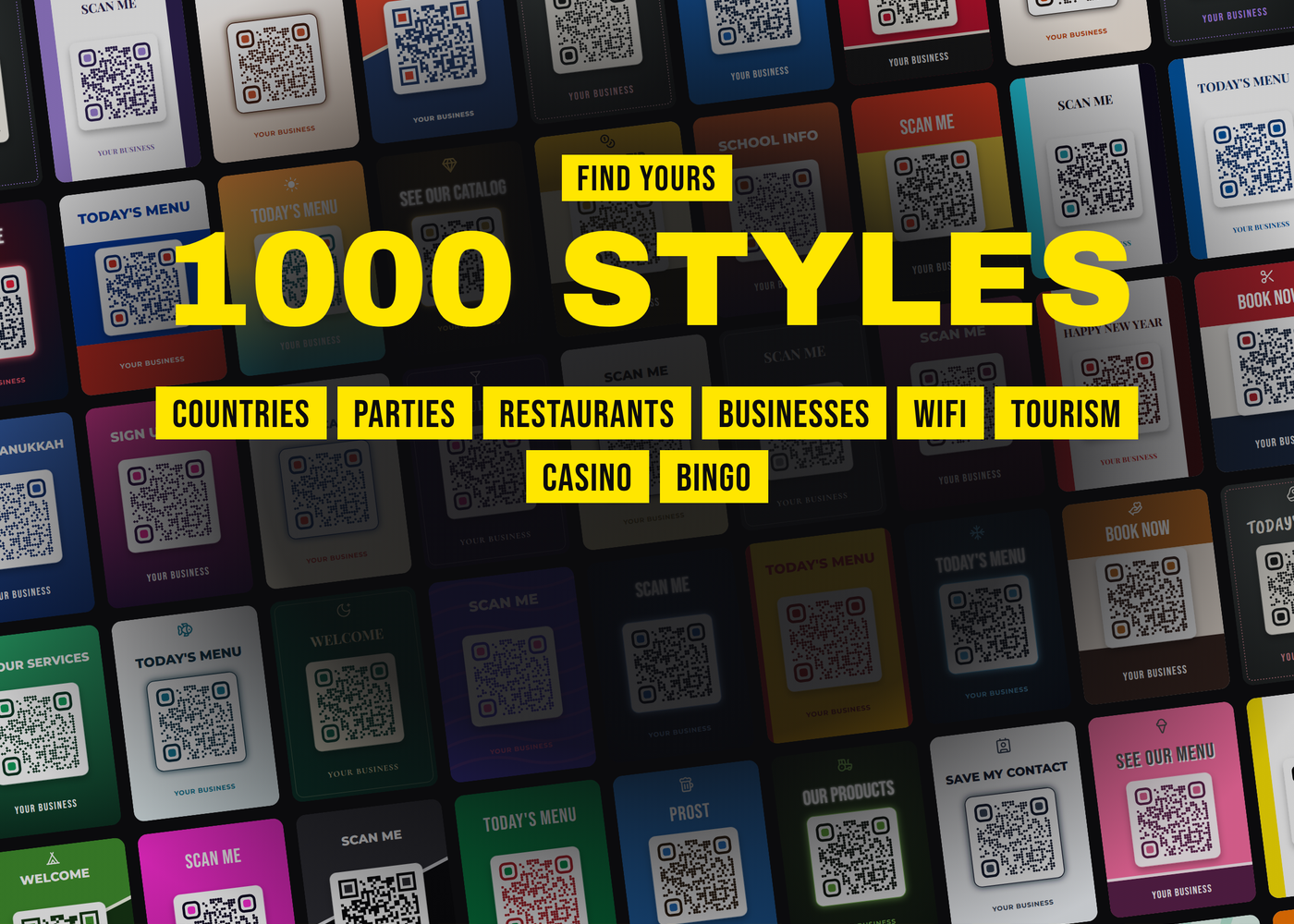
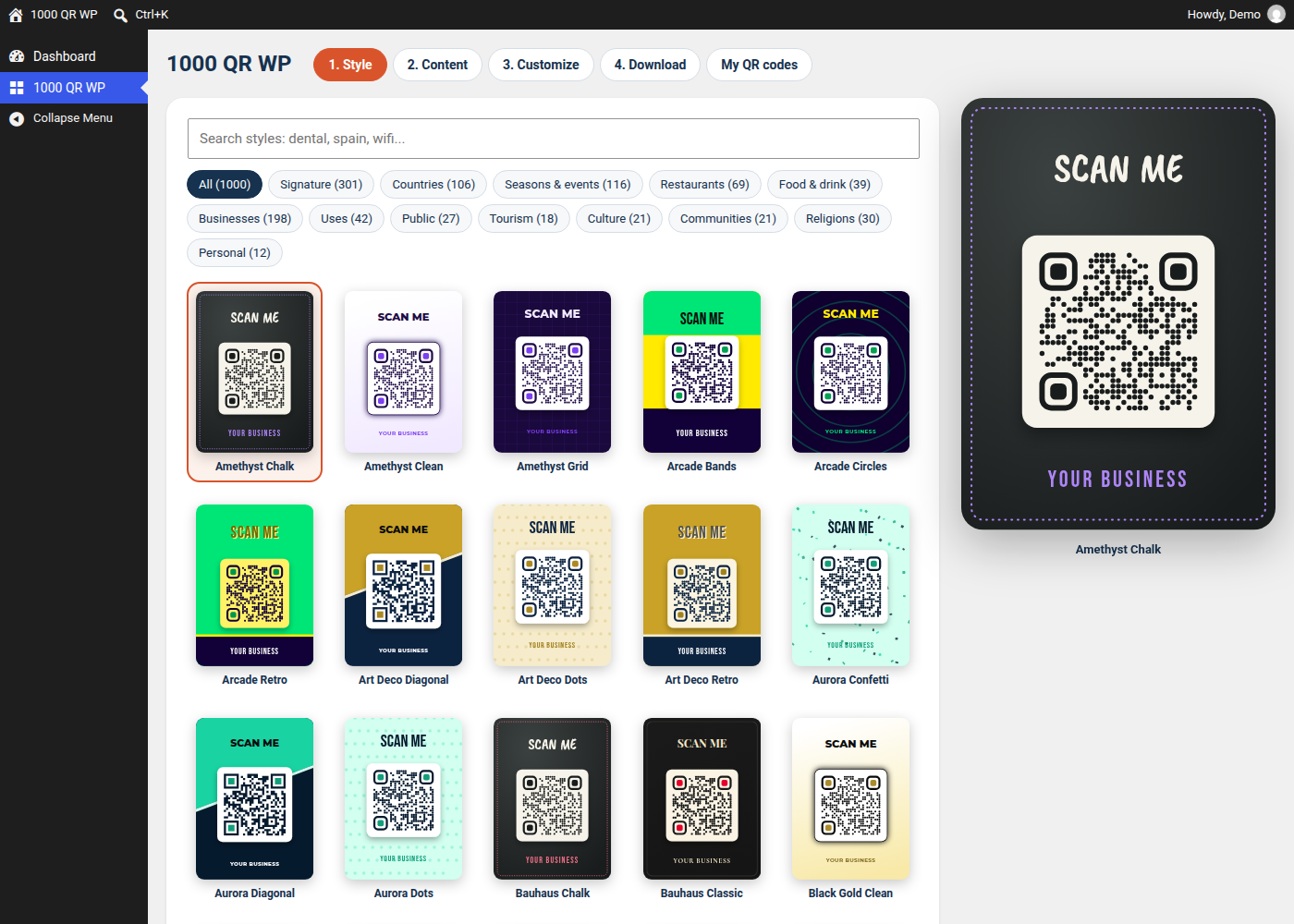
- 1000 ready-made styles in categories: restaurants, food and drink, businesses and trades, countries, parties and events, religions, everyday uses, public services, tourism, culture, communities, personal, plus our own designs
- Search by category or by name
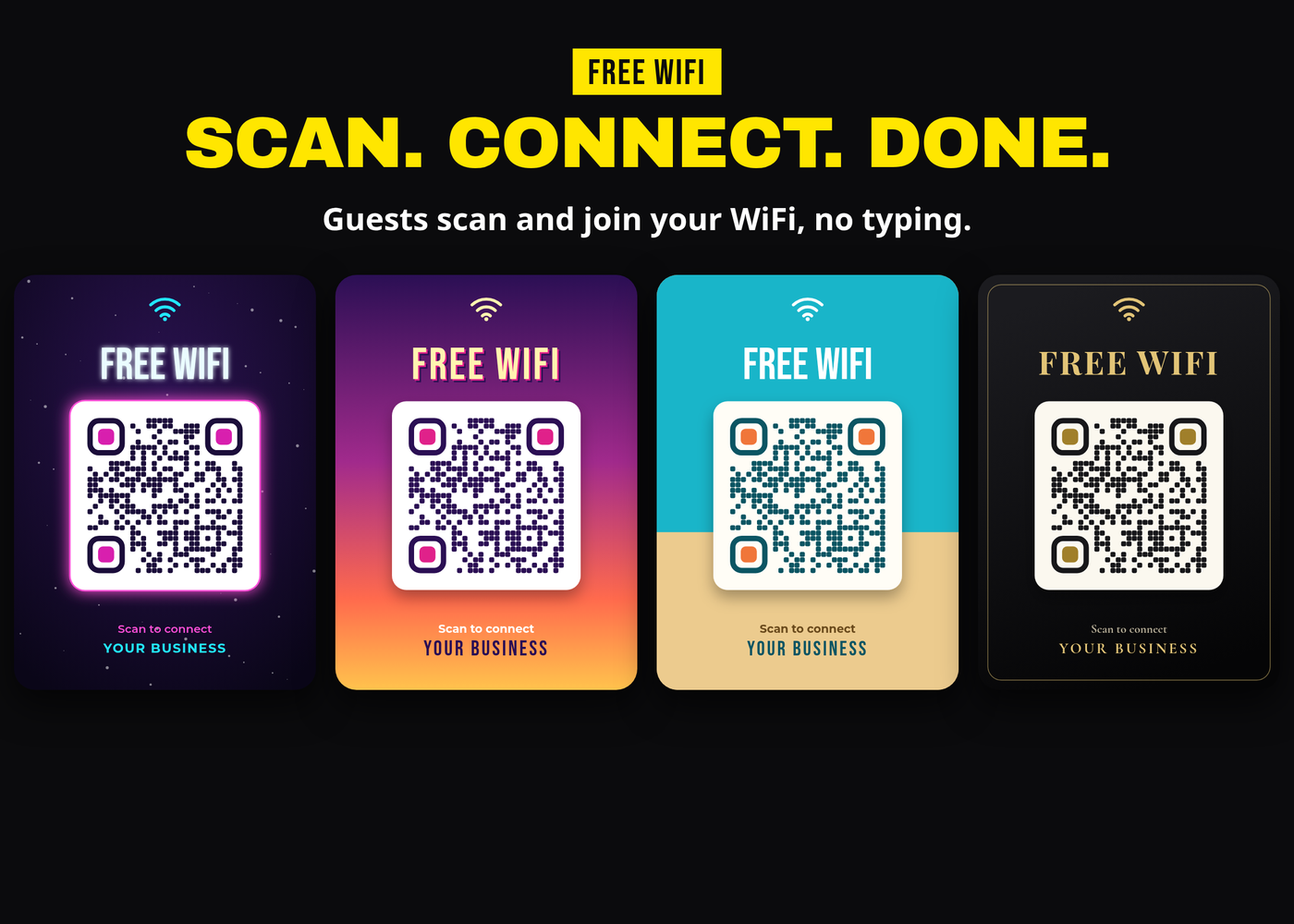
- QR for a link, your WiFi or a business card
- Change colors, lettering and the shape of the QR dots
- Warning when a QR color is too light to scan
- Long names adjust themselves to fit
- High-quality PNG and SVG downloads, or print directly from the browser
- Save your posters, edit or delete them later from the My QR codes tab. They are stored in your own WordPress database.
- Four ways to show a poster on your site: Gutenberg block, Elementor widget, sidebar widget and the shortcode [1000qr id=”7″ width=”320″]
- QR codes are created inside your own WordPress, with no outside service
- Plugin screen in English and Spanish
Requirements
- WordPress 6.7 or higher
- PHP 7.4 or higher
- Elementor is optional, only needed for the Elementor widget
What is included
- The installable plugin ZIP
- English documentation inside the plugin (documentation/index.html), with a troubleshooting and FAQ section and support details
- English and Spanish translation of the plugin screen
- Licence files in the licensing folder
Installation
- In WordPress, go to Plugins, Add New, Upload Plugin.
- Choose the plugin ZIP and click Install Now.
- Click Activate. “1000 QR WP” appears in the side menu.
Support and updates
Support through WPBay’s support system. New versions are published here on WPBay.
QR Code is a registered trademark of DENSO WAVE INCORPORATED.
Changelog:
1.1.3
- Fixed: WiFi network names and passwords keep spaces at the start and end after saving and editing; a backslash in them is escaped correctly in the QR code.
- Fixed: business card details with commas, semicolons or backslashes are escaped correctly in the QR code.
- Added: My QR codes is paginated (24 per page) with a search box, so every saved poster can be edited and deleted.
- Changed: the block, sidebar widget and Elementor widget list every saved poster (no 200 limit), with search in the block and in Elementor, and the ID next to each name.
1.1.2 Added: "New poster" in step 4 and in My QR codes starts a blank poster (two clicks) without touching the saved one.
Fixed: choosing a different style after saving now starts a new poster instead of overwriting the saved one.
Changed: the save button says "Save as a new QR" or "Save changes to "name"", so it is clear when a saved poster will be updated.
Documentation: contents menu, Troubleshooting & FAQ and Support sections; "Documentation" link in the plugin row.
1.1.1: Fixed: a Link poster without a link can no longer be downloaded, printed or saved; a clear message shows what is missing (also for WiFi without a network name).
Fixed: links and business card details are saved exactly as typed, including percent signs and "&".
Changed: no placeholder address is ever put inside a QR code.
1.1.0: Fixed: saved posters keep their colours, lettering and QR dot shape when edited. Fixed: WiFi network names and passwords are kept exactly as typed. Improved: posters saved with earlier versions open with all their settings.
1.0.3: Documentation: clearer install step. Listing description expanded. No changes to how the plugin works.
Only logged in customers who have purchased this product may leave a review.
Loading...
WPBay support
 Support by OK Multimedia
OK Multimedia supports this product through WPBay
Questions are handled in WPBay's private ticket system, keeping your purchase details and support conversation together.
Go to My Downloads
After purchase, open this item in My Downloads and choose Get Support.
What support includes
- Answers to product-related questions
- Help with reported bugs and issues
- Guidance for included third-party assets
What support does not include
- Customizations or new features
- Installation or setup services
Plugin
Maintenance snapshot
See recent updates, compatibility, support, and developer activity.
- Updated today
- Developer active recently
- WPBay support available
- WordPress 7.1 tested
Snapshot updated 21 minutes ago
View details Hide details
Maintenance details
This is maintenance data. It does not measure product quality or sales.
- Last update Updated today
- Compatibility WordPress 7.1 tested · PHP 8.3 tested, one version behind
- Releases 6 releases in the 5 days since listing
- Developer activity Developer active recently
- Support No recent support tickets to measure
- Docs and demo Documentation available · Changelog available · Demo available
Health reflects increased activity during the last 90 days.
How this snapshot works
Plugin Health
The score is out of 100 and uses data WPBay can check. Ratings, popularity, and sales are not used.
- Last update 30 points
-
Plugins receive full recency points under 30 days, then step down at 90, 180, 365, and 545 days.
- Compatibility 20 points
-
WordPress, PHP, and WooCommerce (when relevant) are scored separately. The latest two PHP lines count as current. Nearby previous versions keep most of the points.
- Current version 100%
- One version behind 75%
- Two versions behind 50%
- Three versions behind 25%
- Older or not listed 0%
- Releases 15 points
-
One release earns 10, two or three earn 13, and four or more earn 15. Each accepted product ZIP counts once; reprocessing the same upload and listing-only edits do not count.
- Developer activity 15 points
-
Based on WPBay login and dashboard activity. Exact last-login dates are never shown.
- Support 15 points
-
There are no recent WPBay tickets to measure.
- Docs and demo 5 points
-
Documentation: 2. Changelog: 1. Working demo or preview: 2.
Score ranges
- 90–100 Excellent
- 75–89 Healthy
- 60–74 Fair
- 40–59 Needs attention
- 0–39 Limited
Long gaps
WPBay also checks for long gaps between updates, developer activity, support replies, and releases. Buyers do not see this score.
- Time since update 35 points
- Last developer activity 25 points
- WordPress compatibility 15 points
- Support replies 15 points
- Fewer releases 10 points
-
Quality verified by WPBay
WPBay review- Reviewed version
- 1.1.3
- Review completed
- Reviewer
- CodeRevolution
- Review type
- Initial
No unresolved approval blocker was identified during WPBay’s proportionate review of this release. This is not a security certification or a guarantee that the product contains no defects.
-
 Future updates
-
WPBay support from OK Multimedia
-
Fully GPL licensed
-
Covered by the WPBay refund policy
-
Plugin maintenance snapshot
Relevant picks
You may also like
Similar products selected by category, features, popularity and freshness.

From this seller
View seller store
More by OK Multimedia
Explore more bestselling products from this creator.

Reviews
There are no reviews yet.