



WPBay Collection
Elementor Tools
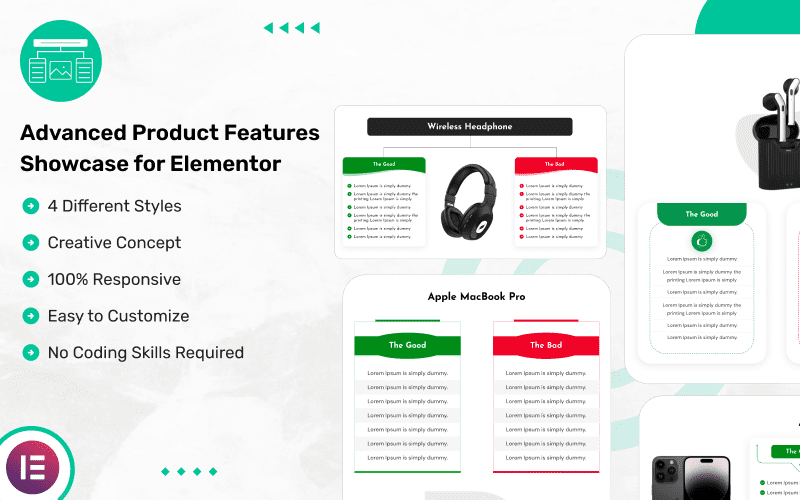
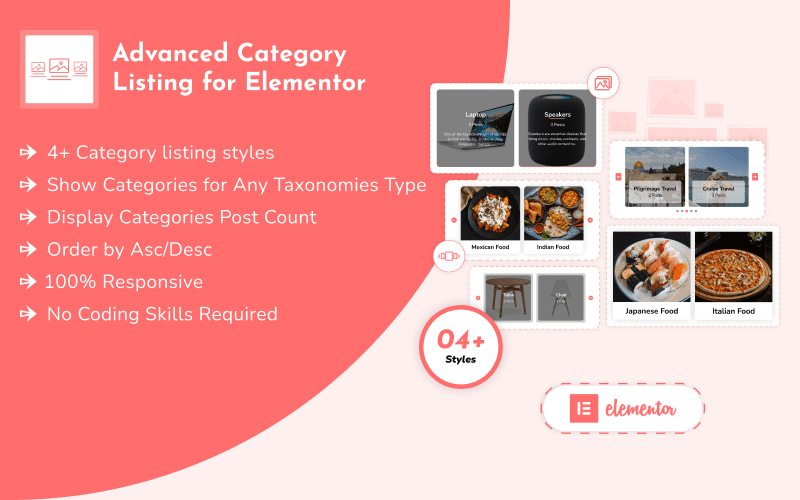
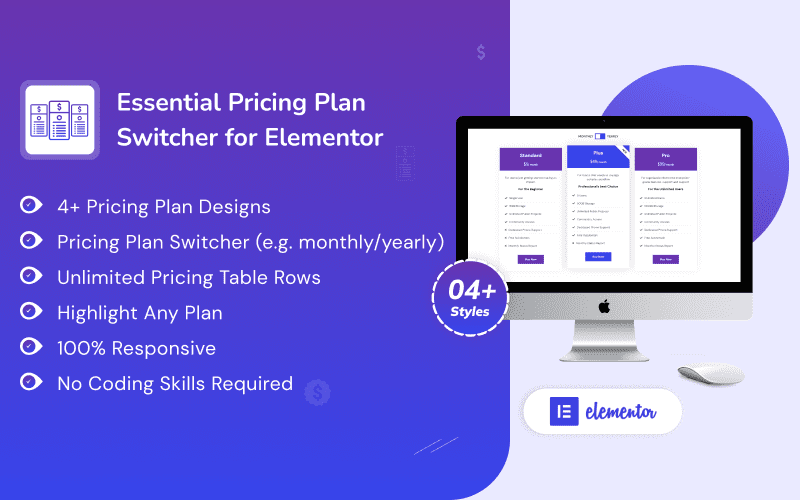
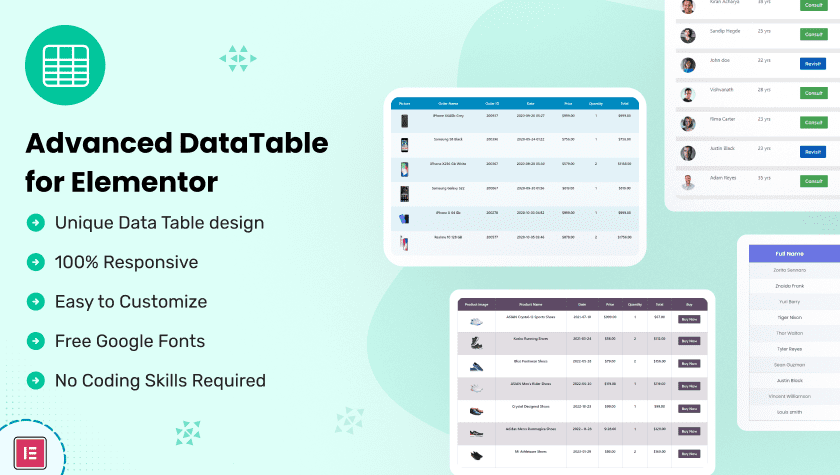
Extend Elementor with focused tools for data tables, timelines, sliders, product layouts, pricing displays, file uploads and more flexible visual page building.

Curated selection
Products for Elementor Tools
PluginsThemes



Buyer guidance
How to choose your Elementor Tools
How this collection was selected
Products are selected when they are specifically built to extend Elementor or provide a theme foundation with meaningful Elementor support. Relevant capabilities include new widgets, advanced layouts, dynamic content presentation, form enhancements, WooCommerce displays and specialized visual components.
Featured placement considers practical usefulness, feature clarity, product maturity, update history, compatibility information and coverage of different Elementor use cases. Placement is editorial and is not determined solely by sales volume, seller participation or promotional arrangements.
Products that merely work alongside Elementor without adding a meaningful Elementor-specific workflow are not included. Buyers should verify required dependencies, Elementor Pro requirements, responsive behaviour and compatibility with other installed Elementor extensions before purchasing.
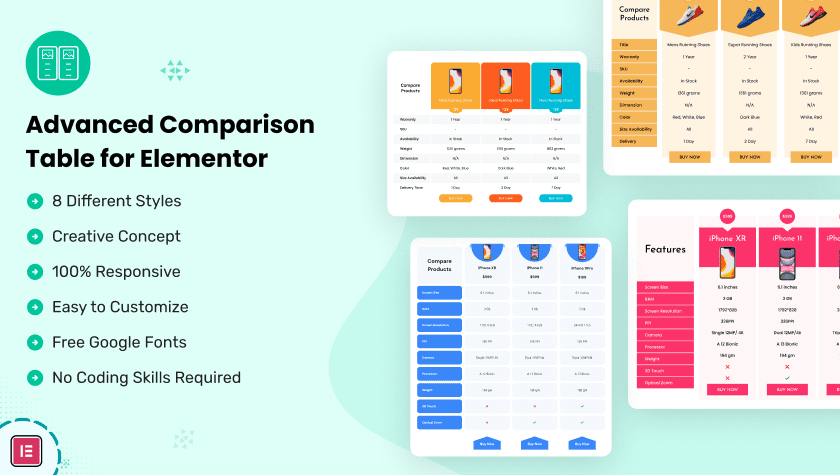
Elementor provides a flexible visual foundation for building WordPress websites, but many projects require functionality that is not included in the standard editor. This collection brings together focused Elementor products for creating data tables, timelines, sliders, comparison layouts, pricing displays, product showcases, file-upload forms and more advanced WooCommerce layouts.
A specialized Elementor extension can be more practical than installing a large widget bundle when you only need one particular feature. Focused products may reduce unnecessary complexity and make it easier to understand exactly what is being added to the website. Larger toolkits can still be useful when several of their included capabilities are required for the same project.
Before selecting a product, check whether it requires Elementor Pro, WooCommerce, a particular form widget or another supporting plugin. You should also review responsive controls, dynamic-data support, styling options, accessibility, update history and compatibility with your current versions of Elementor, WordPress and PHP.
Avoid installing multiple Elementor extensions that provide the same widgets unless their compatibility has been confirmed. Overlapping addons can introduce duplicate assets, inconsistent controls and unnecessary performance costs. Test new widgets on a staging website and verify their appearance across desktop, tablet and mobile layouts before using them on a live page.
This collection primarily contains Elementor plugins and addons. It may also include a theme when Elementor compatibility is an important part of the product and provides buyers with a suitable foundation for building their website.
Keep exploring
View all collections
Related collections

WooCommerce Essentials
Discover WooCommerce plugins for building, managing and growing an online store—from marketplaces and checkout improvements to reporting, shipping and customer retention.
Explore collection
AI for WordPress
Discover practical AI-powered WordPress tools for content creation, customer support, SEO, accessibility, WooCommerce and everyday automation.
Explore collection
SEO & AI Search Visibility
Improve how WordPress websites are discovered across traditional search engines and AI-powered answer systems with tools for content, citations, technical SEO, images and site visibility.
Explore collection