





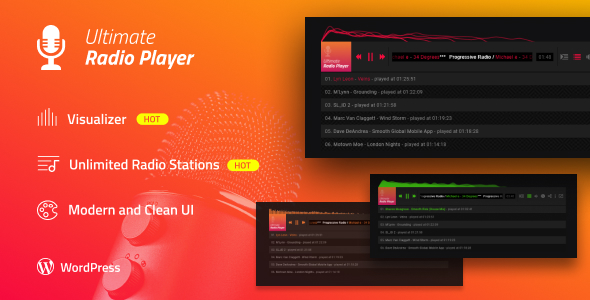
Ultimate Radio Player

 Well Documented
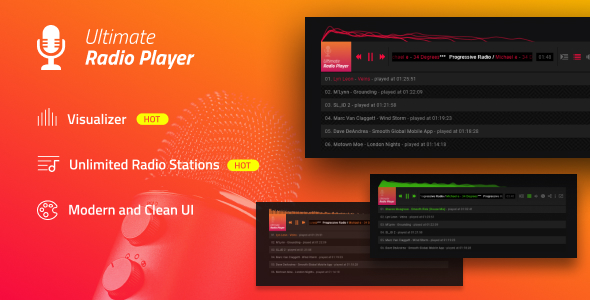
What is Ultimate Radio Player?
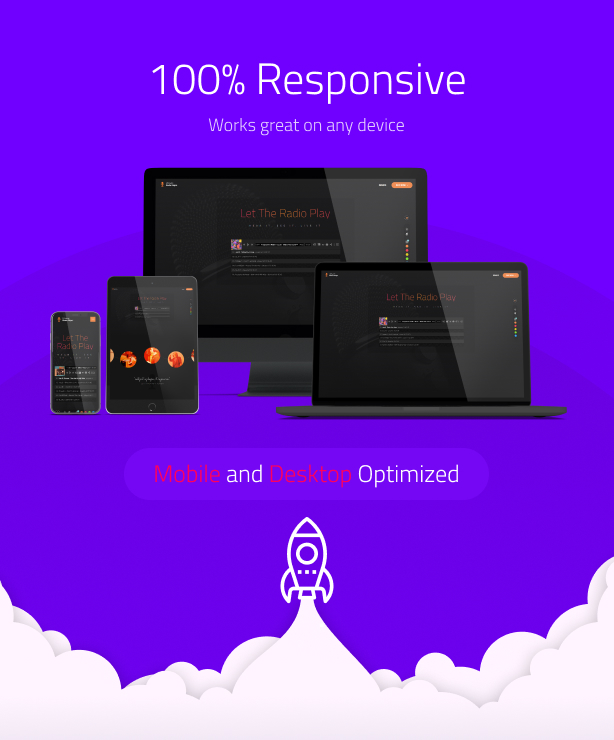
Ultimate Radio Player is a powerful and extremely customizable responsive radio player for your website that can be installed in any type of web page, it runs on all major browsers and mobile devices like iPhone, iPad, IOS, Android, Windows mobile or desktop. Ultimate Radio Player supports unlimited radio stations (Shoutcast / Icecast) , also as a bonus can play mp3 files but it’s main purpose is to play shoutcast/ iceacst stations. Packed with huge amount of features like, extensive external API, deeplinking, private / password protected play, encrypt radio station source / path, popup window, multiple share buttons, customizable skin, Shoutcast and Icecast support, Shoutcast history, server info, makes it most impressive and complete radio player available on sale.
Ultimate Radio Player main features:
Responsive layout.
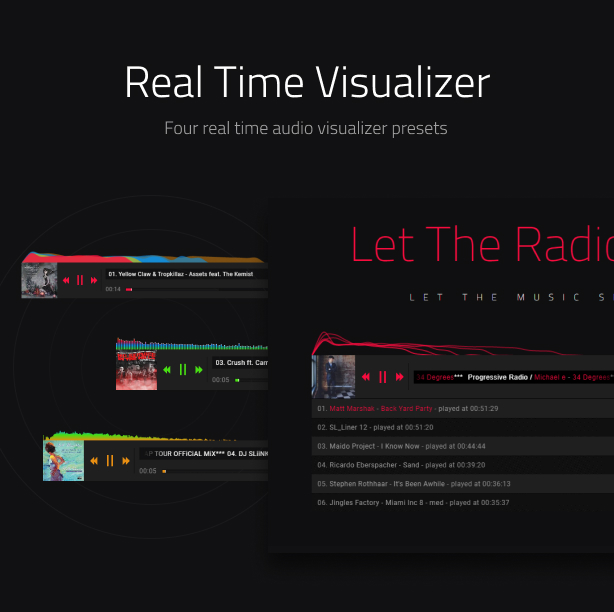
Audio spectrum visualizer with 4 presets and customizable color theme
Optional encrypt radio station source / path. Using this feature will not allow a user / software to see / steal the radio station source / path from the page source.
Mobile and desktop optimized.
Uninterrupted audio playback across web pages (popup player in a separate window and browse the web while listening to music without interuptions!).
Optional playlist window.
The option to randomize the playlist.
Optional deeplinking (unique and sharable link for the current track).
SHOUTCAST & ICECAST support. Play your favorite online radio directly in the player.
Optional support for mp3 audio.
The HTML markup playlists can be created manullay or generated from a database.
Three type of hover effects for the playlist window selector thumbnails.
Optional playlist and playlist window selector auto open (the player can start with the playlist or playlist window selector visible or hidden).
Optional playlist search.
Lazy scrolling / loading, the possibility to initialize URP on scroll when the product is visible in the page, this way for example if the product is in a section of a webpage that is not visible it will not be initialized, instead the URP will be initalized only when the user is scrolling to that section in which URP is added.
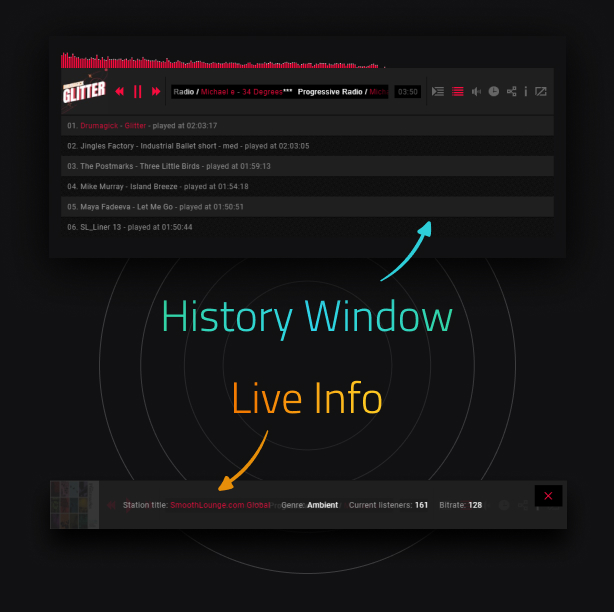
Optional server info current listeners, station title, genre, bitrate. Fast Data Gathering, direct requests to Server via JSONP. Fast and automatic update.
Album Artwork, iTunes API is used to retrieve all the album artwork.
Animated track title text if the text does not fit.
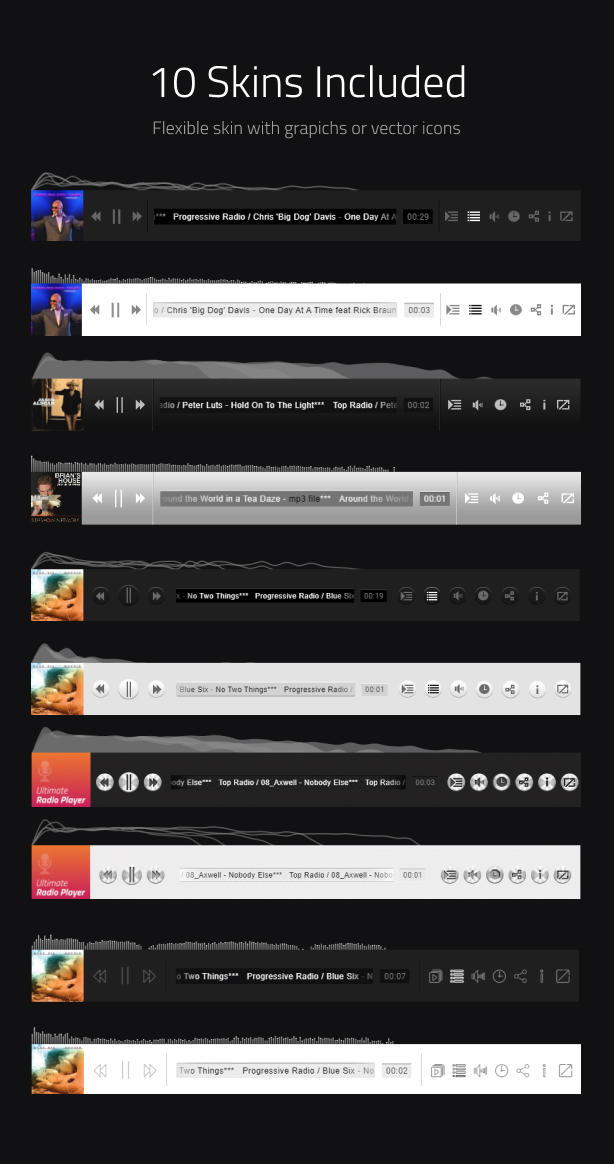
Six skins included along with the psd files.
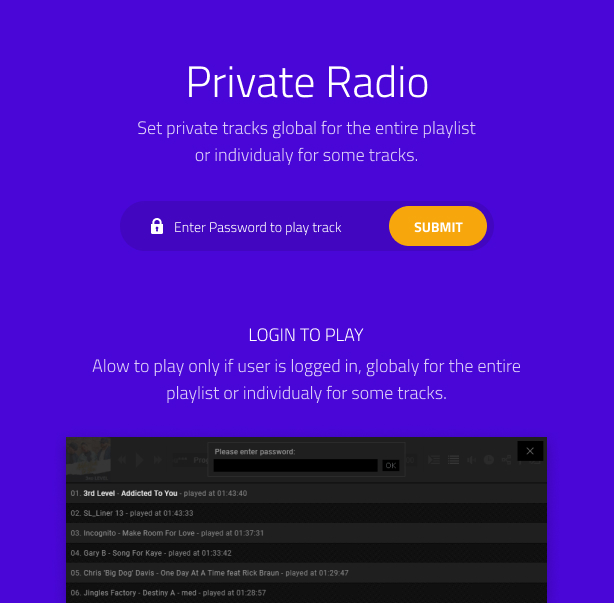
Private / password protected tracks (audio or video), This feature can be seen in action by playing this track. Please note the test password is Melinda but it can be set to any string.
Optional start at random station.
If mp3 is used, only mp3 file required to play audio across all devices.
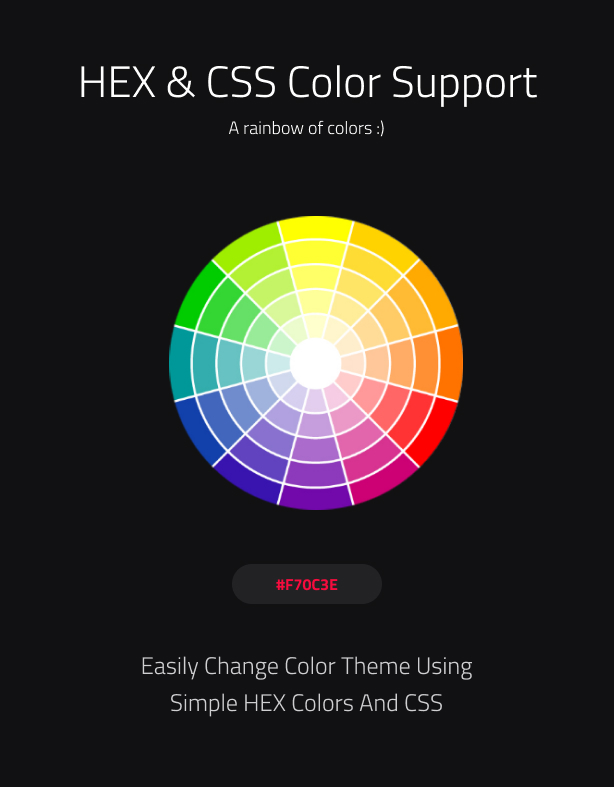
HEX / CSS color support, the buttons colors can be modified with simple CSS by passing a hexadecimal color(ex: #FF0000) and even more, we have done it in a cool way that all graphics will retain the texture and at the same time apply the chosen color, example here.
Optional keyboard support (UP/DOWN ARROWS: volume up or volume down, M:mute/unmute, SPACE:play/pause)
The option to start at a specific station from the playlist.
Single or multiple radio stations support.
Powerful API included.
You can include multiple instances on the same page.
Multiple instances automatically pause/stop playback when new track is started.
Start volume value.
Autoplay.
Optional track thumbnail.
Playlist button (optional).
Playlist selector button (optional).
Share button and share window with multiple social media sharing websites (optional).
Pop-up player button (optional).
Equalizer animation (optional).
Detailed documentation and sample files.
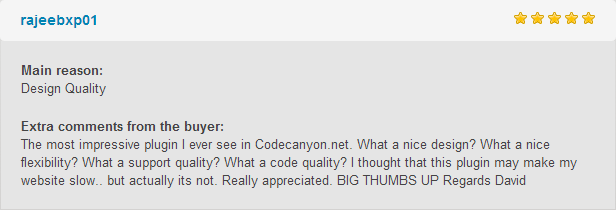
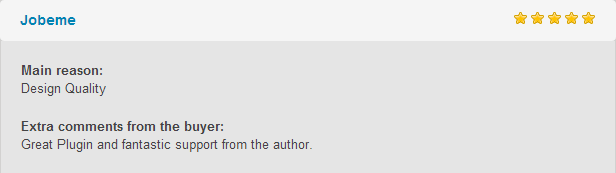
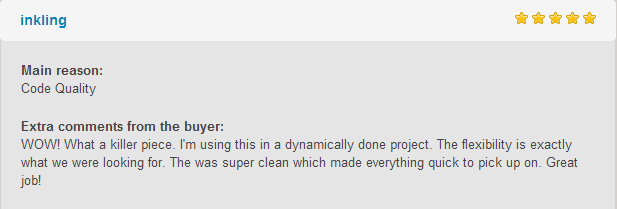
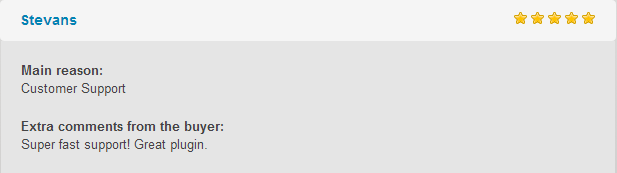
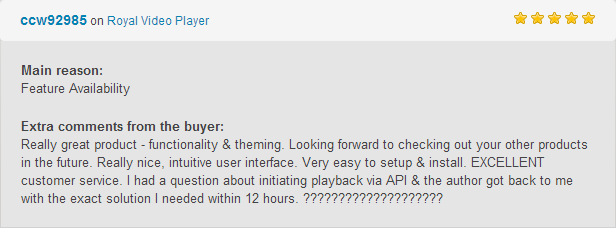
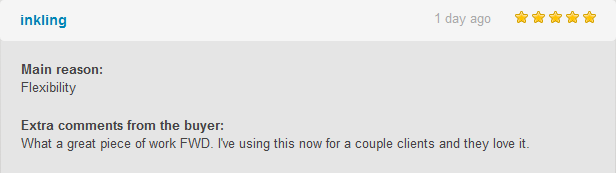
What our clients are saying:
Updates log:
Version 2.0 Release Date 20.05.2020
- Added audio spectrum visualizer with 4 presets and customizable color theme.
- Added option to adjust the history tracks height directly in the player settings.
- Added vector icons skin.
- Added logic to prevent a user to play or download all tracks or a specific track if not logged in.
- Added support for Google Drive audio (.mp3) using Google Drive API. Using this method the video or audio used from Google Drive will work on all devices without any restrictions or expiring links video tutorial here.
- Update the enitre Shoutcast and Icecast engine so that is more robust and works better, also created a video tutorial about how to install your own CORS PROXY server if you are using a SSL website and want to load non secure Shoutcast or Icecast streams.
- Improved overall design and fix various bugs.
Version 1.2 Release Date 27.11.2018
- Added a default thumbnail image for stations that don’t have a valid track thumbnail.
Version 1.1 Release Date 19.06.2018
- Added Optional keyboard support (UP/DOWN ARROWS: volume up or volume down, M:mute/unmute, SPACE:play/pause).
Tags: radio, shoutcast, icecast, music, html5, mp3, streaming, playlist, mobile, responsive, plugin, radio station, history, live, search
Only logged in customers who have purchased this product may leave a review.
Loading...
WPBay support
 Support by FWDesign
Support by FWDesign
FWDesign supports this product through WPBay
Questions are handled in WPBay's private ticket system, keeping your purchase details and support conversation together.
Go to My Downloads
After purchase, open this item in My Downloads and choose Get Support.
What support includes
- Answers to product-related questions
- Help with reported bugs and issues
- Guidance for included third-party assets
What support does not include
- Customizations or new features
- Installation or setup services
Script
Maintenance snapshot
See recent updates, compatibility, support, and developer activity.
- Updated 94 days ago
- Developer active recently
- WPBay support available
- Documentation available
Snapshot updated 46 minutes ago
View details Hide details
Maintenance details
This is maintenance data. It does not measure product quality or sales.
- Last update Updated 94 days ago
- Compatibility Not used for scripts
- Releases 1 release in the 94 days since listing
- Developer activity Developer active recently
- Support No recent support tickets to measure
- Docs and demo Documentation available · Changelog missing · Demo available
Health reflects increased activity during the last 90 days.
How this snapshot works
Script Health
The score is out of 100 and uses data WPBay can check. Ratings, popularity, and sales are not used.
- Last update 35 points
-
Scripts receive full recency points under 45 days, then step down at 120, 240, 365, and 545 days.
- Compatibility Not scored
-
Scripts do not use WordPress or PHP, so compatibility is not scored.
- Releases 20 points
-
One release earns 14, two or three earn 18, and four or more earn 20. Each accepted product ZIP counts once; reprocessing the same upload and listing-only edits do not count.
- Developer activity 20 points
-
Based on WPBay login and dashboard activity. Exact last-login dates are never shown.
- Support 15 points
-
There are no recent WPBay tickets to measure.
- Docs and demo 10 points
-
Documentation: 3. Changelog: 1. Working demo or preview: 6.
Score ranges
- 90–100 Excellent
- 75–89 Healthy
- 60–74 Fair
- 40–59 Needs attention
- 0–39 Limited
Long gaps
WPBay also checks for long gaps between updates, developer activity, support replies, and releases. Buyers do not see this score.
- Time since update 45 points
- Last developer activity 30 points
- WordPress compatibility Not scored
- Support replies 15 points
- Fewer releases 10 points
-
Quality verified by WPBay
WPBay review- Reviewed version
- Current release
- Review completed
- Reviewer
- CodeRevolution
- Review type
- Initial
No unresolved approval blocker was identified during WPBay’s proportionate review of this release. This is not a security certification or a guarantee that the product contains no defects.
-
 Future updates
-
WPBay support from FWDesign
-
GPL code, proprietary assets
-
Covered by the WPBay refund policy
-
Script maintenance snapshot
Relevant picks
You may also like
Similar products selected by category, features, popularity and freshness.



From this seller
View seller store
More by FWDesign
Explore more bestselling products from this creator.



Reviews
There are no reviews yet.