



QuickCart WordPress Plugin- Sticky Buy Now bar + scheduled order exports for WooCommerce

 Recently Updated
Well Documented
Recently Updated
Well Documented
★ SPECIAL LIMITED-TIME PRICE ★

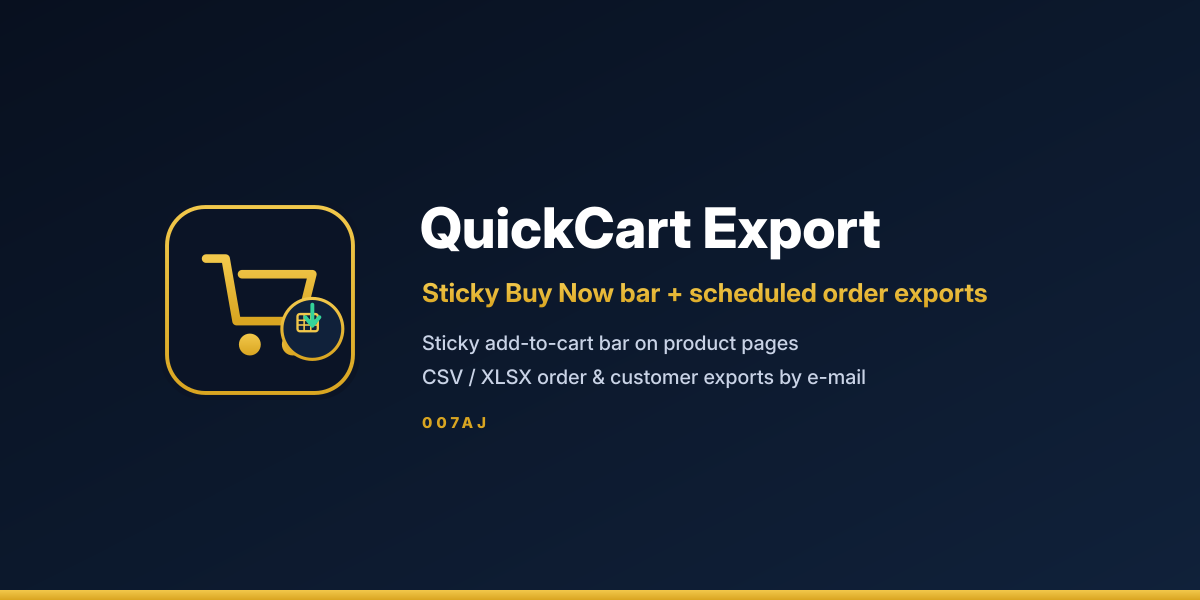
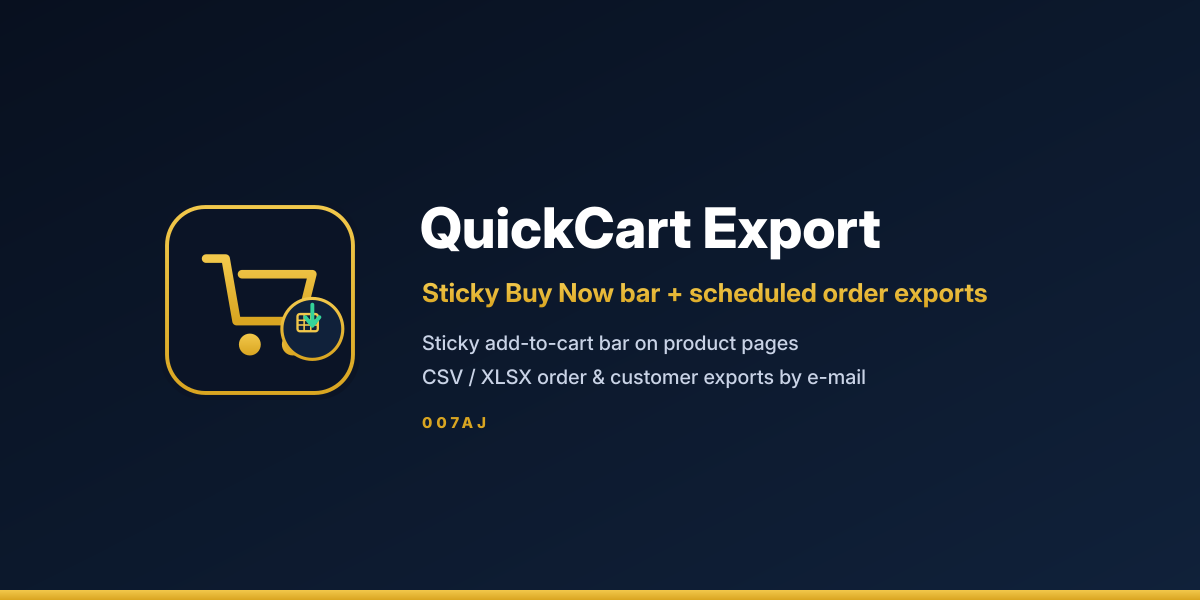
QuickCart Export
Sticky Buy Now bar + scheduled order exports for WooCommerce
Keep Add to cart and Buy Now in reach as shoppers scroll, then pull the orders and customers you need as CSV or XLSX — on demand or on a schedule, emailed to you.
🛡 Fully licensed version — use on your own sites
Sticky bar
Add to cart and Buy Now stay visible
CSV & XLSX
Orders and customers, your columns
E-mail schedules
Daily, weekly or monthly attachments
Private files
Guarded storage, authenticated downloads
Sell faster. Report easier.
One sticky bar for the cart, and export profiles that deliver the spreadsheets you need.
Sticky add-to-cart bar
- ✓Follows shoppers down single product pages
- ✓Shows image, title, price, stock and quantity
- ✓Variation dropdowns stay in sync with the main form
- ✓Add to cart runs over AJAX and refreshes the mini-cart
Buy Now
- ✓Adds the item and goes straight to checkout
- ✓Works with classic checkout and Cart/Checkout Blocks
- ✓Optional clear-cart-first so the shopper checks out only that item
- ✓Shortcode for Buy Now buttons anywhere on the site
Display rules & styling
- ✓Top or bottom position, chosen per device
- ✓Hide on mobile or desktop when you want
- ✓Styling controls, custom CSS, or inherit theme buttons
- ✓Per-product overrides plus category, type and stock rules
Export profiles
- ✓Saved profiles for orders or customers
- ✓Orders: one row per order or per line item
- ✓Customers: registered shoppers and guests
- ✓Pick and rename columns, including order, item and user meta
Filters & columns
- ✓Filter by date range, status, product, category, customer and minimum total
- ✓Download CSV or XLSX with a progress bar
- ✓Batched exports (200 orders per step) keep memory flat
- ✓Spreadsheet formula-injection protection
Scheduled email exports
- ✓Daily, weekly or monthly schedules in your site time zone
- ✓Files emailed as attachments to the addresses you choose
- ✓Action Scheduler under the hood
- ✓Retention: delete after sending or keep for a set number of days
Secure private storage
- ✓Export files stored outside the web root when possible
- ✓Otherwise guarded so they cannot be downloaded directly
- ✓Authenticated downloads only
- ✓No external requests and no data sent to third parties
Performance & compatibility
- ✓Built for WooCommerce 8.0 or newer
- ✓HPOS and Cart/Checkout Blocks compatible
- ✓Translation ready
- ✓No server configuration required for private storage
Up and running in four steps
1
Install the plugin
Upload it with WooCommerce already running.
2
Open QuickCart Export
Find it under WooCommerce in your dashboard.
3
Tune the sticky bar
Set position, styling and Buy Now behaviour.
4
Build an export profile
Choose columns, filters and an e-mail schedule.
Requirements
- WordPress 6.3 or newer
- WooCommerce 8.0 or newer
- PHP 7.4 or newer
- Compatible with HPOS and Cart/Checkout Blocks
Frequently asked questions
What licence do I get?
You get the fully licensed version, to use on your own sites.
Does Buy Now work with the block checkout?
Yes. It sends shoppers to the checkout page WooCommerce returns, whether that uses the Checkout block or the classic shortcode.
Can scheduled exports run without visitors?
They use Action Scheduler on WP-Cron. For exact timing, turn off WP-Cron and run a real server cron every 5–15 minutes.
Where are export files stored?
Outside the web root when possible, otherwise as guarded files that cannot be downloaded directly. Only signed-in users with permission can download them.
Does it send data to outside services?
No. The plugin makes no external requests. Files hold only the columns you choose, and e-mails go only to the recipients you set.
What can I export?
Orders (one row per order or per line item) and customers (registered and guests), as CSV or XLSX, with filters and renamed columns.
Will it work with HPOS?
Yes. It is compatible with High-Performance Order Storage and with Cart/Checkout Blocks.
Can I show Buy Now outside the sticky bar?
Yes. Use the shortcode to place a Buy Now button anywhere, with a product id and quantity.
Checkout stays close. Reports arrive on schedule.
Sticky Add to cart and Buy Now on product pages, plus private CSV and XLSX exports emailed when you want them.
Fully licensed version — use on your own sites
Only logged in customers who have purchased this product may leave a review.
Loading...
WPBay support
 Support by 007AJ.com
Support by 007AJ.com
007AJ.com supports this product through WPBay
Questions are handled in WPBay's private ticket system, keeping your purchase details and support conversation together.
Go to My Downloads
After purchase, open this item in My Downloads and choose Get Support.
What support includes
- Answers to product-related questions
- Help with reported bugs and issues
- Guidance for included third-party assets
What support does not include
- Customizations or new features
- Installation or setup services
Plugin
Maintenance snapshot
See recent updates, compatibility, support, and developer activity.
- Updated today
- Developer active recently
- WPBay support available
- WordPress 7.1 tested
Snapshot updated 1 hour ago
View details Hide details
Maintenance details
This is maintenance data. It does not measure product quality or sales.
- Last update Updated today
- Compatibility WordPress 7.1 tested · PHP 8.5 not marked as tested · WooCommerce 11 tested
- Releases 11 releases in the 6 days since listing
- Developer activity Developer active recently
- Support No recent support tickets to measure
- Docs and demo Documentation available · Changelog missing · No demo listed
Health remained stable during the last 90 days.
How this snapshot works
Plugin Health
The score is out of 100 and uses data WPBay can check. Ratings, popularity, and sales are not used.
- Last update 30 points
-
Plugins receive full recency points under 30 days, then step down at 90, 180, 365, and 545 days.
- Compatibility 20 points
-
WordPress, PHP, and WooCommerce (when relevant) are scored separately. The latest two PHP lines count as current. Nearby previous versions keep most of the points.
- Current version 100%
- One version behind 75%
- Two versions behind 50%
- Three versions behind 25%
- Older or not listed 0%
- Releases 15 points
-
One release earns 10, two or three earn 13, and four or more earn 15. Each accepted product ZIP counts once; reprocessing the same upload and listing-only edits do not count.
- Developer activity 15 points
-
Based on WPBay login and dashboard activity. Exact last-login dates are never shown.
- Support 15 points
-
There are no recent WPBay tickets to measure.
- Docs and demo 5 points
-
Documentation: 2. Changelog: 1. Working demo or preview: 2.
Score ranges
- 90–100 Excellent
- 75–89 Healthy
- 60–74 Fair
- 40–59 Needs attention
- 0–39 Limited
Long gaps
WPBay also checks for long gaps between updates, developer activity, support replies, and releases. Buyers do not see this score.
- Time since update 35 points
- Last developer activity 25 points
- WordPress compatibility 15 points
- Support replies 15 points
- Fewer releases 10 points
-
Quality verified by WPBay
WPBay review- Reviewed version
- 1.1.1
- Review completed
- Reviewer
- CodeRevolution
- Review type
- Initial
No unresolved approval blocker was identified during WPBay’s proportionate review of this release. This is not a security certification or a guarantee that the product contains no defects.
-
 Future updates
-
WPBay support from 007AJ.com
-
GPL code, proprietary assets
-
Covered by the WPBay refund policy
-
Plugin maintenance snapshot
Relevant picks
You may also like
Similar products selected by category, features, popularity and freshness.

From this seller
View seller store
More by 007AJ.com
Explore more bestselling products from this creator.



Reviews
There are no reviews yet.