Hey WPBayers,
The roadmap for the next major release has officially dropped and things are moving incredibly fast. Following the launch of version 7.0 back on May 20, the core team has locked in the schedule for WordPress 7.1, targeting a final launch date of August 19, 2026, which will be coinciding perfectly with the closing day of WordCamp US in Phoenix, Arizona. With Beta 1 dropping on July 15, the community has a tight window to test some of the most fundamental shifts we’ve seen in years.
Instead of a generic news summary, let’s break down exactly what these shifts mean for creators, developers and store owners on WPBay and what you need to prepare for before the August rollout. As always, you can track deep dives and implementation guides over on the WPBay Blog.
Responsive & Interactive Styling (No CSS Required!)

If you build sites for clients or design custom layouts, WordPress 7.1 introduces a massive win that has absolutely nothing to do with AI. Historically, controlling how a specific block looked on desktop versus mobile required custom CSS or specialized layout plugins. Version 7.1 brings native Responsive Breakpoints directly into the Site Editor interface, allowing you to visually toggle and tweak block styles for different screen sizes.
Alongside this, you get Interactive-State Styling, meaning you can style CSS pseudo-classes like :hover, :focus and :active right inside the block settings panel. To keep complex site setups manageable, a new “display inherited styles” utility will visually pinpoint exactly which global setting a block is pulling its color or typography from. The editor interface is also getting a polish: the Site Editor sidebar will finally inherit your chosen WordPress admin color scheme instead of remaining locked to a dark background and the wp-admin bar remains persistent across all editor views.
Core AI Framework: Guidelines, Streaming, & Embeddings
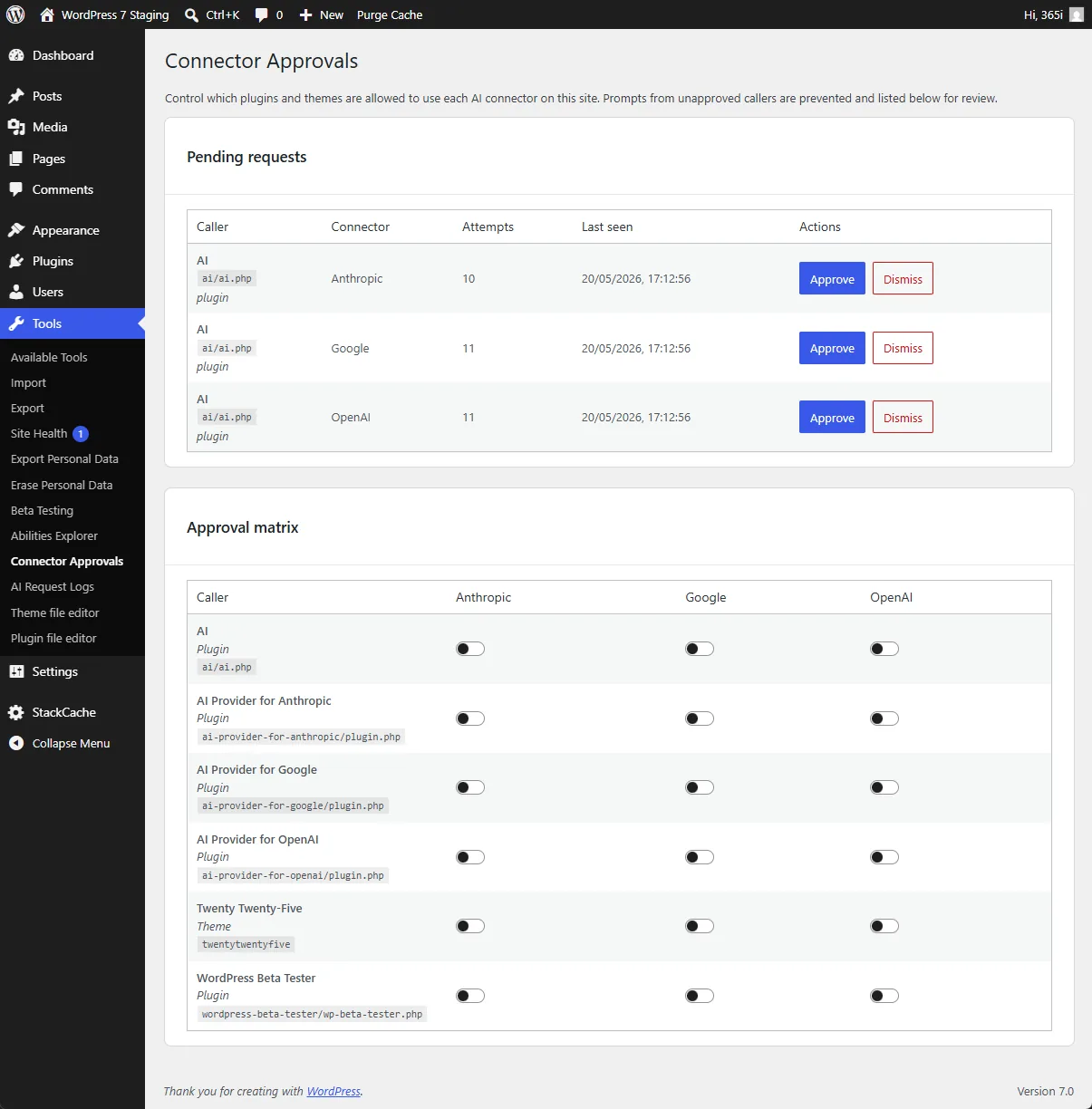
Following the structural additions in 7.0, WordPress 7.1 is expanding its built-in AI architecture. To be absolutely clear: WordPress is not bundling a pre-configured AI model or provider. Instead, users continue to connect the model of their choice via the core PHP API located under Settings > Connectors. What 7.1 *does* introduce are tools to make those connections significantly smarter.
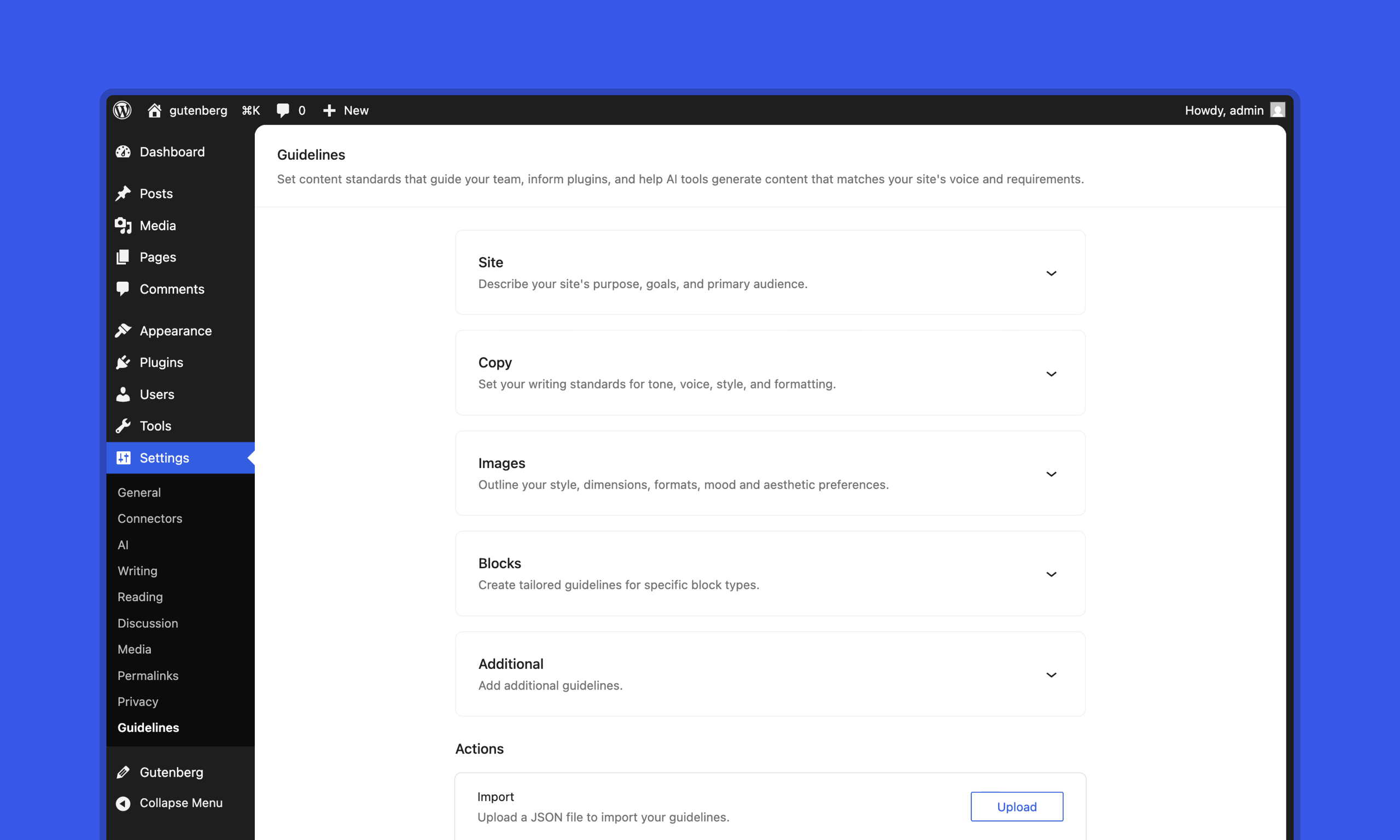
The headline feature is Guidelines. This adds a persistent, structured system to encode your editorial rules, content standards and brand voice directly into the WordPress database. When human authors or external AI tools generate drafts, they check against these rules to maintain consistency. Better yet, these guidelines can be exported and imported across multiple sites. Under the hood, the AI Client is also gaining generation streaming (allowing AI text to generate in real time) and native vector embeddings, laying the groundwork for highly advanced semantic internal searches.
WASM-Driven Media Processing Saves Server Resources
One of the most technically significant updates is how WordPress handles media. Version 7.1 utilizes a WebAssembly-powered image pipeline (via wasm-vips) that executes directly inside the user’s browser on-demand. Instead of forcing your host server to chew through memory resizing a massive 24-megapixel smartphone upload, the optimization, decoding and resizing happen client-side before the data ever hits your server.
This engine brings native support for modern and high-end media formats, including Ultra HDR (preserving gain map data), HEIF/HEIC (direct iPhone photo uploads without server dependencies) and JPEG XL, alongside an automatic GIF-to-video converter. The media management workflow also gets a boost with a slick, free-form image cropper and rotator modal window built right into the editor workflow.
The State of Collaboration: Notes vs. Real-Time Editing

There is a lot of discussion around Real-Time Collaboration (RTC). While Google Docs-style simultaneous multi-user editing was highly anticipated, performance architecture hurdles mean true live co-editing is being held back for strategic decisions in future versions. However, 7.1 heavily leans into asynchronous collaboration with an advanced Notes feature. Teams can now drop inline comments, toggle a “suggestion mode” for edits and leave emoji reactions directly within the editor canvas to streamline editorial feedback.
Crucial Developer Notes & Deprecations
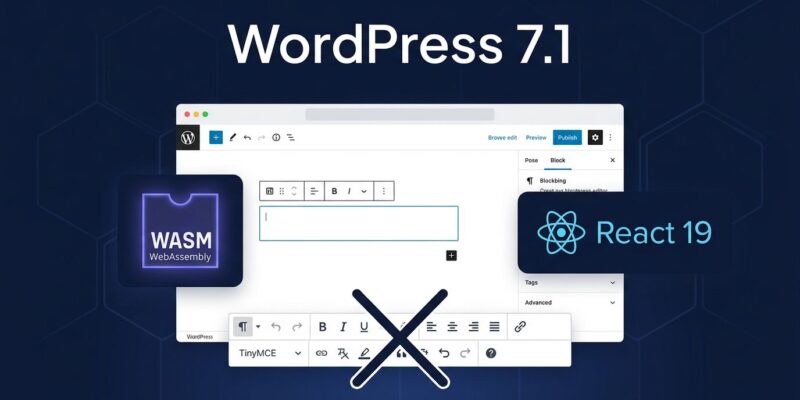
- React 19 Upgrade: Core is officially making the jump from React 18 to React 19. If you build blocks or plugins that bundle their own JSX runtimes, you’ll want to activate the experimental runtime flags early to check for compatibility layer bugs before the July 15 Beta 1 release.
- The End of the Classic Block: To maximize performance and slim down the editor’s footprint, the Classic block is being removed from the block editor. Existing content remains safe, but TinyMCE scripts will now be strictly lazy-loaded only when legacy Classic content is actively detected on a page.
- New Core Blocks: Three highly requested native blocks are landing in core: a Tabs block for tabbed panel layouts, an automatic Table of Contents block that maps heading anchors and an audio Playlist block featuring native waveform visualizations.
- Expanded Icon API: Building on the 7.0 foundations, developers can now use public functions like
register_icon()andunregister_icon()to safely manage custom SVG libraries.
With the release pipeline starting up on July 15 and marching toward the final release on August 19, now is the perfect time to audit your staging environments and review your plugin development queues. For more architectural deep dives and code snippets, bookmark our tech center.