Nova Hero Slider
$29+
Create engaging visual experiences with WordPress sliders, hero displays, carousels, coverflows, multimedia galleries, filmstrips and responsive content grids.
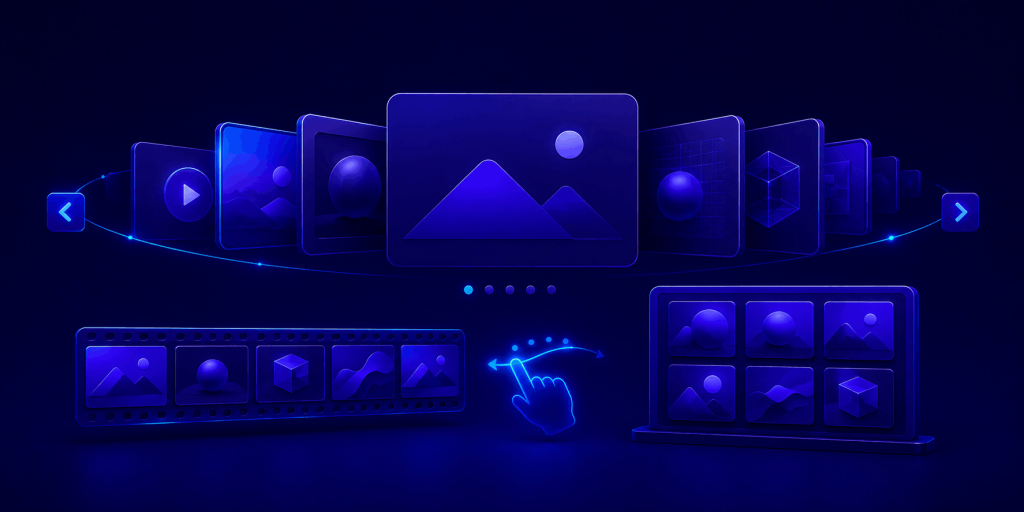
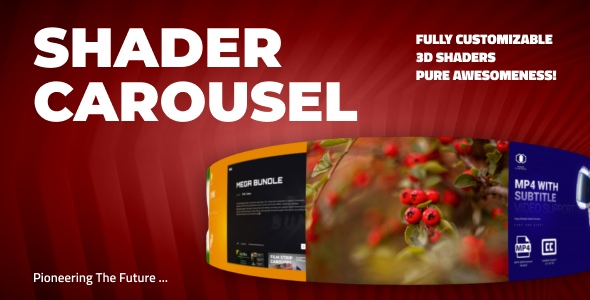
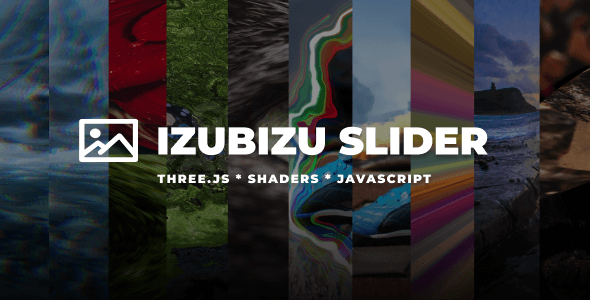
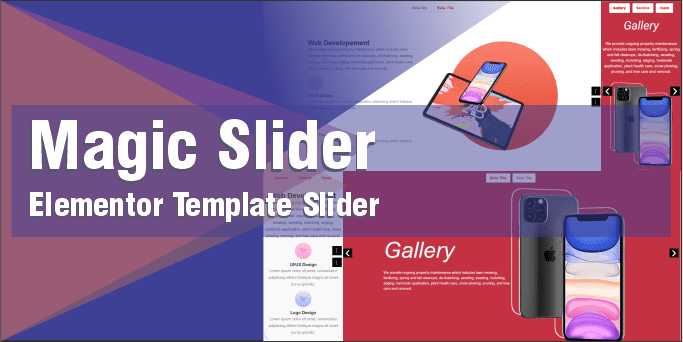
Products are selected when their primary functionality presents visual or content-based items through a slider, carousel, coverflow, slideshow, gallery, filmstrip or responsive grid. The collection may include both WordPress plugins and compatible scripts when they solve the same buyer problem.
Featured placement considers practical usefulness, presentation quality, responsive behaviour, supported content types, feature clarity, update history and coverage of distinct display formats. Seller diversity is considered where suitable alternatives exist. Placement is editorial and is not determined solely by sales volume, seller participation or promotional arrangements.
Standalone virtual-tour builders, 360-degree product viewers and dedicated 3D product presenters are not included because they address a more specialized interactive-product use case. Buyers should verify performance requirements, accessibility controls, dependencies and compatibility with their theme or page builder before purchasing.
Sliders, carousels and galleries can help visitors explore featured content without overwhelming a page with long rows of media. This collection brings together WordPress plugins and scripts for presenting images, videos, products, portfolios, featured posts and promotional content through interactive visual layouts.
Choose the display format according to the content and its purpose. A hero slider is suitable for highlighting a small number of important messages, while a carousel can make related products, posts or media easier to browse. Galleries and grids work better when visitors need to compare or explore several items, and coverflows or 3D displays can provide a more immersive presentation for creative portfolios and product showcases.
Before selecting a product, check which content types it supports and whether it integrates with WooCommerce, Elementor, WordPress posts or external media. Compare responsive behaviour, touch navigation, keyboard controls, lazy loading, lightbox support, captions, autoplay settings and the ability to control layout on different screen sizes.
Visual effects should support the content rather than distract from it. Optimize images and videos before adding them, limit the number of automatically loaded items and test performance on real mobile devices. Advanced WebGL, shader and 3D effects may require more browser and graphics resources than a conventional slider.
Accessibility should also influence the choice. Important information should remain available without requiring autoplay or precise pointer interaction. Use meaningful alternative text and captions, provide visible navigation, allow animations to be paused where appropriate and avoid placing critical content only inside rapidly changing slides.
Discover WooCommerce plugins for building, managing and growing an online store—from marketplaces and checkout improvements to reporting, shipping and customer retention.
Explore collectionDiscover practical AI-powered WordPress tools for content creation, customer support, SEO, accessibility, WooCommerce and everyday automation.
Explore collectionImprove how WordPress websites are discovered across traditional search engines and AI-powered answer systems with tools for content, citations, technical SEO, images and site visibility.
Explore collection