


WPBay Collection
Speed Optimization
Build a faster WordPress website with tools for identifying bottlenecks, optimizing images and code, monitoring resources and improving overall site performance.
Curated selection
Products for Speed Optimization
PluginsThemes


Buyer guidance
How to choose your Speed Optimization
How this collection was selected
Products are selected when their primary functionality can directly improve WordPress performance or help identify the cause of a performance problem. Relevant capabilities include image optimization, frontend code cleanup, plugin profiling, resource monitoring, controlled plugin operation, system-state optimization and lightweight site architecture.
Featured placement considers the clarity of the performance problem solved, practical usefulness, product maturity, update history, compatibility information and coverage of different optimization stages. Placement is editorial and is not determined solely by sales volume, seller participation or promotional arrangements.
General scheduling and automation products are not included unless they provide a clear performance-management benefit. Buyers should avoid running multiple products that optimize the same resources without confirmed compatibility and should verify every change using objective before-and-after measurements.
A fast WordPress website feels better to use, converts more effectively and is easier for visitors and search engines to navigate. Performance problems, however, rarely have one universal cause. Slow pages can result from oversized images, unnecessary CSS or JavaScript, resource-heavy plugins, an inefficient theme, external services, database activity or limitations in the hosting environment.
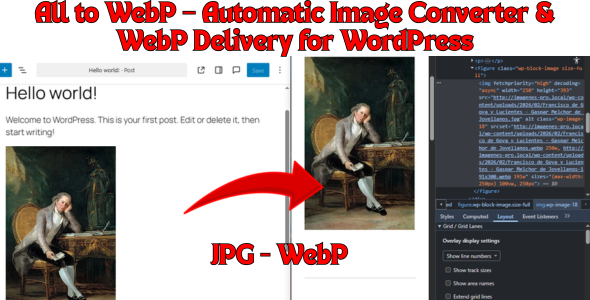
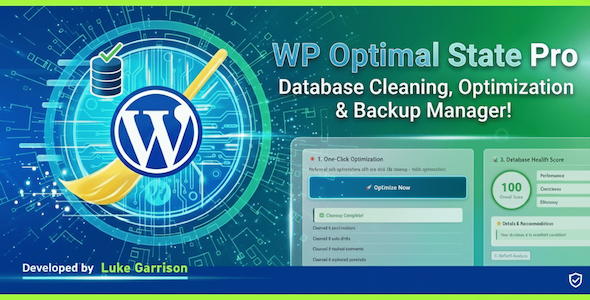
This collection brings together WordPress products that address different parts of the performance process. It includes tools for converting and optimizing images, cleaning unnecessary frontend code, profiling plugin performance, monitoring server resources, maintaining a healthier WordPress configuration and building with a lightweight theme.
Start by measuring the website before installing another optimization plugin. Diagnostic tools can help identify whether the real bottleneck comes from media, PHP execution, database queries, plugins, the theme or available server resources. Once the cause is known, select the most focused product that addresses it instead of stacking several tools with overlapping functionality.
Test performance changes on a staging website whenever possible and create a backup before modifying CSS, JavaScript, plugin-loading behaviour or system configuration. Compare results before and after every change, including important mobile pages, logged-in areas, checkout flows and forms. No product can guarantee a particular performance score because hosting quality, traffic, third-party scripts, caching and website architecture also affect the final result.
Keep exploring
View all collections
Related collections

WooCommerce Essentials
Discover WooCommerce plugins for building, managing and growing an online store—from marketplaces and checkout improvements to reporting, shipping and customer retention.
Explore collection
AI for WordPress
Discover practical AI-powered WordPress tools for content creation, customer support, SEO, accessibility, WooCommerce and everyday automation.
Explore collection
SEO & AI Search Visibility
Improve how WordPress websites are discovered across traditional search engines and AI-powered answer systems with tools for content, citations, technical SEO, images and site visibility.
Explore collection